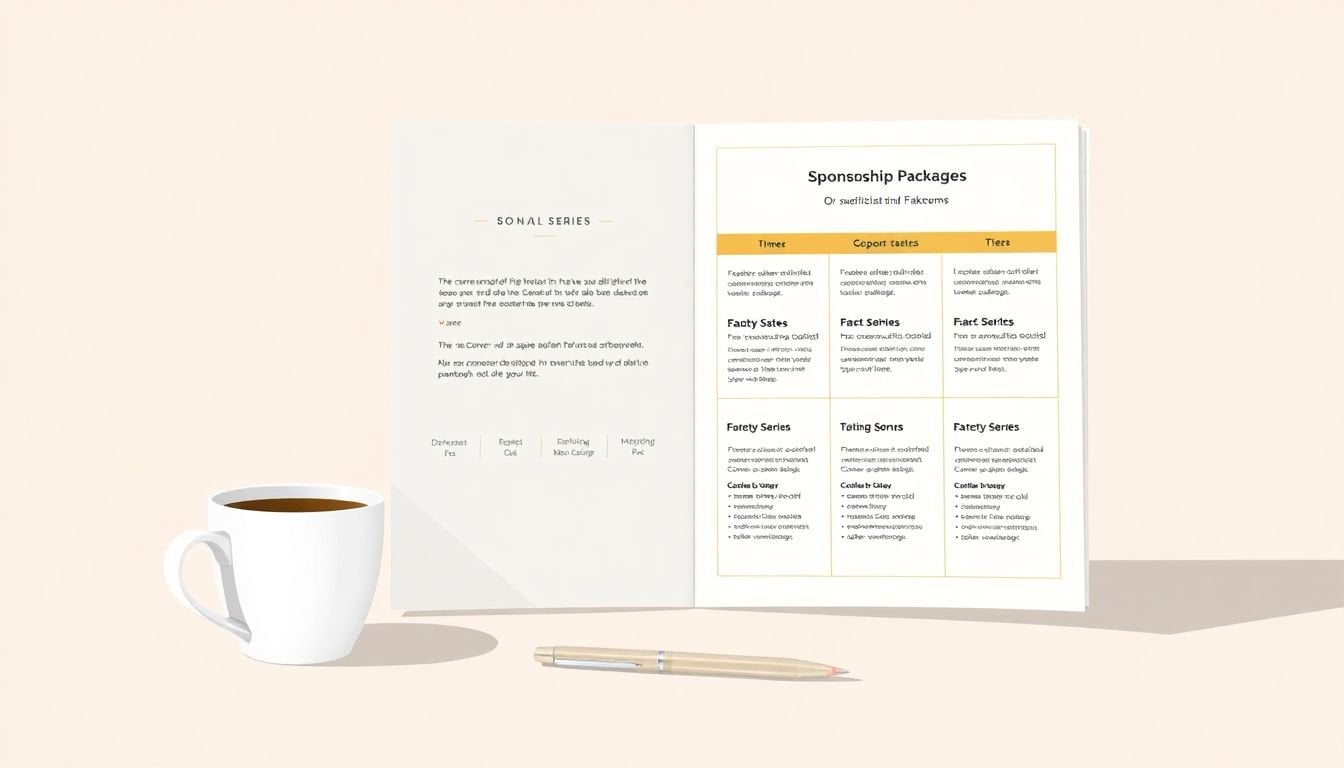
Sponsorship Packages for Course Series: 7 Simple Steps to Success
If you’ve ever tried to put sponsorship packages together for a course series, you already know the problem: you want it to look polished and persuasive… but you also don’t want to turn it into a 30-page document nobody reads. That sweet spot is totally doable.
In my experience, sponsors don’t really struggle with “what perks are available.” They struggle with two things: clarity (what do they get, exactly?) and confidence (will this actually reach the right people?). So that’s what I focused on when I built my first set of tiers—and what I recommend you build, too.
Below are 7 simple steps I use to create sponsorship packages for course series that feel easy to say yes to. I’ll also include a tier comparison layout and a one-page overview template you can copy and fill in.
Key Takeaways
Key Takeaways
- Lead with your audience and your measurable outcomes. Sponsors want to know who will show up and how their brand will be seen. Bring simple numbers (registrations, attendance rate, email engagement, social reach) and turn them into projections.
- Use 3–4 sponsorship tiers with perks that increase clearly: logo placement → featured placement → speaking or workshop → custom collaboration. No vague “and more” lines.
- Make it easy to compare tiers. I recommend a side-by-side checklist (even a basic table) showing what changes at each level: number of emails, minutes of speaking, booth size, and whether you include attendee list access terms.
- Every package should spell out deliverables and activation: what you’ll publish, when you’ll publish it, what assets you need from the sponsor, and any restrictions (like “data sharing is opt-in”).
- Don’t copy other events blindly—use them for structure. Pull ideas from reputable series (what they include in Basic vs Premier, how they describe ROI), then price and tailor it to your actual audience.
- Write proposals like you’re busy. One short intro, a bullet list of benefits, your proof metrics, and a clear call-to-action. If it’s long, sponsors skim—so make the important parts scannable.
- Start early with a one-page overview and begin outreach with a realistic timeline (I usually plan 2–4 weeks for first conversations, then follow-ups). Track responses and adjust tiers based on what sponsors actually ask about.
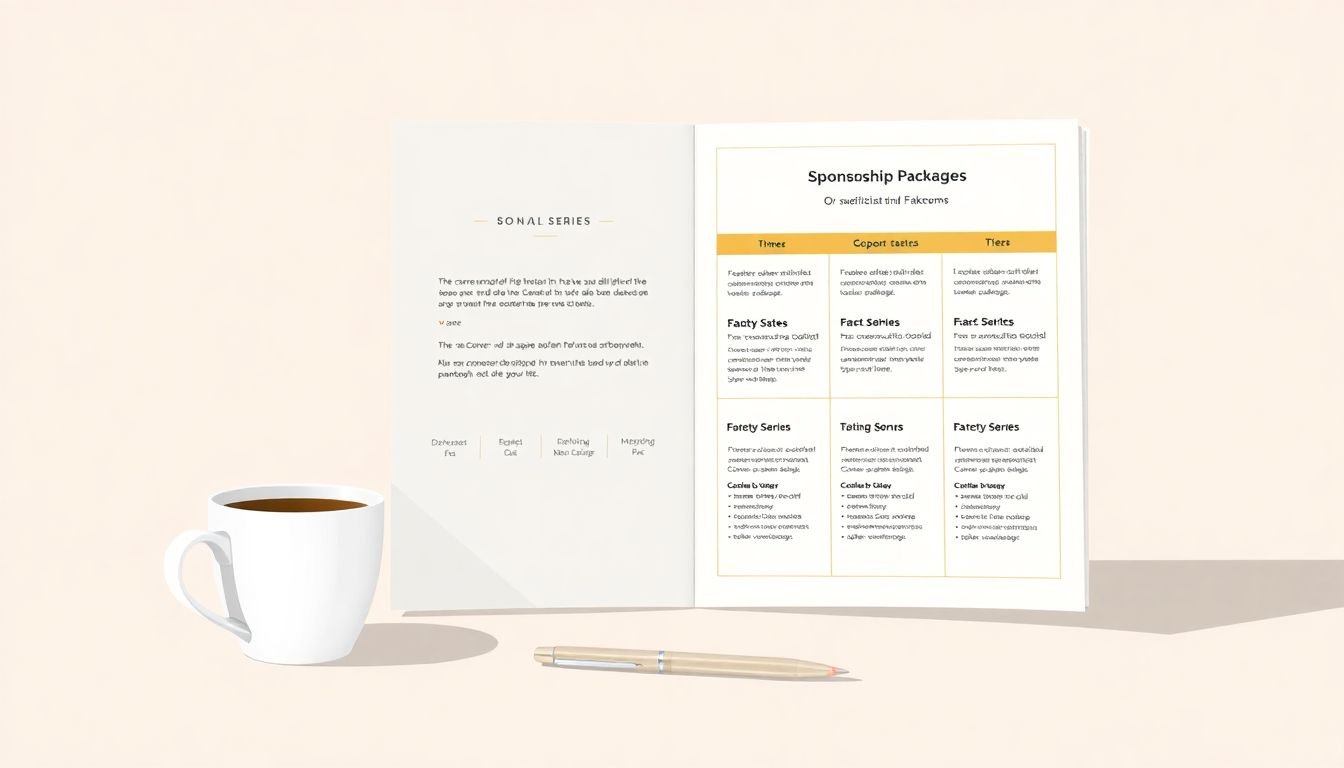
1. Create Effective Sponsorship Packages for Course Series
Start with the stuff sponsors actually care about: who they’ll reach, how they’ll show up, and how you’ll measure impact. If you can answer those three questions in your package, you’re already ahead of most proposals.
Step 1: Define your sponsor “target.” Don’t just say “our audience is interested in AI.” Get specific. Example: “Product managers and growth leads at SaaS companies, 200–2,000 employees, mostly in North America and Europe.” The more specific you are, the easier it is for a sponsor to see fit.
Step 2: List the sponsor benefits in plain language. Here’s what I mean by “plain”: instead of “brand visibility,” write “logo on the registration page + 1 dedicated sponsor email + 30-second intro during each session.” That’s concrete.
Step 3: Prove value with numbers (even if you’re small). Sponsors don’t expect you to have perfect data. They do expect you to be honest and consistent. If you don’t have historical performance yet, use your past benchmarks and clearly label them as estimates.
What metrics to collect (and include):
- Registrations per session (or per cohort)
- Attendance rate (average live attendance / registrations)
- Average watch time (if you publish recordings)
- Email list size and typical open/click rates
- Social reach (impressions or follower count + average engagement)
- Lead capture (if you run a landing page or opt-in form)
Quick ROI proof example (use this format):
Let’s say your series averages 600 registrations per session across 4 sessions. Your average attendance rate is 38%, so expected attendees per live session is about 228. If a sponsor gets a 30-second intro and logo placement on the agenda page, you can estimate impressions as “attendee count + email reach.” Then add email:
- Sponsor email send to 8,000 subscribers
- Average click-through rate (CTR): 2.2%
- Expected clicks: 8,000 × 0.022 = 176 clicks
- If 20% of clicks convert to a demo request: 176 × 0.20 = 35 demo requests
Is that guaranteed? No. But it’s a reasonable projection—and sponsors love seeing that you’ve thought it through.
Step 4: Create a sponsor-friendly one-page overview. Keep it to one page. I’d rather have a clean page with 12 bullets than a “pretty” PDF that hides the important details.
One-page overview template (copy/paste and fill in):
- Course Series Name: [Name]
- Dates + Format: [e.g., 4 live sessions, 60 minutes each, recordings provided for 30 days]
- Audience: [roles, company size, geography]
- Expected Reach: [registrations/session], [attendance rate], [email list size], [average open/click rates]
- What Sponsors Get (high level): logo placements, session shoutouts, sponsored content option, lead capture link
- Tier Options: Bronze / Silver / Platinum (prices + top deliverables)
- Activation Timeline: when sponsor assets are due + when you publish emails/assets
- Measurement Plan: what you’ll report (opens, clicks, registrations, opt-ins)
- Contact: [name, email, phone/Calendly]
Step 5: Make tiers easy to compare. If a sponsor has to guess, they’ll delay. I like to format tiers so they’re scannable in 20 seconds: what’s included, what’s optional, and what changes as price goes up.
2. Define Sponsorship Tiers with Clear Benefits
This is where most sponsorship decks get sloppy. They list perks, sure—but the perks don’t “stack” logically. Sponsors want to feel like each step up is worth the money.
Here’s a simple tier structure that works for most course series:
- Bronze (Entry): brand presence
- Silver (Growth): brand + engagement
- Gold (Lead Gen): brand + deeper participation
- Platinum (Partner): custom collaboration
Now define what changes between tiers. Don’t just add “more.” Add specific deliverables.
Example tier benefit set (you can tweak to match your format):
- Logo placements: registration page, agenda page, thank-you page, session slide, email footer
- Speaking or participation: 5-minute intro, 20-minute workshop, keynote slot
- Sponsored content: sponsor article, sponsor video, branded email snippet
- Engagement: virtual booth link, Q&A promotion, giveaway
- Lead capture: unique tracking link, optional opt-in form, post-event report
A note on attendee lists (be careful): If you’re offering attendee list access, spell out the terms. For example: “Opt-in only” or “share anonymized segments only.” I’ve seen sponsors get nervous when data-sharing isn’t clear. Clarity here prevents awkward misunderstandings later.
Transparency builds trust. If a sponsor is paying for “exclusive access,” define what exclusive means. Exclusive to what? One session? One email? One audience segment?
3. Structure Sponsorship Levels for Maximum Appeal
Let’s talk structure. The goal isn’t just to have tiers—it’s to make the next tier feel like the obvious choice.
What I look for when structuring levels:
- Each tier adds something meaningful. If Bronze and Silver both just have logos, nobody upgrades.
- Pricing feels anchored. Sponsors expect a “good/better/best” progression.
- Benefits are measurable. If you can’t report it, don’t sell it as ROI.
- Admin load stays manageable. If Platinum requires work you can’t deliver, you’ll burn out.
Here’s a tier comparison layout (text mockup you can paste into your package):
Bronze / Silver / Gold / Platinum — What’s Different?
- Registration page logo: Bronze (yes) / Silver (yes) / Gold (yes) / Platinum (yes, top placement)
- Session intro shoutout: Bronze (logo + 10-sec mention) / Silver (30-sec mention) / Gold (1-min mention) / Platinum (custom intro + featured slide)
- Sponsored email: Bronze (footer logo) / Silver (1 dedicated email) / Gold (1 dedicated email + subject line testing) / Platinum (2 dedicated emails)
- Speaking slot: Bronze (no) / Silver (5-min segment) / Gold (20-min workshop) / Platinum (keynote or co-hosted session)
- Virtual booth / landing page: Bronze (link) / Silver (link + 1 downloadable asset) / Gold (link + live demo CTA) / Platinum (custom landing page + tracking)
- Lead report after event: Bronze (basic summary) / Silver (clicks + opt-ins) / Gold (clicks + opt-ins + top converting sessions) / Platinum (full funnel report + recommended follow-ups)
One more thing: I avoid “everything included” tiers. Sponsors don’t want to feel like they’re buying a mystery box. If Platinum includes custom collab, I list the exact deliverables (and what you need from them).
4. Include Essential Elements in Each Sponsorship Package
Once your tiers look good, you still need to make them operational. Sponsors hate surprises. They want to know what you’ll deliver, when you’ll deliver it, and what you need from them.
Here are the essentials I always include:
- Deliverables (exact wording): “Logo on slide deck for sessions 1–4” beats “logo visibility.”
- Activation timeline: when sponsor assets are due (e.g., “assets due 10 business days before session 1”)
- Asset requirements: logo file format, brand guidelines, approved copy length, speaker bio deadline
- Constraints: “No competitor ads in sponsor slots” / “Sponsored content must be approved by host”
- Measurement plan: what you’ll report after the event (opens, clicks, registrations, Q&A engagement, opt-ins)
- Lead tracking: unique tracking link and/or landing page so you can show results
- Contact + escalation: who the sponsor should reach out to if something changes
Sponsored content options (examples that actually work):
- Branded email snippet (150–250 words + link)
- Short sponsor video (1–3 minutes) played before the session
- Co-authored “resource” article posted on your site
- Workshop or live demo segment (Gold/Platinum)
Make sure each package states how a sponsor activates the benefit. For instance: “We’ll send you the email template for approval 7 days before sending.” That kind of detail reduces friction and increases confidence.
5. Learn from Successful Sponsorship Packages in Related Events
I’m a big fan of borrowing structure from events that already have sponsor momentum. Just don’t borrow blindly.
For example, the EDUCAUSE Showcase Series is often used as a reference point because it clearly separates levels (like Basic vs Premier) and ties higher tiers to deeper participation. The real takeaway for me wasn’t the exact names—it was the way they make the higher tier feel like more than “extra branding.”
When you look at other sponsorships, focus on these questions:
- What do they include at each level? (speaking, webinars, content, booth, data reporting)
- How do they explain ROI? (clicks, leads, engagement, reporting cadence)
- How do they handle activation? (asset deadlines, approvals, deliverable timelines)
- Do they describe limits? (what’s exclusive, what’s not)
One thing I’ve noticed in developer and tech-adjacent spaces: sponsors often care less about “attendance” and more about qualified engagement. That’s why packages that include lead capture links, tracked CTAs, and post-event reporting tend to close faster.
Also, be careful with random benchmarks you find online. If someone says “sponsorship spending will hit X,” ask: for what category, in which year, from which source? I’d rather you use your own projections and be transparent than rely on numbers you can’t defend.
Use what works from other events—tiered benefits, measurable deliverables, and clear activation—then shape it to your audience and your actual capacity.
6. Develop Sponsor-Friendly Proposals
Here’s the honest truth: sponsors don’t want a “proposal” that reads like a school assignment. They want something they can forward internally.
What my sponsor-friendly proposal always includes:
- Short intro: what your course series is + who it’s for
- Proof metrics: registrations, attendance rate, engagement, and email/social reach
- Tier recommendation: which tier fits their goals and why (not just “here are all tiers”)
- Deliverables list: bullet points, not paragraphs
- Measurement plan: what you’ll report after the series
- Clear call-to-action: “Want to talk for 15 minutes next week?” + a scheduling link
Personalization that doesn’t take forever: I look up their recent product launch, blog post, or event sponsorship and then mirror their language. For example: if they talk about “developer onboarding,” I’ll position their sponsor slot around “onboarding resources” and “live demo CTA.” Simple, but it makes the pitch feel intentional.
One quick tip that helps a lot: include a “what we need from you” section. Sponsors appreciate not having to guess. Something like: “We’ll need your approved logo + 100–150 word description by [date].”
If your proposal is easy to skim and backed by real numbers, deals move faster. I’ve seen it happen repeatedly—especially when the sponsor is juggling multiple internal stakeholders.
7. Get Started with Your Course Series Sponsorship Package
Starting is the hardest part. Once the first version exists, you can iterate. So don’t wait for perfection.
Here’s my practical “get it done” checklist:
- Decide tiers + pricing bands: pick Bronze/Silver/Gold/Platinum (or 3 tiers if you’re smaller)
- Write deliverables for each tier: exactly what you’ll publish and when
- Create your one-page overview: audience, reach, tier highlights, measurement plan
- Set your activation timeline: asset due dates + publishing dates
- Draft a proposal template: swap in tier + personalization notes per sponsor
- Start outreach early: I typically start 6–8 weeks before the first session if possible
- Follow up consistently: 2–3 follow-ups over 10–14 days usually beats one “check-in” email
Where to find sponsors (that actually respond): LinkedIn works, but I also like industry communities where your audience hangs out. Look for companies that sponsor meetups, publish guest content, or run webinars. They’re already spending money on attention.
Track everything. Not just “yes/no.” Track what they asked about. If three sponsors ask the same question—like “do you share attendee lists?”—that means your package needs a clearer answer or a better tier option.
And if you don’t close the first round? That’s normal. Adjust the tier wording, tighten the measurement section, and improve the one-page overview. Your second version will be way stronger.
FAQs
Start by defining your audience and then translate their interests into specific sponsor benefits. I’d also include a simple measurement plan (registrations, attendance, email clicks/opt-ins) so sponsors feel confident you can report results. Keep it scannable: tiers, deliverables, timeline, and proof metrics.
Include explicit deliverables for each tier (logo placements, speaking minutes, sponsored email count, booth/landing link, lead tracking). Be clear about what changes at each level, and avoid vague perks like “brand exposure.” If you mention data or attendee access, spell out terms (like opt-in or anonymized sharing).
Use 3–4 tiers that match sponsor intent: entry-level branding for smaller budgets, deeper engagement for mid-tier sponsors, and custom participation for premium partners. The key is that each level adds measurable value—so sponsors can justify upgrading internally.
Include the deliverables, activation timeline, sponsor asset requirements, and your measurement/reporting plan. Add contact details and any restrictions or approval steps. Sponsors trust packages that are operational—nothing should be left to interpretation.