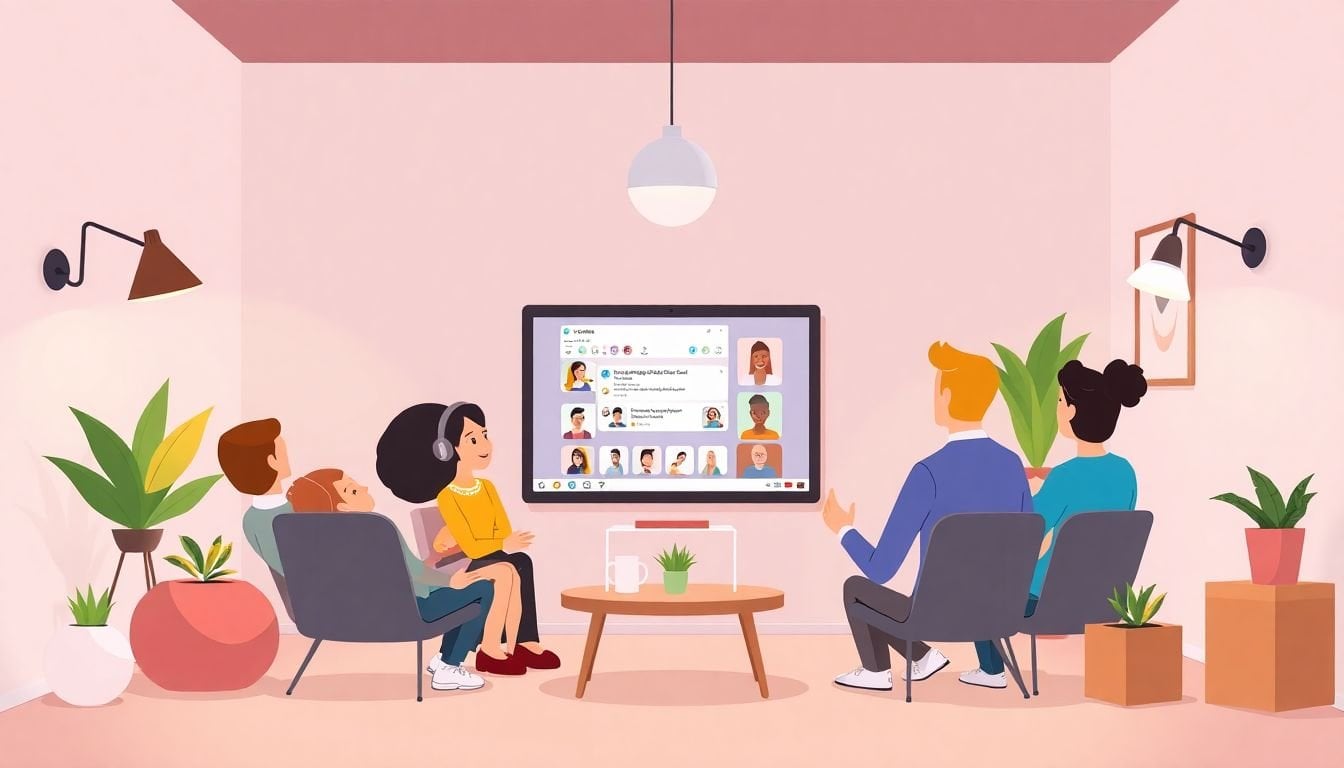
Hosting Twitter Spaces in eLearning: 10 Ways to Engage Students
Hosting Twitter Spaces for eLearning isn’t just a “nice idea.” I’ve used it to turn quiet course forums into something people actually talk about out loud. The format feels closer to a real classroom discussion—except you can run it from anywhere.
In practice, it’s pretty simple to start: open Twitter, tap the microphone icon, and you’re live. From there, the real work is what you do before and during the session—prompts, pacing, moderation, and a quick plan for accessibility and follow-up.
In this post, I’ll share 10 concrete ways to engage students with Twitter Spaces (plus what I learned the hard way when a Space went off the rails). You’ll also see how to use analytics to improve attendance over time, and how to add certificates/badges without turning it into a “gaming the system” mess.
Key Takeaways
- Real-time audio = real participation. I’ve found that short, structured prompts (not “any questions?”) increase first-time speaker rates. A consistent schedule and live notifications also help reduce drop-off.
- Keep discussions active, not chaotic. Open questions, polls, and quick “case moment” examples work well. I usually end with a 60–90 second recap and one final question so people leave with clarity.
- Community doesn’t happen by accident. Recurring themes, student introductions, and peer-led segments create belonging. A dedicated hashtag makes it easier for learners to continue the conversation after the Space ends.
- Use analytics like a course designer. Track listener count, average duration, and engagement timing. If people tune out early, it’s usually your first 5–10 minutes—tighten the intro and front-load the value.
- Video/screen sharing can help—even on an audio platform. When I add a screen share (or a short clip), I keep it to 2–4 minutes and tie it directly to what we’re discussing.
- Badges/certificates work best with clear rules. Define eligibility, verification method, and anti-gaming checks. I’ve seen the best results when rewards are tied to meaningful participation, not just “being present.”
- Co-hosting is the fastest way to broaden reach. A simple partnership blueprint (roles, timeline, agenda) makes collaborations smoother and prevents last-minute confusion.
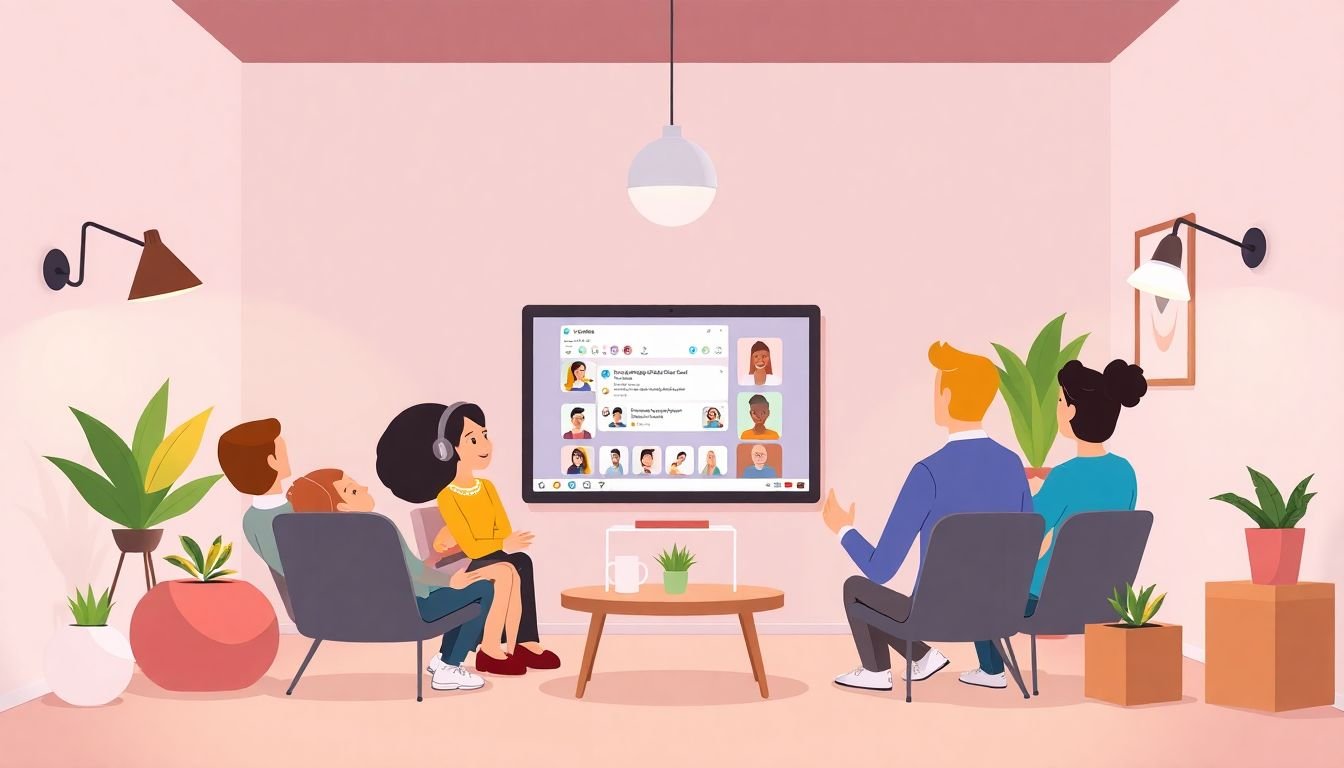
Use Twitter Spaces for Real-Time Interaction in eLearning
Twitter Spaces gives you live audio chats with students. That “wait, ask now” moment is what makes it feel like a classroom. And yeah, it’s easy to set up—but engagement doesn’t happen automatically.
Here’s what I do differently after hosting a weekly Space for an online cohort of about 60 learners. We ran 30-minute sessions for 6 weeks, and I focused on getting speakers in the first 10 minutes. Why? Because if your Space starts slow, most people drift away.
1) Start with a prompt that has a clear answer path.
Instead of “Does anyone have questions?” (which is a trap), I used prompts like: “Share one example of what you changed after reading Module 2.” Then I called on 2–3 learners by name.
2) Prepare “backup questions” before you go live.
I always have 3 prompts ready. If the conversation stalls, I switch instantly. For example, if learners struggle with a concept, I ask: “What part felt confusing—definition, process, or application?” It narrows the problem fast.
3) Use notifications so people don’t miss the start.
I’ve seen better attendance when I schedule and promote the Space ahead of time and rely on Twitter Live notifications so followers actually show up. If your students are busy, a reminder matters more than you think.
4) Run quick “clarify moments” during the Space.
When someone brings up confusion, don’t just answer—repeat the question in your own words, then give a short explanation and one example. That structure helps listeners follow along even if they joined late.
5) Keep a consistent schedule.
Once our cohort knew we’d meet every Thursday at 7:00 PM, participation improved naturally. People plan their week around routine. If you can only do one session, do it before a quiz or assignment—so the timing supports learning.
Example schedule: weekly Q&A (20 minutes) + “one concept recap” (10 minutes) right before the next assignment opens.
Enhance Learning with Dynamic Discussions in Twitter Spaces
Twitter Spaces works because it encourages spontaneous, voice-based discussion. But “spontaneous” doesn’t mean “unstructured.” If you don’t steer it, you’ll get long silences, off-topic tangents, and learners who never feel comfortable speaking.
My go-to discussion format (works for most eLearning topics):
- Cold open (0–3 minutes): ask an easy question everyone can answer. Example: “What’s one thing you already knew about this topic?”
- Teaching moment (3–10 minutes): you explain one key point, then immediately ask for a real-world example.
- Interaction block (10–20 minutes): use open-ended questions and call on 2–4 learners.
- Check understanding (20–25 minutes): run a poll or ask a quick “agree/disagree” question and then discuss responses.
- Wrap (25–30 minutes): recap and end with “What’s the one takeaway you’ll use this week?”
Ask questions that invite voice participation.
Open questions are great, but they need a nudge. “What do you think about…” can be too broad. I prefer prompts like: “What’s one strategy you’d recommend to a beginner and why?” or “Can you walk us through your approach in 20 seconds?”
Invite guests strategically.
When I brought in a guest once (a subject-matter expert for a course on digital marketing), the biggest win wasn’t “expert credibility.” It was the fact that learners had something specific to react to. I gave the guest 3 questions in advance so the conversation stayed useful.
Bring case studies into the room.
A quick case moment beats abstract theory. Example: “Here’s a scenario—what would you do first?” Then let learners respond and you correct gently.
Keep debates short.
You don’t need a 45-minute argument. A 5-minute “pros vs. cons” discussion is usually enough to make it memorable without losing control.
End with a recap people can repeat.
I always summarize in plain language and then ask if anyone has one last question. That final moment reduces confusion and boosts follow-through.
Build Community with Twitter Spaces in Online Learning
If you want community, you need repetition and recognition. Twitter Spaces can do that surprisingly well because people hear each other’s voices over time. But you’ve got to create familiarity.
Here’s what I’ve seen work best with online learning groups:
- Recurring themes: “Career office hours,” “Study strategy Fridays,” or “Topic deep dives.” Learners know what to expect.
- Student introductions: ask everyone to share their name + one goal for the course. Keep it to 20–30 seconds so it doesn’t drag.
- Informal office hours: once every few weeks, shift from “teaching” to “help.” Students feel more comfortable asking real questions.
- Peer-led segments: assign one student each session to bring a question or share a short insight. It turns passive listening into leadership.
- Dedicated hashtag: I recommend a consistent hashtag so students can post links, notes, and follow-up questions before and after the Space.
- Personal touches: share one relevant story from your own experience. Not a life history—just a quick example that makes you human.
- Recognition on-air: acknowledge contributions by name (“That’s a great example, Maya”). It sounds small, but it changes behavior.
One thing I learned: community grows when learners feel safe speaking. So I set a tone early: respectful language, no dunking, and “we’re here to learn.” If someone gets off track, I steer them back with kindness and structure.

Leverage Analytics to Improve Your Twitter Spaces Sessions
Analytics are where Twitter Spaces stops being “a fun experiment” and becomes a teaching tool you can improve. Twitter gives you metrics like listener count, engagement, and duration. The trick is knowing what to change based on what you see.
Here’s a practical way to use analytics (and what I changed):
- Track drop-off in the first 5–10 minutes. If listener count dips right away, your intro is probably too long or too vague. I shortened mine from ~7 minutes of setup to ~2 minutes of prompt + quick rules.
- Compare “engagement timing” across sessions. If most responses happen only after 20 minutes, you’re likely asking questions too late. Bring the first prompt forward.
- Look at average duration. If people consistently leave at the same point, that’s usually where your discussion drifts or the topic gets too complex. Split it into two smaller segments next time.
- Use polls as your “understanding meter.” I run a quick poll mid-session and then adjust the next segment based on results. It keeps the Space aligned with what learners actually need.
If you want deeper audience insight, you can explore resources like Twitter Analytics. Over a few weeks, you’ll notice patterns in what time your learners show up and which topics get the most active responses.
Think of analytics as your mini feedback loop: test, adjust, repeat. That’s how your Spaces get better instead of just staying “the same but live.”
Integrate Video Content into Your Twitter Spaces for Larger Impact
Twitter Spaces is audio-first, but that doesn’t mean you can’t add visuals. When I’ve used screen sharing, it made complex steps feel way easier—especially for process-heavy topics.
What to show (keep it short):
- 2–4 minute screen share during a “how-to” moment (e.g., setting up a tool, walking through a diagram).
- A quick clip that illustrates a concept—only if it directly supports what you’re saying.
- Guest visuals when the guest is explaining a framework or showing an example.
Tools and setup workflow:
If you’re using OBS Studio, test your audio routing and scene transitions before the Space. In my experience, the biggest failure points are echo and inconsistent mic levels—not the “video” part.
My quick pre-flight checklist:
- Do a 60-second test recording (or a private test Space if you can).
- Check your mic gain so voices don’t clip.
- Mute notifications and background audio sources.
- Prepare one “fallback” scene (screen share off) in case anything breaks.
- Plan what you’ll say while the screen is up—don’t assume learners will follow without narration.
Also: keep video segments brief. Nobody wants to watch a 20-minute tutorial during a live conversation. Use visuals to clarify one step, then go back to discussion.
Offer Certification or Badges to Incentivize Participation
Badges and certificates can work really well, but only when the rules are crystal clear. Otherwise, you’ll get either low motivation (“what do I need to do?”) or gaming (“I’ll just join and mute”).
Here’s a badge policy I’ve used successfully:
- Eligibility: earn a badge if you contribute in a meaningful way (e.g., ask one question, answer one prompt, or participate in a poll discussion).
- Verification: use a simple attendance + participation log. If you can, use a form where learners submit their Space handle and which prompt they answered.
- Late joiners: if someone joins after the first 10 minutes, they can still earn the badge—but they must participate during the interaction block (for example, prompts 2 or 3).
- Anti-gaming: require “content-based” participation. A badge isn’t awarded for “I agree” only. I ask learners to include one reason or one example.
Reward criteria checklist (copy/paste):
- Attended at least 20 minutes of the Space (or joined before the check-understanding poll).
- Answered one prompt with a reason or example.
- Submitted verification via the short form within 24 hours after the Space.
- Agreed to respectful participation guidelines.
Design and share: I like using Canva for clean certificates, and then learners can share badges on LinkedIn or their portfolio for credibility.
One more thing: if you want official recognition, partner with organizations or sponsors—but keep the verification rules the same so you don’t end up with inconsistent standards.
Coordinate with Other Educators or Institutions to Broaden Reach
Collaboration is a shortcut to reach new learners and keep your content fresh. But it only works if you plan roles and timing. Otherwise, co-hosting becomes chaos.
A simple co-hosting blueprint (that I actually recommend):
- Recruitment (2–3 weeks before): reach out with a specific proposal: topic, audience level, and a proposed date/time. Don’t ask them to “join sometime.” Give options.
- Co-planning (1 week before): agree on who moderates, who introduces the topic, and who leads the guest segment.
- Agenda (shared 48 hours before): send a quick outline with 3–5 questions you’ll cover so everyone knows what to prepare.
- On the day: designate one person to handle speaker management and one person to handle Q&A flow. That way you don’t lose the thread.
Sample co-host agenda (30 minutes):
- 0–5 min: Host A welcomes + sets rules + first prompt
- 5–15 min: Host B teaches one key concept (with a short example)
- 15–25 min: Guest segment (2 questions) + audience discussion
- 25–30 min: recap + “next step” assignment + close
Example partnership: a language teacher teaming up with a cultural organization to run a Space on language-in-context. Different perspectives, same learning goal.
When you tag partners and use relevant hashtags, you’re not just “posting.” You’re helping learners discover the event through communities already interested in that topic.
FAQs
Twitter Spaces creates real-time audio discussions, which naturally pulls learners into the conversation. Instead of waiting for forum posts, students can ask questions on the spot and get immediate feedback—so engagement stays higher and misconceptions get corrected faster.
Set a clear goal for each Space, prepare prompts in advance, and moderate actively (especially in the first 10 minutes). Encourage participation with structured questions and checkpoints like polls, then recap at the end so learners leave with something concrete.
Regular Spaces help learners recognize familiar voices, which builds trust over time. When you add recurring themes, student introductions, and peer-led moments, conversations feel safer—and that encourages people to return and support each other.
Because it’s live, you can respond to what learners say and adjust the discussion in real time. If someone struggles with a concept, you can explain it differently right then, and you can steer the next prompt based on the group’s interests.