How to Turn Your Signature Workshop Into a Course in 8 Simple Steps
I get it—turning a signature workshop into a full-on course can feel like you’re trying to bottle lightning. You’ve already got the content that works in a live room, but now you’ve got to make it work on demand, on screens, with strangers who won’t automatically ask questions at the exact moment you’d love them to.
When I converted my own workshop, I made the classic mistake: I copied the workshop flow and called it a course. It wasn’t terrible… it just didn’t land. People understood the concepts, but they didn’t know what to do next, and the “momentum” I had in the live session didn’t translate. What fixed it? I stopped thinking “more content” and started thinking “clear outcomes + practice + feedback.”
So if you’re worried you’ll lose the magic, don’t. You’re just packaging the magic differently. Below is the exact, practical way I’d do it—step by step—so you end up with a course plan you can actually build.
Key Takeaways
Key Takeaways
- Define one core outcome in plain language—what a student can do (or produce) by the end.
- Turn workshop topics into modules that each solve one smaller problem on the path to the outcome.
- For every module, write lesson plans with examples, practice tasks, and “do this next” instructions.
- Build a syllabus that’s not just a list—include learning objectives so students know what to expect.
- Create promotional content that sells benefits using real workshop wins (not vague feature claims).
- Make enrollment frictionless with a payment setup that matches your audience (cards, PayPal, etc.).
- Price with market research and tiered options so you don’t undervalue (or scare off) buyers.
- Collect feedback early and update fast—especially where students get confused or stuck.
Step 1: Identify the Core Outcome of Your Workshop
The first thing I do is stop asking “what did I teach?” and start asking “what should students be able to do after?” That’s your core outcome.
Here’s the question I use: What’s the one thing I want people to remember or be able to do after finishing?
Try turning it into a result statement. Not “understand social media marketing.” More like: “create and schedule a 2-week content plan with hooks, captions, and a posting calendar.”
When I converted my workshop, I had a fuzzy outcome like “learn how to improve your workflow.” People nodded in the live session, but online they didn’t know what success looked like. Once I rewrote it into something measurable, everything got easier—modules, lessons, even the way I wrote the course description.
Quick exercise (5 minutes): Fill in the blank: “After this course, students will be able to ________.”
If you can’t fill it in clearly, your course will feel vague to buyers too. And vague courses don’t convert. It’s just the reality.
Step 2: Break Down Your Workshop into Course Modules
Once your outcome is clear, you can split the path to that outcome into modules. I treat each module like a mini-goal, not just a topic bucket.
So instead of “social media marketing,” you’d have modules like:
- Module 1: Set up the foundation (profiles, positioning, audience)
- Module 2: Plan content (content pillars, hooks, posting schedule)
- Module 3: Create and batch (caption templates, simple workflows)
- Module 4: Engage with intent (comment strategy, community prompts)
- Module 5: Measure and adjust (basic analytics, next-week improvements)
Actionable tip: pull up your workshop outline and list every major topic you cover. Then put them in order from “learn the basics” to “apply the strategy.” If two topics feel like they belong together, they probably do.
And don’t skip practice. In my experience, the workshop magic comes from doing things live—so make sure each module includes at least one practical activity.
Step 3: Expand the Content for Each Module
This is where most people either shine or spiral. The trick is to expand with structure, not just more words.
For each module, I write a simple lesson plan like this:
- Lesson goal: what students will accomplish in this lesson
- What they need to know: 3–5 key points max
- Example: one walkthrough or sample they can copy
- Practice: a task they do on their own
- Deliverable: what they submit (or save) at the end
Formats that actually work (and when to use them):
- Short videos (8–15 minutes): for explaining concepts and walking through a tool
- PDF/workbook pages: for templates, checklists, and “fill in the blanks” activities
- Quizzes (3–7 questions): for reinforcing key decisions (“which hook should you use?”)
- Discussion prompts: for real-world reflection and peer learning
- Quick Loom-style recordings: for showing “how I’d do it” examples
Also—yes, you can link to helpful resources while you build. If you want to improve how you write lessons and instructions, you can use this guide on lesson writing to get better at clarity and pacing.
Here’s a mini sample syllabus (based on a social media strategy workshop). Use this as a template for your own course planning:
- Module 1: Foundation
- Lesson 1: Choose your audience + positioning (Deliverable: 1-sentence niche statement)
- Lesson 2: Audit your current profiles (Deliverable: before/after notes + 3 fixes)
- Module 2: Content Planning
- Lesson 1: Build content pillars (Deliverable: 3 pillars + examples)
- Lesson 2: Write 10 hooks fast (Deliverable: hook bank spreadsheet)
- Lesson 3: Create a 2-week posting calendar (Deliverable: calendar + caption outline)
- Module 3: Execution
- Lesson 1: Batch creation workflow (Deliverable: batch checklist)
- Lesson 2: Caption templates (Deliverable: 3 finished captions)
- Module 4: Engagement + Analytics
- Lesson 1: Comment strategy (Deliverable: engagement script)
- Lesson 2: Track what matters (Deliverable: “next week” action plan)
What I noticed when I finally did this right: students didn’t just “learn.” They produced something. And when people produce something, they feel progress. Progress sells.
Step 4: Design a Clear and Engaging Course Syllabus
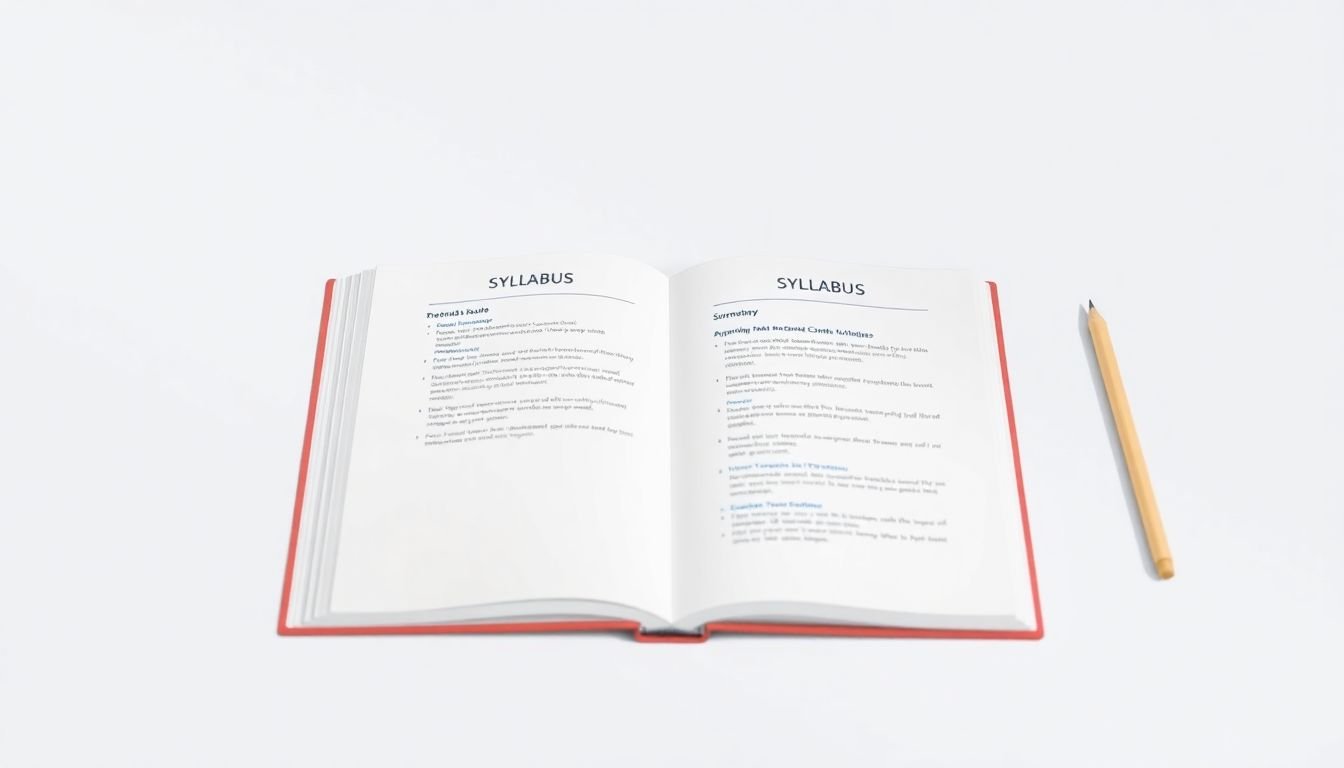
Your syllabus is basically your course’s promise. If it’s vague, people assume the course will be vague too.
I like to structure it like this:
- Module title (with a benefit, not a topic)
- Lesson titles (what they’ll do)
- Learning objective for each lesson/module
- Deliverable so students know what “done” looks like
Example objective you can steal:
By the end of Module 2, students will have a 2-week content calendar they can post from immediately.
Also, make it skimmable. Use short descriptions and bullet points. People aren’t reading your syllabus like a novel—they’re scanning it like a buyer with a decision to make.
Step 5: Create Promotional Content That Converts
Promotional content isn’t about being loud. It’s about being specific.
Here’s what I recommend highlighting:
- The outcome: what they’ll be able to do
- The transformation: what changes after they apply it
- The proof: workshop results, screenshots, quotes, or “before/after” stories
- The process: what modules they’ll go through (in plain language)
Use short snippets from your workshop. For example, if someone struggled with “finding content ideas,” show the moment you solve it—then say what they’ll walk away with.
Social proof matters, but it has to be real. Instead of “people loved it,” go for something like: “After week one, 12 students posted their first calendar and reported they finally had a plan.” Even if you don’t have 12, you can still be concrete.
And yes—include a clear call-to-action. But I prefer CTAs that match the next step, like:
- “Enroll and start today (lifetime access)”
- “Join the course—get the workbook immediately”
- “Save your seat for the next cohort + live Q&A”
Step 6: Set Up Effective Enrollment and Payment Processes
If your checkout process is annoying, you’ll lose sales even if your course is great. I’ve seen it happen. People are ready… and then they hit a roadblock.
Make it easy by doing two things:
- Use a course platform/payment setup that supports multiple payment options (credit cards, PayPal, Stripe—whatever fits your audience)
- Remove friction from the decision (clear total price, what’s included, and what happens after purchase)
Early-bird or limited-time offers can work well, but set them up intentionally. For example, I like a 7-day early-bird window with a specific reason: “Early-bird includes a bonus workshop replay + template pack.” Not “discount because discount.”
Then set up automated emails right away. A simple sequence that works:
- Email 1 (immediately): welcome + how to start + where to find the workbook
- Email 2 (next day): quick “what to do first” + link to Module 1
- Email 3 (day 3–4): encouragement + answer common questions
- Email 4 (day 7): reminder + progress check (“have you completed Lesson X?”)
One more thing: be transparent about refunds and access. It reduces disputes and builds trust. Trust is underrated.
Step 7: Create a Pricing Strategy Based on Market Research
Pricing feels awkward until you treat it like research, not guesswork.
Here’s how I’d do it:
- Search for similar courses using keywords your buyers actually use (not your own internal language).
- Compare like-for-like: course length, live vs self-paced, templates included, community access, and support level.
- Benchmark on multiple platforms (you’ll see different pricing norms depending on the audience).
For example, Coursera/Udemy/niche sites can give you a range. Then you adjust based on your niche and outcome clarity.
Tiered pricing helps because different students want different levels of support. A clean structure I’ve used:
- Basic ($49–$99): full course access + workbook/templates
- Plus ($149–$249): Basic + office hours/live Q&A replay + feedback on one deliverable
- Premium ($299–$499): Plus + group coaching session or deeper review
Not sure what to charge? Use the pricing models guide for a framework, and then test with real numbers (even if it’s a small test). I’ve found that getting your first 20–50 students gives you more pricing clarity than endless spreadsheet time.
Want a quick pricing research survey? Ask these questions:
- “What problem are you trying to solve right now?”
- “How much have you spent in the past 6 months on similar help?”
- “What would make this course worth it to you?”
- “Which support level would you actually use: templates only, feedback, or live coaching?”
- “What price feels too high / too low?”
Step 8: Gather Feedback and Refine Your Course
Launching isn’t the finish line. It’s the start of your course becoming “yours” in a new way.
After your first cohort or early access batch, I’d collect feedback fast—within the first 7–14 days—while the course is still fresh.
What to ask (keep it simple):
- “What was the most useful module and why?”
- “Where did you get stuck or confused?”
- “What would you change to make the course easier to complete?”
- “Did the course help you produce the deliverable you expected?”
- “How would you describe this course to a friend in one sentence?”
Then do a revision pass using a checklist like this:
- Clarity: Are instructions easy to follow without you in the room?
- Flow: Does each module naturally lead to the next?
- Practice: Are there enough “do this now” tasks?
- Deliverables: Do students know what to submit/save?
- Time expectations: Are lesson lengths realistic?
- FAQ coverage: Are you answering repeated questions inside the course?
Even small tweaks can improve completion rates and reviews. And reviews are what keep the machine running after launch.
Build a Community to Support Student Engagement
A course is great, but a community is what helps people stick with it.
In my experience, students don’t need constant interaction—they need enough interaction. Enough to ask questions, share progress, and feel like they’re not doing it alone.
Choose what fits your style:
- Private Facebook group (easy for many audiences)
- Slack channel (great if your students are active and tech-comfortable)
- Discussion forum (best if you want structured threads)
Then set expectations so it doesn’t become chaos. For example:
- Post a weekly prompt (or “progress check”)
- Answer questions 3 times per week
- Host one live Q&A every 2 weeks (or monthly if your audience is smaller)
When students share wins, you get momentum. And momentum is contagious.
FAQs
Start with what participants should be able to do (or produce) after the workshop—something concrete, not just “learn.” If you can’t describe it in one sentence, rewrite it until it’s measurable. The clearer the outcome, the easier it is to build lessons and sell the course.
Pull your workshop topics into a list, then group them into “mini problems” that build toward the core outcome. Each module should have a clear purpose and should naturally lead into the next one. If a module doesn’t add progress, it’s probably just extra information.
Add hands-on practice. Quizzes help, but tasks help more. Include templates, checklists, and “do this now” exercises at the end of lessons. Also, keep videos short (often 8–15 minutes) and mix in PDFs so people can work along with you.
Pick a platform based on ease of use, the features you need (payments, certificates, community, email automation), and how comfortable you are with tech. Teachable, Thinkific, and Udemy are common options—each has tradeoffs, so choose the one that matches your audience size and your support level.