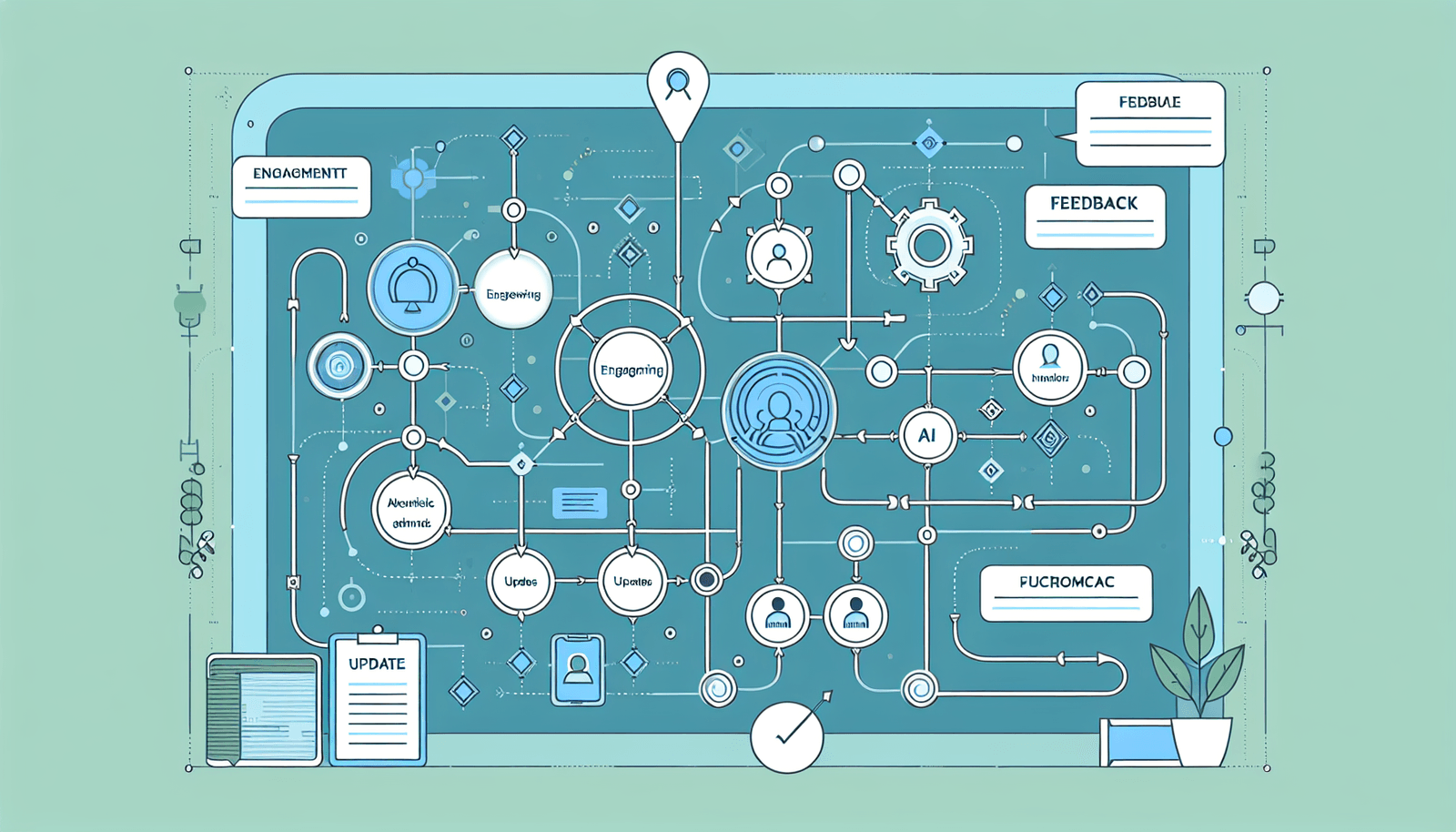
Content Mapping: Essential Guide for Successful AI Course Creation
I remember the first time I tried to build an AI course. I had the lessons written, a bunch of links saved, and a rough outline… and then I hit a wall. Students would ask, “Why are we learning this?” or “How does this connect to what you said last week?”
That’s when I started using content mapping—not as a fancy diagram, but as a way to connect learning goals to actual lessons, activities, and assessments. The result? Fewer “wait, what?” moments, and a course that actually flowed.
So yeah—if you’ve been overwhelmed by scattered content, you’re in the right place. In this post, I’ll walk you through what content mapping is, how I build a practical map for an AI course (with a concrete example), which tools I use for different situations, and the mistakes that quietly wreck course structure.
Key Takeaways
- Content mapping is how you connect learning objectives to topics, lessons, and assessments so nothing feels random.
- It improves engagement because learners can follow a clear progression instead of jumping between unrelated concepts.
- It makes course flow easier to maintain—lessons transition more naturally when prerequisites and dependencies are mapped.
- Start by defining your audience, then write measurable objectives (not vibes), then organize topics around those objectives.
- Use tools based on the job: mind-maps for ideation, flowcharts for sequencing, spreadsheets for coverage tracking.
- Keep your map readable. If a module has too many nodes or objectives, learners won’t know what to focus on.
- Get learner feedback early (even a small beta). It’s the fastest way to spot gaps between objectives and real understanding.

What is Content Mapping in AI Course Creation?
Content mapping in AI course creation is basically the “connect-the-dots” process between what you want learners to be able to do and the content you’ll build to get them there.
In practice, I treat a content map like a system with three layers:
- Objectives (measurable outcomes, like “fine-tune a prompt workflow” or “evaluate model outputs”)
- Learning content (lessons, readings, demos, assignments)
- Assessments (quizzes, projects, rubrics, practical checks)
So instead of “Lesson 3: Transformers,” you’ll see “Objective: Explain attention → Lesson 3: Transformers overview → Activity: attention visualization → Assessment: short concept quiz + application prompt.”
It’s the difference between a course that feels like a collection of topics… and a course that feels like a guided path.
Benefits of Content Mapping for AI Courses
Here’s what I noticed when I started mapping more carefully: learners stayed oriented.
That might sound soft, but it shows up in real behavior. When content is mapped, students don’t bounce around, and they don’t “guess” what matters. They know what to study next and why.
1) Better engagement through logical progression
If your course order matches prerequisites, learners don’t hit random complexity spikes. For AI topics, that matters a lot. For example, you don’t want to jump into evaluation metrics before learners understand prompt structure and output quality.
2) Cleaner course flow (and less rework for you)
When I map dependencies, I can spot gaps fast. “We teach X in Module 2, but we never actually check it until the final project.” That’s the kind of issue mapping helps you catch early.
3) Clear alignment between goals and assessments
AI courses often use projects as the “real learning.” Great. But if your objectives and assessments aren’t aligned, you’ll get inconsistent results. Mapping forces coverage: every objective needs at least one learning activity and one assessment touchpoint.

Steps to Create a Content Map for AI Courses
I don’t start with diagrams. I start with decisions.
Because if you jump straight into nodes and arrows, you’ll end up with a pretty map that doesn’t answer the real question: “How will learners prove they learned what I said they would?”
Step 1: Define your audience (and their baseline)
Be specific. “Beginners” isn’t enough. I usually write a one-sentence baseline like:
- “Learners can write basic Python, but they don’t understand tokenization.”
- “Learners can prompt, but they don’t know how to evaluate outputs.”
This baseline becomes your prerequisite layer.
Step 2: Write learning objectives as measurable outcomes
For AI courses, I like objectives that include a verb and a context:
- “Design a prompt workflow to reduce hallucinations in a domain-specific task.”
- “Use evaluation criteria (e.g., factuality, completeness) to score model outputs.”
If an objective feels too broad—like “Understand AI”—you’ll struggle to map content to it. Break it down.
Step 3: Build a prerequisite graph (simple version)
Before sequencing lessons, list prerequisites for each module. Keep it tight. If you have more than 3 prerequisite concepts per module, your learners will feel like they’re carrying too much at once.
Step 4: Create an objective-to-lesson matrix
This is where mapping becomes practical. For each module, I track:
- Objective(s)
- Lesson(s) that teach it
- Activity that applies it (demo, lab, practice prompts)
- Assessment that verifies it (quiz question set, project rubric criteria)
Step 5: Choose content formats based on what the objective demands
Not everything needs a video. If the objective is “evaluate outputs,” a short interactive rubric exercise beats another 20-minute lecture.
Here’s a quick rule I use:
- Concept understanding → short explainer + example
- Skill building → guided practice + feedback
- Application → project + rubric
Step 6: Stress-test your map with a coverage check
Do you have at least one assessment opportunity per objective? If not, learners might “feel like they learned it” but they won’t actually demonstrate it.
Worked example: one AI course module map (what it looks like)
Let’s say your AI course is “Practical Prompting & Evaluation.” Here’s what Module 2 could look like.
- Module 2 title: Prompting for reliable outputs
- Objective A: Improve prompt structure to reduce ambiguity
- Objective B: Apply evaluation criteria to judge output quality
Module 2 content map (module → lessons → activities → assessments)
- Lesson 1: Prompt structure (role, task, constraints, examples)
- Activity: Rewrite a vague prompt into a structured one (3 iterations)
- Assessment: Checklist quiz (identify which parts improve clarity)
- Lesson 2: Evaluation criteria (factuality, completeness, formatting, refusal safety)
- Activity: Score 5 sample outputs using a rubric you provide
- Assessment: Short scenario-based questions + rubric submission
- Lesson 3: Feedback loops (prompt debugging + error taxonomy)
- Activity: Diagnose why an output failed (category: missing constraint, wrong context, etc.)
- Assessment: Mini practical: revise prompt and rescore outputs
Notice the pattern: each objective has a lesson, a practice moment, and a way to verify learning. That’s the whole point of mapping.
Tools and Resources for Content Mapping
Tools help, but only if you use them for the right stage. I don’t use one tool for everything.
MindMeister (best for ideation):
Use it when you’re brainstorming modules, topics, and subtopics. I like a node schema like:
- Module node → Topic nodes → Subtopic nodes
- Add a short label for “prerequisite concept” at the module level
Lucidchart (best for sequencing and dependencies):
If your map includes prerequisite arrows or “learn X before Y,” Lucidchart’s flowchart style is handy. I use it to lock in order and show dependencies clearly.
Coggle (best for collaborative mapping):
It’s great when you want teammates to comment directly on nodes. If you’re working with SMEs (subject matter experts), this can save back-and-forth.
Canva (best for sharing a readable map):
Once the structure is solid, I’ll sometimes rebuild the map in Canva to make it presentation-friendly for stakeholders.
My not-so-glamorous tool: a spreadsheet for coverage tracking
Even if you draw your map in a diagram tool, I strongly recommend a spreadsheet column set like:
- Module
- Objective
- Lesson(s)
- Activity type (practice / lab / rubric)
- Assessment type (quiz / project / rubric)
- Bloom level (optional but useful)
- Owner (optional)
It’s the fastest way to spot missing coverage. If an objective has no assessment row, you’ll see it instantly.
And about templates—don’t grab random ones and hope they work. Look for templates that include fields for:
- Learning objectives
- Prerequisites
- Lesson/topic mapping
- Activities
- Assessments (with rubric or quiz mapping)
- Module outcomes (what learners can do after the module)
If you want a starting point, you can also search for “objective-to-lesson matrix template” and “curriculum mapping template” and then adapt the fields above to your AI course.
Best Practices for Effective Content Mapping
Let me save you time: the best maps aren’t the most detailed ones. They’re the ones learners can follow and you can maintain.
1) Keep node counts realistic
If a module has more than 5 objectives or more than 12 content nodes (lessons + activities combined), it usually turns into a mess in delivery. I cap modules at 3–5 objectives and 2–4 lessons per module for most AI course formats.
2) Make transitions explicit
Don’t just sequence lessons—write the “bridge sentence” in your map. Example:
- “After learning prompt structure, we’ll evaluate why structure affects output quality.”
When you don’t map transitions, learners feel like they’re restarting every lesson.
3) Map assessment coverage, not just content coverage
A common failure I’ve seen: you cover a topic, but you never measure it. If your map doesn’t include quizzes, rubrics, or project criteria tied to objectives, you’ll miss that gap.
4) Update your map like a living document
AI changes fast. If you teach evaluation or prompting, you’ll likely update examples and benchmarks. I usually do a quick quarterly pass: swap outdated examples, add 1 new failure mode, and tighten rubrics based on learner mistakes.
5) Use learner feedback as a map debugger
Here’s how I do it: after a beta lesson, I ask two questions:
- “Which part felt confusing, and where did you get stuck?”
- “What did you expect to learn that you didn’t?”
Then I update the map—usually it’s not the content that’s wrong, it’s the ordering or missing prerequisite.
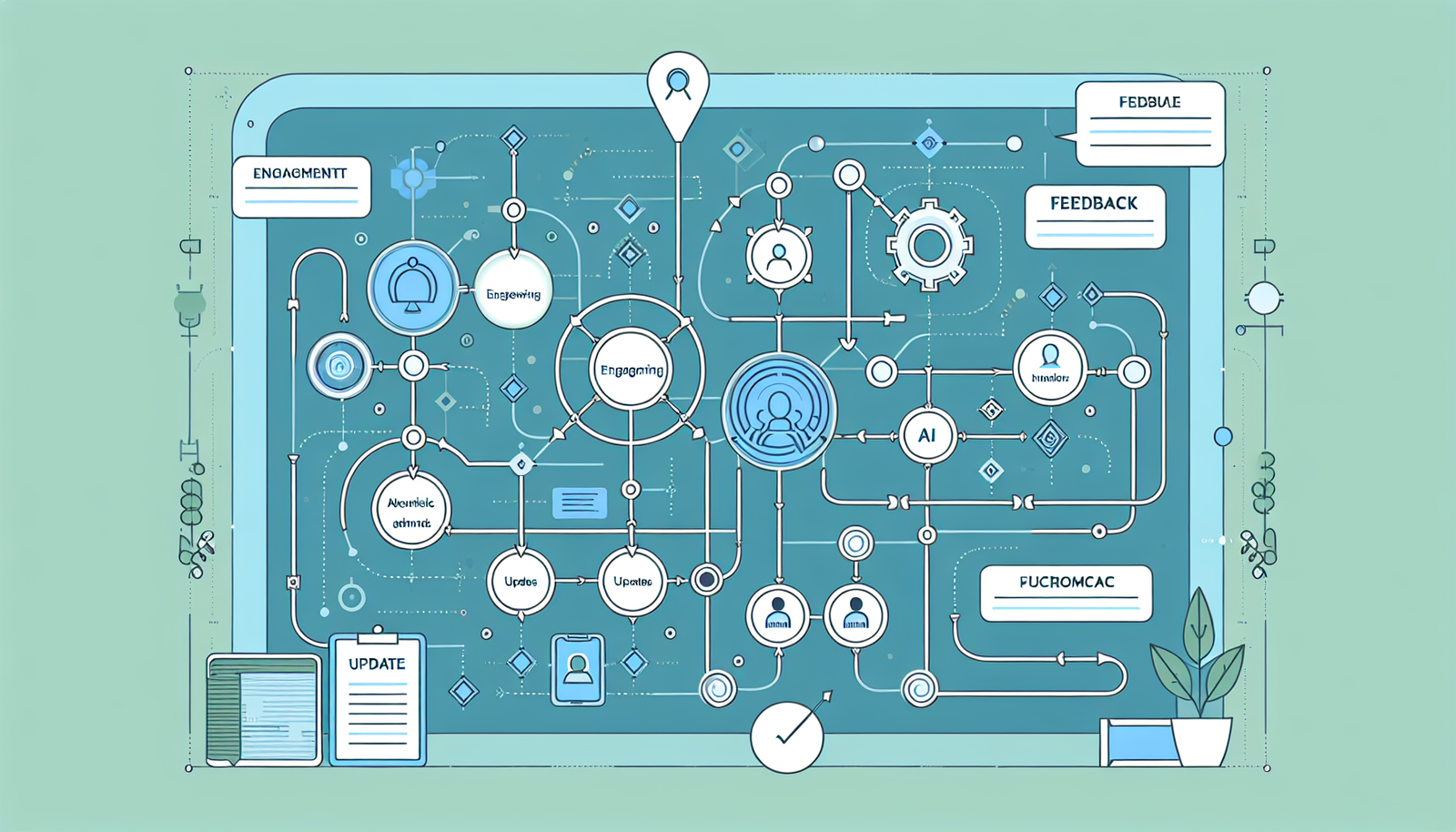
Common Mistakes to Avoid in Content Mapping
These are the mistakes I’ve made (and fixed), so I’m not going to pretend they’re rare.
1) Overcomplicating the map
If you’re adding every micro-topic you can think of, your map stops being a map. It becomes a storage folder. Keep it readable. If you need more detail, put it in lesson docs—not the master map.
2) Skipping prerequisite logic
For AI courses, this is brutal. If you don’t define prerequisites, you’ll end up with learners who can’t follow demos. A good rule: if Lesson 2 depends on understanding Lesson 1, your map should show that dependency.
3) Confusing “covered” with “learned”
Watching a video isn’t the same as being able to do the thing. If you don’t map assessments to objectives, you’ll overestimate learner progress.
4) Not updating examples and rubrics
AI examples get outdated. Prompts that worked last year might be less effective now. Update your map and your assessment artifacts together—otherwise you’ll teach one thing and grade another.
5) Waiting too long to test the map with real learners
If you only validate after the whole course is built, you lose months. Even a small beta (one module) can reveal ordering issues and missing prerequisites fast.
Case Studies: Successful Content Mapping in AI Courses
I’m a big fan of learning from real course designs, but I don’t like vague references. So here are two examples you can actually check, plus what mapping elements they clearly emphasize.
Case study 1: Stanford University — CS25: Introduction to Machine Learning
Course page: https://cs25.stanford.edu/
What stands out (from how the course is structured and taught):
- Prerequisite scaffolding: the course builds from fundamentals toward models and evaluation, so learners aren’t thrown directly into advanced topics.
- Objective-to-practice alignment: you don’t just read—you apply concepts through assignments that reflect the learning outcomes (not random exercises).
- Assessment coverage: problem sets reinforce core ideas, which effectively “maps” objectives to measurable understanding.
In my own mapping work, this is the pattern I copy: define the prerequisite chain early, then ensure assignments reinforce each objective—not just a few of them.
Case study 2: Coursera — Machine Learning Specialization (Andrew Ng)
Specialization page: https://www.coursera.org/specializations/machine-learning-introduction
What stands out here:
- Progressive objective sequencing: each course moves learners from theory to more applied understanding, which is exactly what a prerequisite map helps you design.
- Consistent assessment rhythm: quizzes and graded work align with the topics taught in that stage, so you can tell whether learners truly grasped each objective.
- Topic-to-skill mapping: you see a clear pattern of “concept → implementation intuition → evaluation,” which is basically an objective-to-lesson matrix in action.
Now, will these courses publish their full internal content maps? Usually not. But you can still reverse-engineer the mapping logic: prerequisites, objective sequencing, and assessment coverage are visible in the learning design.
Conclusion: Making the Most of Content Mapping for AI Course Success
When content mapping is done right, you stop guessing. You build a course that’s easier to teach, easier to update, and easier for learners to stick with.
Before you finalize your AI course structure, run this quick checklist:
- Every objective has at least one lesson, one activity, and one assessment touchpoint.
- Prerequisites are explicit (no hidden “you should already know this”).
- Modules aren’t overloaded (aim for 3–5 objectives per module).
- Assessments match what you claim learners will be able to do.
- Examples and rubrics are updated on a schedule, not “someday.”
If you do just that, you’ll feel the difference fast—because your course stops being a stack of content and becomes a path.
FAQs
Content mapping is the process of organizing course content systematically so it supports the learning goals. Practically, it helps you connect objectives to lessons, activities, and assessments—so learners aren’t just consuming information, they’re progressing toward specific outcomes.
It improves engagement by creating a logical learning progression, strengthens course structure and transitions, and makes sure your course objectives are actually supported by the content and assessments you build. For AI courses, that alignment is especially important because students need both practice and evaluation—not just theory.
Start by defining your audience and baseline knowledge, then write measurable learning objectives. After that, organize topics and subtopics in a dependency-aware order, and select content formats (videos, labs, quizzes, rubric-based practice) that match each objective. Finally, validate coverage by mapping objectives to activities and assessments.
A few big ones: overcomplicating the map, skipping prerequisite logic, and treating “content covered” as “learning achieved.” Also, don’t forget to update examples and assessments—AI content and best practices change quickly.