How To Manage Curriculum Updates Effectively With Kanban Boards in 8 Steps
Curriculum updates are the kind of work that sounds “simple” until you’re in the middle of it. Suddenly you’ve got old lesson plans, assessment questions that don’t match the new standards, SMEs asking for edits, and a pile of version files that all look the same. If there’s no system, it’s easy for updates to stall—or worse, disappear into someone’s inbox.
What I’ve found works best is using a Kanban board that actually reflects how curriculum work moves in real life. You can visualize what’s waiting, what’s being edited, what’s in SME review, and what’s truly ready to publish. Then you can spot delays early because cards don’t just sit there silently—they show you where the work is stuck.
In my experience, the difference is huge once you add a few curriculum-specific rules (like “what counts as Done?” and “who signs off?”). You’ll still break work into smaller tasks. You’ll still prioritize. But you’ll stop guessing where things are going off track.
Key Takeaways
- Build your Kanban around curriculum states, not generic project stages. For example: Drafting, SME Review, QA/Compliance Check, Ready to Publish, Done.
- Create card templates that match curriculum artifacts. Include fields like Module/Lesson ID, Standard/Outcome, Asset type (lesson, slide, quiz, rubric), Source version, and Acceptance criteria.
- Use WIP limits by stage and role. If your SME review column has a WIP limit of 5 cards, the board will force prioritization instead of letting “everything” pile up.
- Define “Done” so it’s measurable. For curriculum, “Done” should mean the content is updated, assessments match, references are verified, and the approval sign-off is recorded.
- Track cycle time and throughput—but also watch stage aging (how long cards sit in Review or QA). That’s usually where delays hide.
- Use board data to tighten governance. If prerequisites or standards mapping are missing, you’ll see it as recurring rework in drafting or QA.
- Run short, consistent review sessions (weekly is common, but I like a quick mid-week check when deadlines are close). Use the board to decide what you’ll unstick next.
- Share progress with stakeholders using the board as the “single source of truth.” When people can see cards moving, fewer status pings are needed—and trust goes up.
Use Kanban Boards to Manage Curriculum Updates Effectively
In practice, a Kanban board is basically your curriculum update “control panel.” It answers questions like: What’s actually in progress right now? What’s waiting on an SME? What’s stuck in QA? And—this matters—what’s already approved and ready to publish?
I like to mirror the real flow of curriculum work. You might start with columns like Backlog, To Do, Drafting, SME Review, QA/Compliance, Ready to Publish, and Done. Then each card represents a curriculum update unit (not a vague “update course” task).
Here’s what I noticed the moment I made this change on a real update cycle: the team stopped arguing about status because the board showed it. Instead of “Are we done yet?” people could point to the card and say, “We’re waiting on the SME to approve Lesson 3.” That’s a totally different vibe.
Also, I removed the “soft” moving of cards. We didn’t move something forward just because it was started. We moved it forward when it met clear criteria (more on that below).
Set Up Your Kanban Board for Curriculum Updates
Start by mapping your curriculum update cycle into stages you can enforce. Don’t copy a generic Kanban template—curriculum has its own friction points (standards mapping, SME review, asset QA, versioning, and approvals).
For example, I’ve used this setup for a course update project involving lessons + assessments:
- Backlog: intake items (requests, standards changes, bug reports)
- To Do: prioritized work with an owner assigned
- Drafting: content edits made and source files attached
- SME Review: subject matter expert confirms accuracy + alignment
- QA/Compliance: instructional design QA + accessibility/compliance checks
- Ready to Publish: approvals recorded; final package prepared
- Done: published + tracked with a release/version reference
Next, set up card ownership and deadlines. But go one step further: define what “moving right” means. If a card is in SME Review, it should have everything an SME needs: the lesson ID, the standard/outcome mapping, and a clear summary of what changed.
Finally, pick a tool your team will actually use. Trello works if your team is comfortable with simpler workflows. If you need more structured fields and reporting, you might prefer a platform with stronger customization. I’ve used both in different contexts, and the board only helps if it’s easy to update daily.
Break Curriculum Updates into Discrete Tasks
Trying to update an entire curriculum in one big chunk is a recipe for rework. You’ll miss dependencies, you’ll lose track of which assessments match which lessons, and you’ll end up with “almost done” work that still isn’t publishable.
Instead, break updates into units that can be reviewed and verified. A practical way to do this is to split by asset type and learning objective. For example:
- Lesson updates (e.g., “Update Lesson 2.1 narrative and examples”)
- Slide deck updates (e.g., “Revise slides 5–8 to match new terminology”)
- Assessment item updates (e.g., “Rewrite 10 quiz questions to align with Outcome 2”)
- Rubric updates (e.g., “Adjust rubric descriptors for the new performance criteria”)
Here’s a worked example of how I’ve seen this play out: suppose you’re updating 3 modules with 12 lessons and 6 assessments. Rather than one giant “Module update” card, you create cards like:
- Module 1 / Lesson 1.2 / Lesson content update
- Module 1 / Assessment A / Quiz item rewrite
- Module 2 / Lesson 2.3 / Slide deck revision
- Module 3 / Lesson 3.1 / Learning objective alignment check
That way, you can track progress honestly. When a Lesson card is in QA, you know exactly what’s being checked. When an Assessment card is in SME Review, you know the SME is reviewing item alignment—not guessing what “the update” was supposed to include.
And yes, it reduces last-minute panic. Not because Kanban is magic, but because the work is visible, bounded, and reviewable.
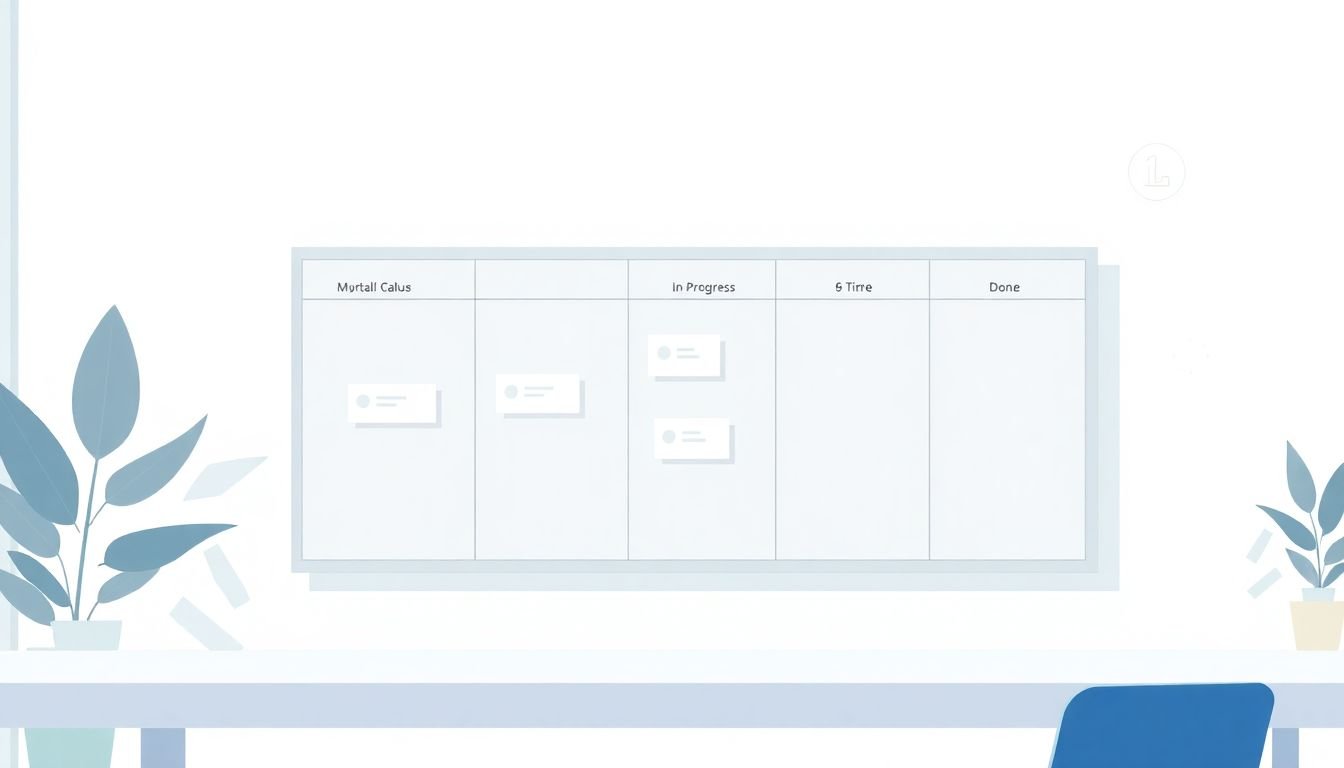
Track Key Metrics Like Cycle Time and Throughput to Measure Your Progress
Metrics won’t fix bad workflow by themselves, but they do expose where things are slipping. The two I pay attention to most are:
- Cycle time: how long it takes for a card to move from start to finish (e.g., Drafting → Done)
- Throughput: how many cards you complete per week (or per sprint)
I also track stage aging (how long cards spend in a specific column). That’s usually where curriculum projects get stuck. For example, if cards sit in SME Review for 10+ days, your bottleneck isn’t drafting—it’s approvals.
What I’ve done in those situations is straightforward:
- If cycle time spikes, check whether the card definition is too vague (e.g., “revise lesson” without specifying what “revise” includes).
- If SME Review aging is high, reduce WIP and/or split work into smaller reviewable chunks (for example, “Lesson 2.3 content + 5 quiz items” instead of “whole module”).
- If QA is the bottleneck, tighten acceptance criteria and require a checklist before moving into QA.
As a rule, I don’t react to one weird week. But if the numbers trend the wrong way for 2–3 weeks, that’s a signal you need to change something.
Use Data to Identify Bottlenecks and Optimize Workflow Efficiency
Your Kanban board data is basically a map of your curriculum update pain points. Look for patterns like:
- Cards repeatedly returning from QA back to Drafting (rework loop)
- Specific asset types taking longer (usually assessments or anything with compliance constraints)
- Uneven flow by module (one module’s SME or content complexity is higher)
When I see consistent lag, I try to pinpoint the cause in plain terms. Is the SME feedback unclear? Are the standards mapping notes missing? Are prerequisites changing and nobody updated the dependent lesson?
Then you optimize. Sometimes it’s as simple as splitting a card. Other times it’s governance:
- Clarify instructions in the card description (what exactly changed, what evidence is needed)
- Adjust sequencing (draft lesson content before updating assessment items, so alignment checks aren’t guesswork)
- Limit WIP so review columns don’t get overloaded
One concrete example: if assessment cards keep getting kicked back because questions don’t match the updated learning objectives, I’ll add a required field like Outcome alignment reference and a checklist item for “each question maps to an updated outcome.” That removes a recurring failure mode.
Leverage Digital Kanban Tools for Real-Time Monitoring and Better Decision-Making
Digital Kanban tools make this easier because they reduce manual tracking. You can use Trello for straightforward boards, or use a more structured platform if you need custom fields and reporting. In any case, the goal is the same: your board should be updated as work happens, not once a week.
With digital tools, you can usually get real-time visibility into:
- Cycle time and lead time trends
- Throughput (completed cards per time period)
- Stage aging (where work is stuck)
- Card history (who moved what and when)
And that’s where better decisions come from. If you see a card stuck in review longer than your normal window, you can intervene early—send clarifying notes, reassign to a different SME, or split the card into smaller pieces so review is faster.
I also like using the board to keep conversations anchored. Instead of debating in chat about “what’s happening with Lesson 4,” you point at the card and ask, “What’s missing for SME approval?” It saves time.
For reference, here’s a comparison link you can use if you’re choosing tools: https://createaicourse.com/compare-online-course-platforms/. (Just keep in mind this article is about curriculum update workflows, not course platform feature lists.)
Regularly Review and Adjust Your Workflow Based on Insights
Don’t set up your board and walk away. Kanban only works when you use the feedback loop.
I recommend a quick rhythm like:
- Weekly flow review: look at cycle time, throughput, and stage aging
- Mid-week check (10–15 minutes): unblock anything stuck in review/QA
- Release planning: when you’re close to a publish date, confirm what’s in “Ready to Publish” vs. still in Drafting
When you spot issues, adjust the workflow—not just the people. If cards pile up in Review, reduce WIP and tighten what information is required before review. If QA finds the same problems repeatedly, update the acceptance criteria and add a checklist to the card template.
Think of it like tuning an instrument. The workflow will drift over time if you don’t keep checking it. But with small adjustments, you’ll get a smoother cadence for curriculum delivery.
Share Progress and Celebrate Small Wins with Your Team
Progress sharing isn’t just morale—it’s also operational. When stakeholders can see where cards are, you get fewer “status check” meetings and fewer surprises.
Use your Kanban board as the shared reference point. For example, a simple weekly update can be:
- “10 cards moved to Done this week”
- “3 cards are waiting on SME review (average aging: 2 days)”
- “QA has 2 recurring issues; we updated the checklist today”
And yes, celebrate the small wins. Finishing a tricky module update or getting a batch of assessments through QA should be recognized. It keeps momentum—and it encourages people to keep cards moving instead of letting work drag.
One practical tip: when a card hits Done, add a short note in the card comments like “Published to v1.3” or “Assessment mapping verified.” That creates a trail future you will thank you for.
FAQs
It gives you real visibility into curriculum work: what’s drafted, what’s in SME review, what’s in QA, and what’s actually approved for publishing. Instead of relying on memory or scattered messages, the board becomes the single source of truth. You can also limit WIP so review and QA don’t get overloaded—one of the biggest causes of curriculum update delays.
Map your workflow stages first (Drafting → SME Review → QA/Compliance → Ready to Publish → Done). Then create card templates for curriculum assets (lesson, slides, quizzes, rubrics). I’d also define acceptance criteria for “Done,” like “assessments match updated learning outcomes” and “approval sign-off recorded.” Finally, assign owners per stage so cards don’t sit without a responsible person.
Use the board for daily clarity, not just reporting. Set a simple check-in rhythm (weekly flow review + quick mid-week unblocking works well). When someone asks for status, point to the card. And if prerequisite changes happen (like a standard update), create a new card for the impacted lessons/assessments right away so dependencies don’t get missed.
Look at where cards spend time. If Review is slow, reduce WIP and make the “review package” complete before the card moves (lesson ID, change summary, and alignment notes). If QA keeps finding the same issues, update your checklists and acceptance criteria. Over time, you’ll see cycle time stabilize and rework drop.