Setting SLAs for Student Response Times: 6 Simple Steps to Improve Communication
I’ve been on both sides of this—when you’re the one answering student questions, and when you’re the student waiting on a reply. And yeah, it can feel like you’re constantly chasing the clock. If responses drag, students lose confidence fast. If you reply too slowly, it also creates a backlog… and suddenly everyone’s stressed.
That’s exactly why I like setting SLAs for student response times. An SLA (service level agreement) basically tells people what “good” looks like. It removes the guessing, sets expectations, and gives your team a simple way to prioritize.
In this post, I’ll walk you through six steps I’ve used to set realistic student response targets, assign ownership, and build an escalation process for when things go sideways. No fluff—just a practical setup you can copy.
Key Takeaways
Key Takeaways
- Define targets by urgency and channel (not one generic time for everything). Students should know what to expect when they message you.
- Assign clear roles (owner, backup, escalation lead) so questions don’t bounce around when someone’s overloaded.
- Use channel-specific rules (email is different from chat, and social is different from both). Match your SLA to how students actually reach you.
- Track response time with a ticketing system so you can spot patterns like “Tuesdays are a mess” or “billing questions take 2x longer.”
- Plan what happens when you miss the SLA with a timed escalation workflow and a student-friendly breach message.
- Review and adjust every 3–6 months using your real data—especially during peak periods like admissions or term start.
1. Set Clear Response Time Targets for Students
The first thing I do is decide what “fast enough” means. Not for everything—just for each type of inquiry. Urgency matters.
Here’s what I mean. Instead of one blanket promise like “We reply within 4 hours,” split it into categories. Students don’t need to know your internal complexity, but they do need predictable expectations.
Sample SLA matrix (category → channel → target time → owner → escalation rule → breach handling)
- Urgent (time-sensitive)
- Channel: Live chat / SMS (if you use it)
- Target: First response within 15 minutes
- SLA owner: Live chat lead (or whoever is on shift)
- Escalation: At T+15 min notify the live chat backup
- Breach handling: Send a “we’re on it” message immediately, then a follow-up update by T+30 min
- Important (needs human review)
- Channel: Email / Helpdesk ticket
- Target: First response within 4 hours (during support hours)
- SLA owner: Support triage responder
- Escalation: At T+4 hours reassign to the appropriate queue lead
- Breach handling: If still not answered at T+6 hours, send a short apology + new ETA
- Routine (can be resolved with guidance)
- Channel: Email / Knowledge base / Portal message
- Target: First response within 24 hours
- SLA owner: Content/support coordinator
- Escalation: At T+24 hours route to the next available responder
- Breach handling: Share the most relevant KB article and confirm whether they need more help by T+36 hours
Now, about benchmarks. I don’t like making up “industry averages” without a source. So here’s the practical approach I use: I look at my own baseline first.
What I noticed when I tested this: the biggest SLA misses weren’t random—they clustered around a few times (usually mornings after a backlog, and evenings when staffing dropped). Once we set targets that matched reality for each channel, we stopped promising instant answers we couldn’t deliver.
Quick example: If your team currently averages 8 hours for email first replies, promising 1 hour will just create breach fatigue. Start with a target you can hit consistently (or pair it with staffing/automation), then tighten it after 30–60 days.
Finally, write the targets down and publish them internally. If your team can’t repeat them from memory, students definitely won’t understand them. And yes—you should revisit targets after a month or two. Peak demand changes everything.
2. Assign Roles for Managing Student Inquiries
Next, decide who actually owns the work. This is where a lot of teams fall apart—everyone assumes someone else is handling it.
I like to keep roles simple, even if you have a big team. At minimum, you need:
- Primary responder (SLA owner): the person responsible for first replies
- Backup responder: covers gaps when primary is overloaded or out
- Escalation lead: handles breaches, reassignment, and student updates
- Subject-matter owner (optional): e.g., technical lead, billing lead, course content lead
Here’s a role example that works well for student support:
- Technical lead: owns urgent LMS/course access issues
- Enrollment/billing lead: owns payment, refunds, and registration problems
- Support triage responder: owns routing + first response for everything else
And if you’re using a ticketing system (I strongly recommend it), you can enforce this with assignment rules. Tools like Zendesk or Freshdesk let you tag, route, and track response times so you’re not chasing spreadsheets.
Worked scenario: A student messages “I can’t access the course—my login keeps failing” on chat.
- That’s Urgent → assigned to Technical lead
- If the technical lead doesn’t respond by T+15 min, the backup responder takes over the conversation and confirms next steps
- If it’s still stuck by T+30 min, the escalation lead sends a short update with a new ETA
3. Create Effective Communication Channels for Students
Students don’t want to think about your process. They want the fastest path to a real answer. So I set channel SLAs based on what each channel is best at.
My usual channel setup:
- Live chat: best for urgent questions and quick clarifications
- Email / Helpdesk: best for anything that needs context, attachments, or step-by-step resolution
- Knowledge base: best for routine “how do I…” questions
- Social media (optional): best when you can respond quickly and consistently
For email, I recommend using automated acknowledgements. Not a robotic “We received your message” with no details—something useful like:
- “Thanks—your request is in. We aim to respond within 4 hours during support hours.”
- “If this is urgent (access/payment), reply with ‘URGENT’ and include your course name.”
And yes, help desks make multi-channel management easier. Platforms like Intercom or Help Scout help you keep chats, emails, and tickets in one place and track response times.
Social media rule (so it doesn’t become a mess): If you include Instagram/TikTok, don’t treat it like email. I’d set a separate target (for example, first response within 2 hours for questions, but only during your active coverage window). Also, have a “move to the inbox” template for anything that needs personal info.
4. Use Tools to Manage and Track Response Times
If you can’t measure it, you can’t improve it. That’s the part I wish more teams would accept sooner.
With a ticketing system (again, Zendesk/Freshdesk are common examples), you can track:
- Time to first response (the SLA metric students actually feel)
- Time to resolution (useful for training and workflow improvements)
- Backlog by queue (what’s stuck, and why)
- Agent performance (helpful for coaching, not for blame)
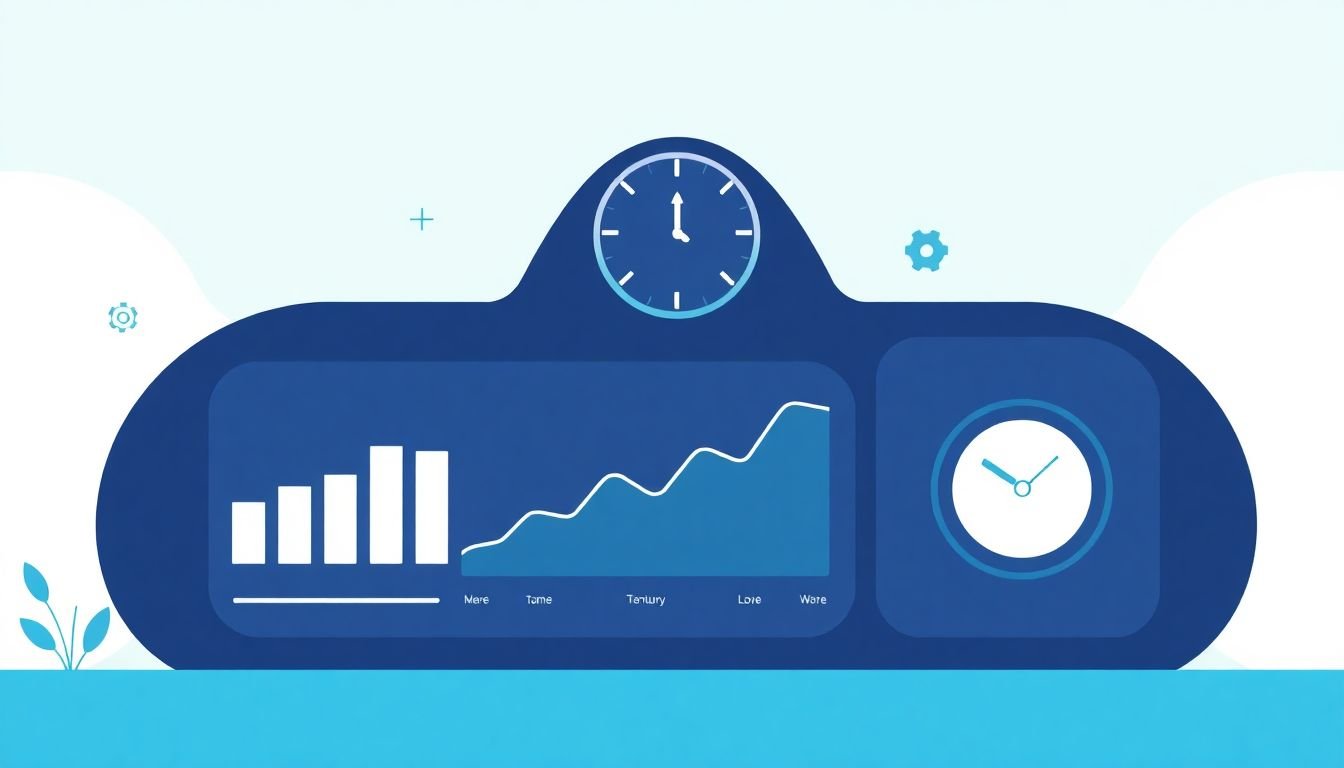
I also like dashboards that show response time by:
- Channel (chat vs email)
- Category (urgent vs routine)
- Day/time (because staffing schedules matter)
One practical tip: set automatic alerts for overdue tickets. Not “someone might notice.” Actual notifications at a specific threshold—like when a ticket hits T+4 hours for the email SLA.
About the “automation cuts response time by 30%” claim: I’m not going to toss a number around without a specific citation. Instead, here’s how you can measure your own impact after implementing SLAs:
- Pick a 2-week baseline window (before SLAs)
- Calculate average time to first response by category + channel
- Run SLAs for 2–4 weeks
- Compare again and look for changes in your worst categories (that’s usually where wins happen)
5. Develop Procedures for Handling SLA Breaches
Here’s the truth: even with a solid SLA, you’ll miss sometimes. The goal isn’t perfection—it’s responding well when it happens.
So build a timed escalation workflow. This is the part that makes a missed SLA feel “handled” instead of “ignored.”
Escalation workflow checklist (copy/paste friendly)
- T+0 (SLA starts): ticket created / message received
- T+X (First internal nudge): notify the SLA owner when the target is approaching (example: 10 minutes before SLA for chat, 1 hour before for email)
- T+Y (Escalation to lead): reassign or notify escalation lead when SLA target is hit (example: at 15 minutes for urgent chat, at 4 hours for email)
- T+Z (Student update): send a student-facing message with apology + new ETA if no first response has been sent yet
- After first response: confirm next steps and close the loop (even if resolution takes longer)
Sample SLA breach communication template (student-friendly)
Subject: Update on your request (ETA inside)
Hi [Student Name],
Thanks for reaching out. I’m sorry—we’re running behind on response times for [category].
Here’s what we can do next:
- We’re reviewing your request now
- New ETA for first response: [time/date]
- If this is urgent, reply with “URGENT” and include [course name / student ID]
Appreciate your patience—[Your Team Name]
Also, use breach reports to find bottlenecks. If urgent chat breaches spike every Thursday, you don’t need a motivational poster—you need staffing coverage or better routing for that day.
And yes, many schools use breach data to improve training and workflows. The key is to treat it like feedback, not punishment.
6. Regularly Review and Update SLA Practices
SLAs aren’t “set it and forget it.” Student expectations change, staffing changes, and course complexity changes. Your SLA should reflect that.
I recommend reviewing your SLA targets every 3–6 months, and doing a quick check right before major peaks (admissions, onboarding weeks, term start).
What to review each time
- Are you consistently meeting targets? If not, either adjust targets or change the process (or both).
- Which categories breach most? Fix the worst offenders first.
- Are students using the channels you expect? If social is growing, your social SLA needs to be real.
- Do your templates still match the questions? Outdated canned responses create more back-and-forth.
Example: During peak admission season, you might shorten email targets (or add temporary coverage). Off-peak, you can keep routine targets at 24 hours without hurting satisfaction.
And if you collect feedback from students (“how was your experience?”), use it. Response time is important, but so is whether the first message actually moves things forward.
That’s the difference between “we replied” and “we helped.”
FAQs
Start with your current baseline. Pull your last 2 weeks of “time to first response” data and group it by channel and urgency. Then set targets that you can hit consistently during support hours. If you want to tighten targets, do it in stages (ex: improve urgent chat first, then move to email). The goal is “reliable,” not “perfect on paper.”
You’ll want at least three roles: (1) an SLA owner for first responses, (2) a backup to cover when the owner is overloaded, and (3) an escalation lead who can reassign and send breach updates. If you have subject experts (tech, billing, course content), add them as “queue owners” so routing is automatic.
- SLA owner example: “Support Triage (Email/Helpdesk)”
- Backup example: “Weekend coverage / Chat backup”
- Escalation lead example: “Head of Support”
Make channel use rules explicit. For example: “Use live chat for access issues,” “Use email for billing,” and “Use the portal/KB for how-to questions.” Then set channel-specific SLAs and templates. If you don’t, students will send everything to the fastest-feeling channel, and your response times will collapse.
Use a ticketing system or support platform that logs “time to first response,” supports routing/assignment, and can alert you when SLAs are breached. Common options include Zendesk and Freshdesk, and chat-focused tools like Intercom or Help Scout. If you can’t measure response time automatically, you’ll end up guessing—and that defeats the whole point of an SLA.