
Building SEO Topical Clusters Around Course Niches in 9 Easy Steps
Building SEO topical clusters around course niches can feel like a lot—especially when your content is already scattered across modules, blog posts, and a few “we’ll update this later” PDFs. I’ve been there. The good part? Once you turn your course outline into an actual content map, the whole thing starts making sense. You’re not just “posting more.” You’re building a structure that search engines can crawl and students can follow.
In this post, I’ll walk you through a practical, course-niche-first way to create your cluster: what to audit, how I pick pillar topics from course modules, how to map lesson outcomes to subtopics, and exactly how I’d set up your internal linking + URL taxonomy. By the end, you’ll have a deliverable you can use immediately: a cluster map (pillar + 3–5 subpages) plus a simple internal link plan.
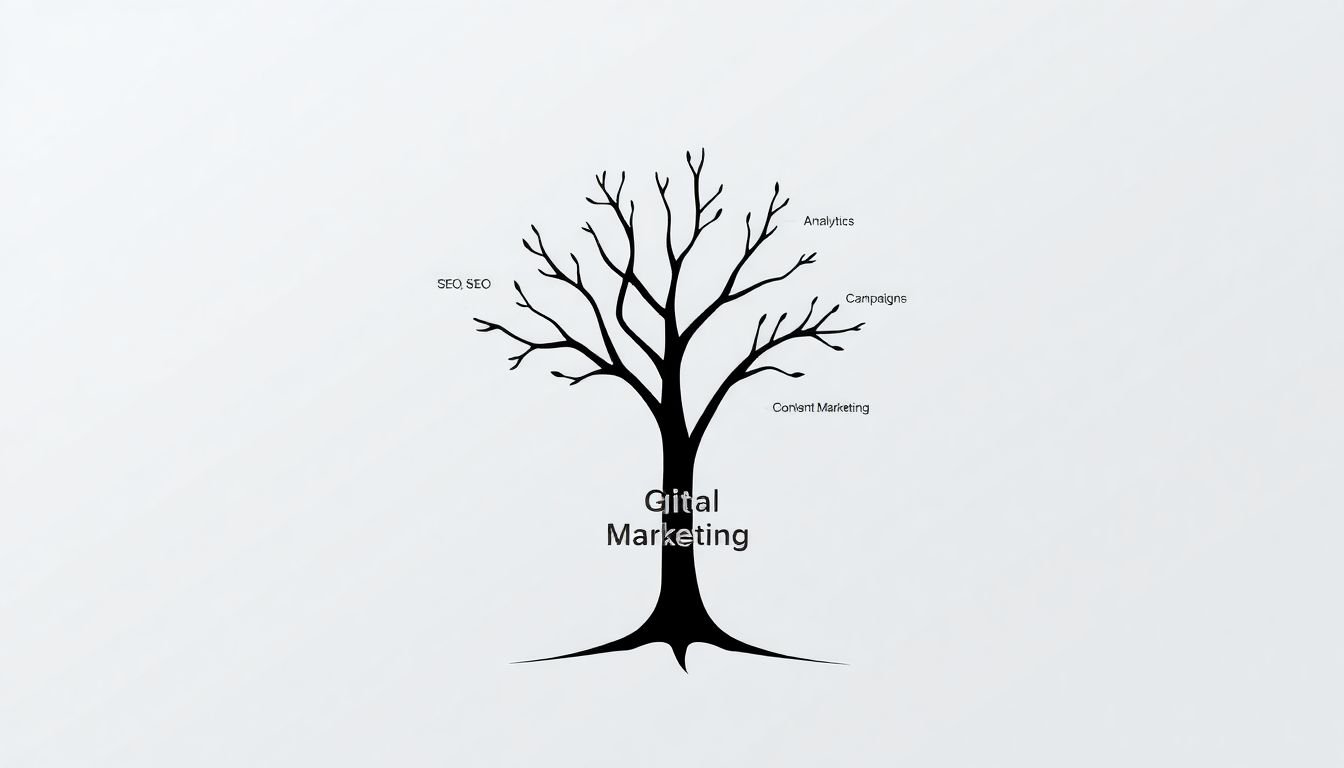
Example deliverable (what you’ll produce): a one-page cluster map like this for a course niche—“Digital Marketing for Beginners”—including:
- A pillar page outline (H2/H3 headings)
- 3–5 subtopics pulled directly from your course lessons
- Suggested URL slugs
- A sample internal link block you can paste into your pages
Key Takeaways
- Audit your existing course content like a site map: find gaps by learning objective, not just by “keywords.”
- Keyword research for course niches should start with lesson outcomes. Then you validate with search intent (beginner vs. advanced, tutorial vs. comparison).
- Pick a pillar topic that matches your course’s core promise (not necessarily the most popular keyword). Then build a pillar outline that covers the full learning arc.
- Create 3–5 subpages that each answer one clear student question. In my experience, that’s usually enough to start seeing traction.
- Internal linking should be deliberate: pillar → subpages, and subpages → pillar (plus 1–2 “neighbor” links between closely related subtopics).
- On-page SEO is mostly basics done well: title + headers, intent-matching intro, clean URL slugs, and fast/mobile pages.
- Measure with intent in mind. Look at impressions + clicks in Search Console and conversions (enrollments, lead form submits) in GA4.
- Use examples from your course. If you don’t have case studies yet, start with walkthroughs, templates, and “common mistakes” sections.
- Keep the cluster alive. Update subpages when your course changes, and refresh the pillar when multiple lessons evolve.

Step 1: Audit Your Core Course Topic and Existing Content
I start this step the same way every time: I list your course promise first, then I match it to what you already have online.
Here’s what I check (and what I’d tell you to do):
- Course modules → student outcomes: Write down 5–10 learning objectives from your syllabus. If you can’t, your cluster won’t either.
- Existing content inventory: Pull a list of every page you have (course landing pages, blog posts, lessons, PDFs, YouTube links). Include URLs.
- Coverage gaps: For each learning objective, ask “Is there a page that answers this question?” If not, that becomes a subpage candidate.
- Outdated or redundant pages: If two posts cover the same thing, consider consolidating. Clusters work best when each page has one job.
- What’s already working: Use Search Console to spot pages with impressions. Even if they’re not ranking yet, they often show the right topic direction.
By the end of the audit, you should have a simple table: Objective → Existing URL (if any) → Gap (if any) → Priority. That becomes the backbone of your cluster build.
Step 2: Conduct Keyword Research for Course Subtopics
Keyword research is where a lot of cluster plans go off the rails. People jump straight to “topics” without tying them to what your course actually teaches.
My approach is more direct:
- Start from your course outline: Take each module and convert it into a student question. Example: “Module: Email List Building” becomes “How do I build an email list?”
- Validate search intent: If the SERP is mostly “beginner guides,” don’t build an advanced playbook. Match the intent.
- Use modifiers for long-tail: “for beginners,” “step-by-step,” “template,” “pricing,” “examples,” “checklist.” These usually map well to course lessons.
- Look for question keywords: “what is,” “how to,” “why,” “mistakes,” “best tools,” “how long does it take.” Those become your H2s and subpage focus.
- Map synonyms and related terms: Google wants coverage. If your topic is “SEO basics,” you’ll likely need terms like “keyword research,” “on-page SEO,” “technical SEO,” and “search intent.”
Tools help, but you don’t need to overcomplicate it. Google Keyword Planner, Ahrefs, or Semrush are enough to confirm demand and competition. What I pay attention to most is whether the keyword matches a lesson outcome you can teach.
Quick guideline for intent-based content length (so you don’t write forever):
- Definition / overview page (pillar): typically 1,800–2,500 words with a structured outline and clear next steps.
- Tutorial / how-to subpage: typically 900–1,400 words with steps, examples, and a mini checklist.
- Comparison / “best tools” subpage: typically 1,000–1,600 words including criteria + pros/cons.
- Problem / mistakes subpage: typically 800–1,200 words with real scenarios and fixes.
Step 3: Create a Pillar Page for Your Main Course Topic
Your pillar page isn’t just “a long blog post.” It’s the hub that explains the course niche in a way that makes subpages feel obvious.
In my experience, the best pillar pages do three things really well:
- They match the main query: The pillar should target the broad course niche phrase (and variations) your audience uses.
- They cover the full learning arc: Not everything—just enough to understand what comes next.
- They set up navigation: Subpages should feel like chapters.
Here’s a pillar outline template you can copy:
- H2: What you’ll learn (tie it to course outcomes)
- H2: Step-by-step overview (high-level process)
- H2: Core concepts (3–5 sub-concepts)
- H2: Common mistakes (1–2 H3s)
- H2: Tools / resources (optional, but helpful)
- H2: Next steps (links to subpages + course enrollment CTA)
Then add an internal “cluster navigation” section near the top or after the overview:
- Anchor examples: “SEO basics,” “On-page optimization checklist,” “Keyword research for beginners,” “How to measure rankings,” etc.
- Don’t overdo it: Start with 3–5 subpages so the pillar doesn’t become a dumping ground.
One more thing: your pillar should link back to the course landing page (or a relevant lesson page). That’s how you connect SEO traffic to actual learning and conversions.
Step 4: Develop Cluster Content on Specific Subtopics
Now it’s time to write the subpages. This is where your cluster stops being “a plan” and becomes something Google can rank.
I recommend building 3–5 subtopic pages for your first cluster round. Anything beyond that can work, but it’s easier to execute and measure with a smaller set.
How I decide what each subpage covers:
- One lesson outcome per subpage: If a lesson teaches “how to build an email list,” the subpage should focus on that, not on email marketing strategy in general.
- One primary keyword + intent match: The keyword should reflect what the reader is trying to do.
- Include a “student deliverable”: A checklist, template, example breakdown, or step sequence. This is what real students want.
- Use internal links like breadcrumbs: Each subpage should link up to the pillar and (optionally) to one neighbor subpage.
Concrete example of a subpage deliverable:
- Subpage: “How to Build an Email List (Step-by-Step)”
- Include: 7-step plan, 3 lead magnet ideas, 5 common mistakes, and a simple “launch checklist” section
- End with: “Next: email campaigns” linking to the relevant cluster page
And yes—update matters. If your course changes quarterly, your cluster content should at least get a review pass every 3–6 months.
Step 5: Link Internally to Build Your Topic Cluster Network
This is the step that usually gets hand-wavy. Don’t do that. Internal linking is where clusters become real.
Here’s the internal linking pattern I use:
- Pillar page links to each subpage using descriptive anchor text.
- Each subpage links back to the pillar (usually near the top and once again at the end).
- Neighbor links (optional): Link between subpages that naturally connect (e.g., “keyword research” → “on-page SEO checklist”).
Anchor text rule (simple but important): don’t use “click here.” Use phrases that describe the destination.
URL taxonomy tip (so your site stays clean):
- Keep it consistent. For example:
- Pillar: /courses/digital-marketing/ or /digital-marketing/
- Subpages: /courses/digital-marketing/seo-basics/, /courses/digital-marketing/email-list-building/, etc.
If you already have URLs, don’t panic. Just map your cluster links based on what exists and create new pages only where gaps are clear.
When your linking is consistent, crawlers understand the relationships faster—and visitors can actually navigate without getting lost.
Step 6: Optimize On-Page SEO and Enhance User Experience
On-page SEO is not complicated, but it’s easy to do sloppily. I focus on the stuff that affects both rankings and user satisfaction.
- Title tag: include the primary keyword naturally (and keep it readable).
- H1 + headers: make sure your H2s match the subpoints people expect.
- Intro that matches intent: first 100–150 words should confirm “yes, this is what you’re looking for.”
- Images + ALT text: describe what’s actually in the image (not keyword spam).
- Internal links: add them where they help the reader, not just where they help SEO.
- Performance: compress images, avoid huge scripts, and keep mobile layout clean.
- CTA placement: for course pages, I like a CTA above the fold and again after the “what you’ll learn” section.
One practical thing I’ve noticed: if users have to scroll forever without finding the steps, they bounce—even if the page is “technically optimized.” Make steps easy to scan with numbered sections, checklists, and short summaries.
Step 7: Measure Performance and Improve Your Content
Clusters aren’t instant. But you should be able to see progress.
Set up (or verify):
- Google Search Console: impressions, clicks, average position, and which queries each page is showing up for.
- GA4: engagement time, scroll depth (if you track it), and conversions (enrollment, lead form submit, email signup).
What I check first:
- Impressions rising but clicks flat: your titles/meta might not be compelling enough for the query.
- Clicks but no conversions: your CTA or course landing page may not match what the searcher expected.
- One subpage ranking, others not: you may need stronger internal links from the pillar and neighbor pages.
Then iterate:
- Update subpages with new examples, templates, or screenshots from your course.
- Refresh the pillar when you add new subpages or when multiple lessons change.
- Rework headings if Search Console shows you’re ranking for the wrong intent.
In my experience, the fastest improvements come from fixing the “almost working” pages—those with decent impressions or partial rankings.
Step 8: Review a Practical Example: Topic Cluster for a “Digital Marketing Course”
Let’s make this real with a digital marketing course cluster.
Pillar page idea: /digital-marketing/complete-guide/ (targeting something like “digital marketing for beginners” / “digital marketing guide”).
Subpages (3–5):
- /digital-marketing/seo-basics/ (SEO basics + how it fits into the bigger plan)
- /digital-marketing/keyword-research/ (turning topics into search-ready content)
- /digital-marketing/social-media-ads/ (setup + targeting + measurement)
- /digital-marketing/email-list-building/ (lead magnets + opt-in + list growth)
- /digital-marketing/content-marketing/ (content strategy + publishing workflow)
What links to what:
- Pillar includes a “Start here” section linking to each subpage.
- Each subpage has a small “Back to the guide” link near the top and a “Next step” link near the end.
A quick firsthand mini-case study (what I changed when it didn’t work):
On one course site I worked on, the team had a strong SEO blog but the course pages weren’t connected well. Search Console showed the blog posts getting impressions, but enrollments were flat. What I noticed: the pillar page didn’t match the course promise tightly, and the subpages weren’t linking back to the pillar with descriptive anchors.
Here’s what we changed over a 6-week sprint:
- Week 1: audited existing posts and rebuilt the cluster map based on course modules (instead of “best keywords”).
- Week 2: rewrote the pillar intro + “what you’ll learn” section to match the exact course outcomes.
- Week 3: added 4 subpages with templates/checklists pulled from the course lessons.
- Week 4: updated internal links: pillar → subpages + subpages → pillar using consistent anchor text.
- Week 5–6: tweaked CTAs on subpages to point to the right course landing page (not a generic homepage).
Result we saw: within about 6–10 weeks, impressions for the cluster set rose consistently, and the course landing page started getting more clicks from those subpages. Enrollments didn’t jump overnight, but the conversion rate improved because visitors arrived with clearer expectations (the content matched the course modules).
That last part matters: clusters help, but only if the course page actually delivers on the promise made in the content.
Step 9: Follow Key Tips for Building Successful Topic Clusters
If you want this to work without wasting time, here are the rules I’d stick to:
- Choose pillar topics from your course modules: the pillar should represent your core teaching promise.
- Don’t create “keyword pages.” Create student-help pages: checklists, examples, templates, and step-by-step walkthroughs win.
- Keep each page focused: one primary intent per page. If a page covers three unrelated ideas, it’s not a good cluster member.
- Internal linking must be consistent: pillar ↔ subpages, plus 1–2 neighbor links.
- Track what matters: Search Console for visibility, GA4 for engagement + conversions.
- Refresh as your course evolves: if your lesson changes, your SEO page should change too.
Do that, and you’ll end up with a course site that’s easier to crawl, easier to navigate, and more likely to turn search traffic into enrollments.
FAQs
Auditing shows you what you already have, what’s missing, and what’s out of date. It helps you align your pages with your learning objectives so your cluster doesn’t end up repeating the same content or skipping key student questions.
Start with lesson outcomes (the questions your course answers), then validate with keyword tools. Pick terms that match the intent you see in the SERP—beginner guides, tutorials, or comparisons—so the subpage actually satisfies what searchers want.
A pillar page acts as the hub for your cluster. It organizes related subtopics, improves discoverability, and helps search engines understand how your content pieces connect—while also giving learners a clear “start here” path.
Track impressions and clicks in Google Search Console, then watch engagement and conversions in GA4. If impressions rise but enrollments don’t, look at intent mismatch or CTAs. If pages rank but bounce, improve the intro and structure so the steps are easier to find.