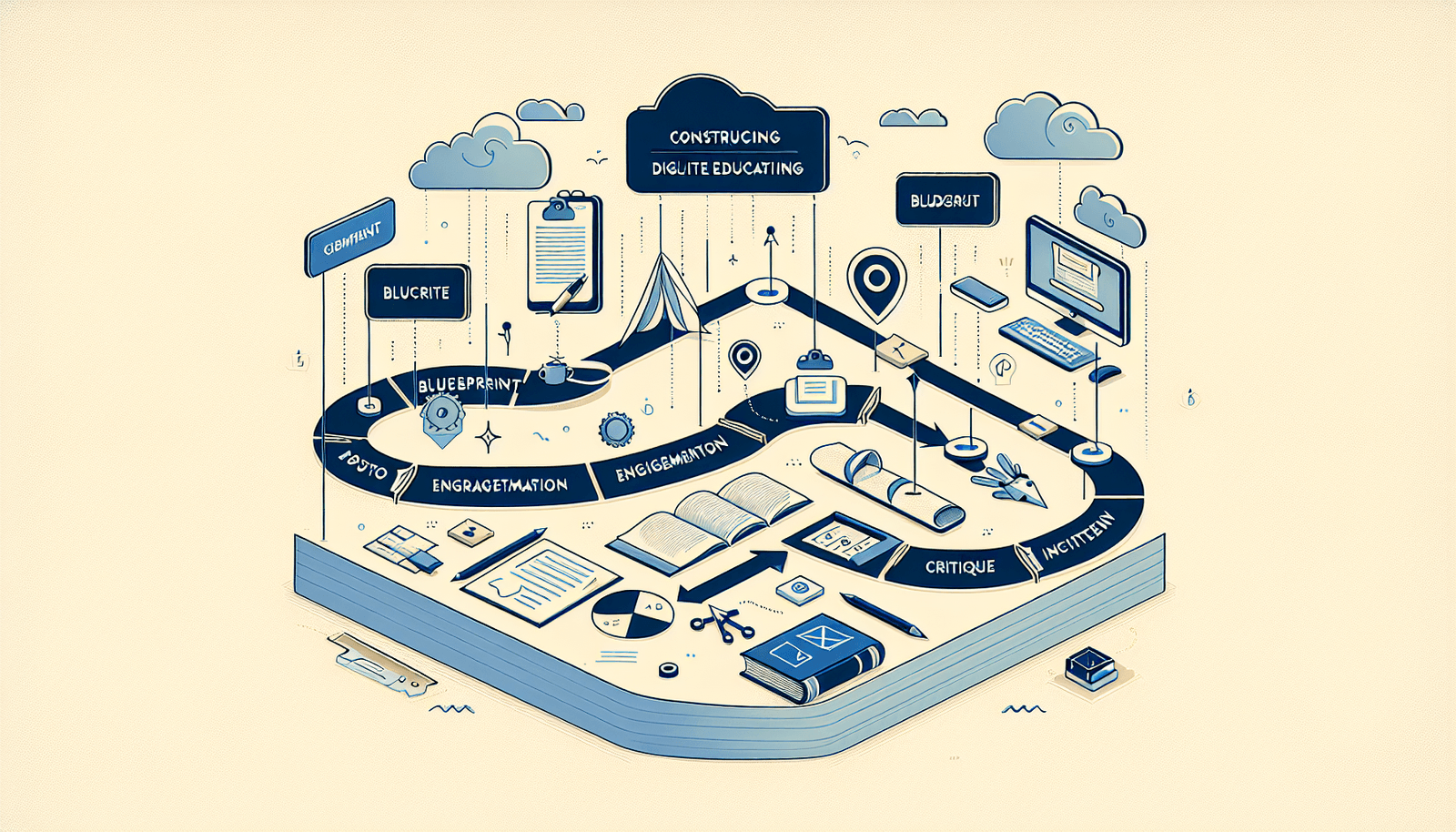
Software To Create Online Training Courses: Key Features And Tips
I’ve built a few online training courses over the years, and I’ll be honest—picking the right software can feel harder than actually building the course. You’re staring at feature lists that all sound great, but then you realize you still can’t answer simple questions like: Can it export my content to SCORM? Will it track quiz scores in a way that makes sense? Does it handle captions and keyboard navigation?
In this post, I’ll walk you through the features that matter, which popular platforms tend to fit different needs, and a practical way to choose. If you’re trying to launch something for compliance training, onboarding, coaching, or internal teams, you’ll find decision rules you can actually use.
Quick heads-up: I’m also going to call out tradeoffs. No platform is perfect—some are amazing for selling courses, others are better for institution-style learning management, and some are built for creators who want speed over deep admin controls.
Key Takeaways
- Start with your requirements (SCORM/xAPI, quiz grading, integrations, reporting exports) before comparing brands.
- For engagement, look for discussion options, cohort support, and interactive assessments—not just “video playback.”
- For compliance or corporate training, prioritize SCORM 1.2/2004 or xAPI support plus reliable completion tracking.
- For accessibility, check for captioning, keyboard navigation, and WCAG-minded features (not every platform gets this right).
- Use analytics intentionally: you want completion rates, time-in-module, and question-level results you can act on.
- Test the workflow end-to-end (build → publish → enroll → quiz → report export). The UI matters, but the reporting matters more.
- Plan for marketing and support: templates, email notifications, and an FAQ/knowledge base can save you hours.
- Expect tradeoffs—simpler tools often mean fewer admin/reporting controls, and “enterprise” tools can slow creators down.

Overview of Online Training Course Software
Online training course software is basically a platform where you can create learning content, organize it into lessons or modules, enroll learners, and track what happens. Some tools are built for creators who want to sell courses. Others are closer to a learning management system (LMS) for teams and institutions.
What I noticed after testing different setups is that the “course builder” part is only half the story. The other half is what learners experience (mobile access, video player behavior, notifications) and what you can measure (quiz results, completion, time-on-task).
Also, if you’re dealing with distributed teams, you’ll want features that don’t collapse when people are offline or on spotty connections. In practice, that means checking for mobile-friendly design, downloadable materials, and a way to keep tracking consistent when learners reconnect.
Key Features to Look For
Here’s the part that really helps: don’t just look at “feature lists.” Look for proof that the software matches your course workflow. When I evaluate tools, I run a mini test course end-to-end (about 30–45 minutes) and see what breaks.
1) Course creation tools (and how fast you can publish)
You want an editor that’s easy to use, sure—but I also care about publishing mechanics. Can you reuse sections? Can you duplicate a module? Does it support SCORM packages or custom HTML blocks?
In my experience, the difference shows up when you’re updating content later. If changing a video thumbnail or moving a lesson breaks formatting, that’s a problem you’ll feel every time you iterate.
2) Multimedia support that doesn’t get messy
Yes, you should be able to add videos, images, and audio. But the practical questions are:
- Does the video player support captions?
- Can you control playback speed or embed interactive video?
- Do images and PDFs display properly on mobile?
- Are there file size limits that force you to use a workaround?
3) Assessments: quizzes that match real training
“Quizzes” is too vague. I look for specific question types and grading options. For example:
- Multiple choice (single and multi-select)
- True/false with immediate feedback
- Short answer (and whether it’s auto-graded or manual)
- Scenario-based questions (common in compliance training)
- Randomized question banks (so people can’t just memorize answers)
Then I check the grading workflow. Can you set pass/fail thresholds? Can you require a retake? If you need certificate issuance, does it trigger automatically after a score or completion percentage?
4) Tracking & reporting (what “robust” actually means)
Tracking is where most platforms either shine or disappoint. I recommend looking for these exact report types:
- Completion rate per course and per module
- Time spent (or at least “last activity” timestamps)
- Quiz performance at the question level (not just overall score)
- Export options (CSV download or integration with your data stack)
- Audit trails for admin actions (especially if you manage compliance)
If you can’t export quiz results or see question-level performance, you’ll struggle to improve your course based on real learner behavior.
5) Compliance and interoperability (SCORM / xAPI)
If you need SCORM for corporate compliance, prioritize:
- SCORM 1.2 and/or SCORM 2004 support (which one matters for your LMS)
- Correct completion and score reporting back to the LMS
- xAPI (Experience API) if you need more detailed learning event tracking
In my experience, this is the easiest place to get burned: you build something that looks perfect, then it loads in the LMS but doesn’t report completion properly. Always test the package in a staging environment if you can.
6) Integrations you’ll actually use
Most course creators rely on other tools—Zoom, email marketing, analytics, and sometimes an LMS or LRS. Look for integrations like:
- Email automation (welcome sequences, reminders, completion nudges)
- Video conferencing (live sessions, cohorts, webinars)
- CRM or marketing tools (so you can segment learners)
- LMS/LRS integrations (especially for xAPI)
Don’t assume “integration available” means “integration works smoothly.” Test one integration during your trial.
7) Accessibility (captions, keyboard support, and more)
Accessibility isn’t just a checkbox. For learners with disabilities, features like captioning and keyboard navigation can make or break usability.
When comparing platforms, I specifically check for:
- Captioning for videos (uploaded captions or auto-caption options)
- Keyboard navigation for lesson pages and quiz controls
- Screen-reader friendly markup on forms and quiz questions
- WCAG-minded settings like focus states and readable color contrast
Some platforms do this better out of the box than others—so if accessibility matters for you, don’t wait until after launch to test it.
8) Pricing model and what’s included
Pricing is where people get surprised. You might pay for the platform but still need separate tools for:
- Payments/checkout
- Marketing automation
- Advanced reporting or admin seats
- Custom branding or additional course sites
So, when you compare, make sure the plan you’re looking at includes the features you’ll use in week one—not just the features in the marketing screenshot.
Popular Software Options
There are a lot of options, but the “best” one depends on your goal. Are you selling courses to the public? Training employees internally? Running a cohort program? Or building a standards-based learning path?
Here’s a practical comparison of the platforms you’ll commonly see mentioned—plus who they tend to fit best.
Quick comparison (feature fit, not just brand hype)
- Teachable: Great for creators who want a clean storefront, easy course publishing, and straightforward marketing. Tradeoff: if you need deep enterprise LMS controls, you may outgrow it.
- Thinkific: Strong for building and packaging courses with customization and admin features. Tradeoff: advanced compliance workflows (like certain SCORM expectations) can require extra testing.
- Udemy: Massive marketplace reach. Tradeoff: you’re playing inside Udemy’s ecosystem—your branding and customer data control are more limited.
- Moodle: Best for institutions and teams that want control and can handle setup/administration. Tradeoff: it can take more effort to configure and maintain.
Teachable is user-friendly and offers customization options that help you build a recognizable course brand.
Thinkific is a popular choice if you want to create and sell courses quickly and manage learners from one place.
Udemy can be a great option when your priority is distribution and you’d rather spend less time on marketing logistics.
On the other hand, Moodle is open-source and often used by schools and organizations that want more control over the learning environment.

Benefits of Using Online Course Software
The biggest benefit is flexibility. Learners can access training from anywhere, and you can structure content around real schedules instead of forcing everyone into the same time slot.
For creators and trainers, scalability is the real win. You can publish once and serve hundreds or thousands of learners without adding the same amount of admin work you’d have in a live classroom.
Accessibility improvements matter too. Many platforms now support captioning and better content formatting, but the quality varies. If you’re serious about inclusive learning, it’s worth testing a quiz and a lesson page with a keyboard only and a screen reader (even a quick pass reveals issues fast).
Engagement features also tend to be stronger than people expect. When the platform supports discussions, announcements, and interactive assessments, learners don’t just “watch and leave.” They participate. That’s where completion rates usually improve.
In short: the right software doesn’t just host your content—it helps you deliver it in a way learners can actually finish.
How to Choose the Right Software
Here’s the selection method I use (and honestly, it saves me from wasting trial days).
Step 1: Match the software to your course type
- Public course + sales funnel: prioritize storefront customization, payment options, email marketing, and affiliate/marketing tools.
- Internal training / compliance: prioritize SCORM/xAPI, completion tracking accuracy, admin controls, and reporting exports.
- Cohorts + live sessions: prioritize scheduling, reminders, and discussion or group spaces.
- Institutional learning paths: prioritize roles, permissions, grading workflows, and deeper LMS features (often where Moodle shines).
Step 2: Use a “must-have” checklist (not a wish list)
Before you compare pricing, decide what you truly need. For example:
- If you need SCORM for corporate compliance, require SCORM support + completion/score reporting you can verify.
- If you need quizzes that drive mastery, require question banks + retake rules + question-level analytics.
- If you need accessibility, require captions + keyboard navigation + readable quiz UI.
- If you need analytics for improvement, require exportable reports and real-time progress visibility.
Step 3: Run a 45-minute trial test (this is the part people skip)
During the trial, I build a tiny course with:
- 1 lesson with a video and a PDF
- 1 quiz with 5 questions (mix multiple choice + scenario + true/false)
- 1 completion requirement (like “must score 80%” or “must finish module”)
- 1 notification (email reminder or announcement)
- then I enroll a test user and check the reports
What I look for:
- Did the quiz grade exactly how I configured it?
- Do I see completion and question-level results?
- Can I export the report?
- Does the learner experience match what I expected on mobile?
If any of those fail, I treat it as a “no” or I plan extra work (and extra cost) before committing.
Choose-your-stack mini decision flow
Do you need SCORM/xAPI?
- If yes → prioritize SCORM/xAPI compatibility and reporting accuracy first.
- If no → you can focus more on publishing speed, quizzes, and learner experience.
Is your main goal selling to the public?
- If yes → prioritize checkout, branding, and marketing integrations.
- If no → prioritize roles/permissions, admin controls, and bulk learner management.
Will you iterate based on learner data?
- If yes → require question-level analytics and report exports.
- If no → simpler dashboards may be enough.
Common Challenges and Solutions
Let’s talk about the stuff that actually goes wrong. Because it always does.
Challenge 1: Technical issues during launch
Solution: don’t just “publish and hope.” Do a launch checklist:
- Test video playback on mobile and desktop.
- Try a quiz as a learner and confirm scoring rules.
- Confirm notifications (welcome email, reminders, completion messages).
- If you use SCORM, test the package and verify completion/score reporting.
- Keep screenshots or exports of your settings in case you need to replicate quickly.
Challenge 2: Learners don’t engage
“Engagement” isn’t a magic setting. It’s built into the structure. A few tactics that work:
- Use short lessons (5–12 minutes) instead of one giant video block.
- Place a quiz or reflection prompt after every module, not at the end.
- Give learners a reason to participate: “Post your example by Friday” beats “Discussion forum is available.”
- If you run cohorts, schedule a predictable rhythm (e.g., live session every Tuesday, asynchronous work due Thursday).
Challenge 3: Content creation takes too long
Solution: create in layers. I start with a rough outline, then build the lesson shell (headings, learning objectives, a single example). Only after that do I polish media and add deeper interactions.
Also, reuse content where it makes sense. Turn one webinar into multiple lesson segments, then add targeted quizzes for each segment.
Challenge 4: Marketing feels overwhelming
If you’re selling or promoting your course, you need a simple plan you can measure. Try this:
- Pick one channel for the first launch (email list, LinkedIn, YouTube, or a niche community).
- Create one landing page with a clear promise and 3–5 bullet outcomes.
- Set a target metric: for example, aim for a 2–5% conversion rate from landing page visits (varies a lot, but you need a benchmark).
- Send a 3-email sequence: announcement → proof/FAQ → last-chance reminder.
And don’t ignore post-launch. Update the course based on the most missed quiz questions—that’s one of the fastest ways to improve retention.
Best Practices for Creating Online Training Courses
Best practices help you build something learners actually finish. They also make your course easier to update later (which is underrated).
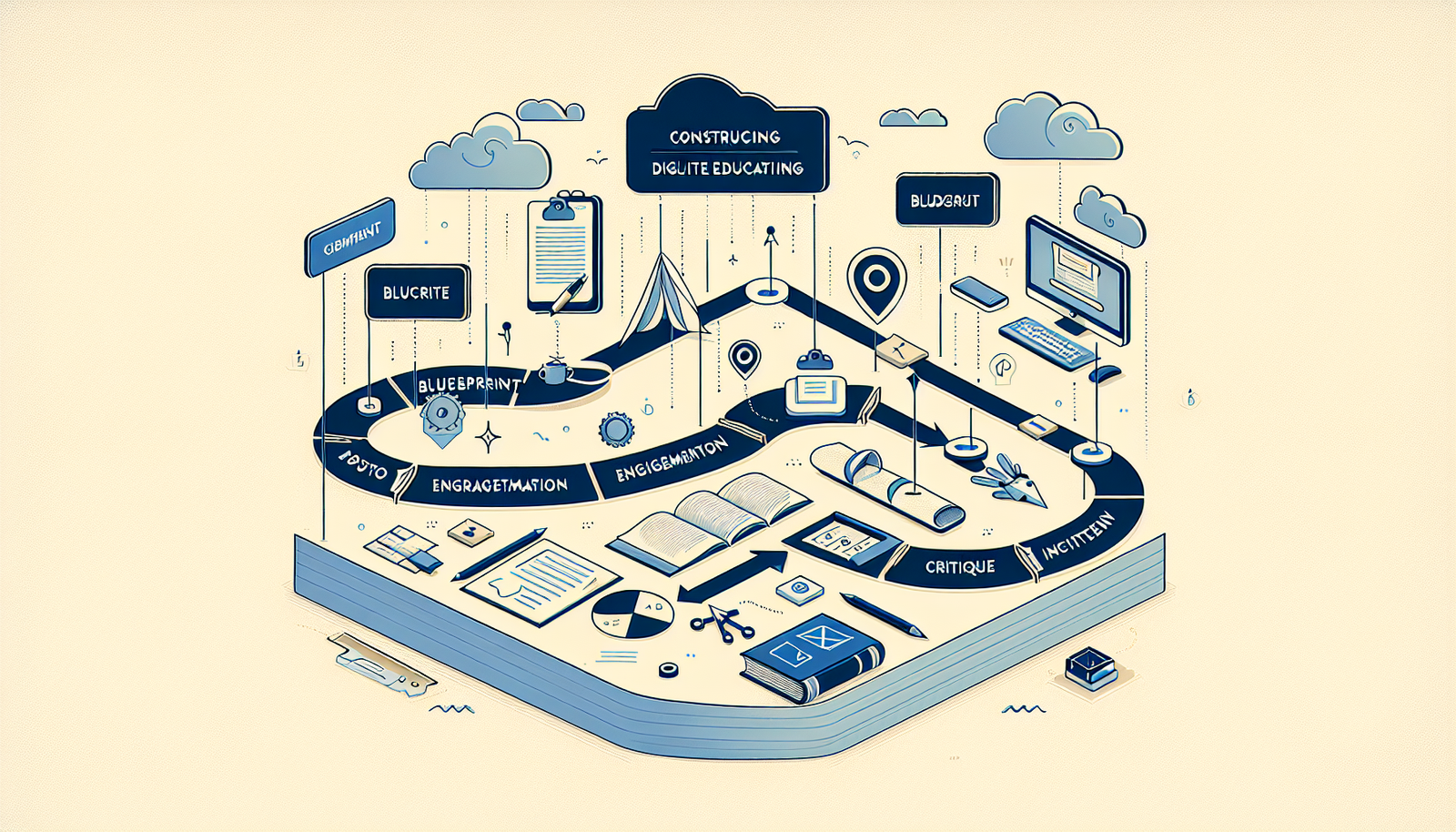
1) Plan your course like a path, not a pile of videos. Break your content into modules that flow logically. Each module should have a clear objective and a simple “what to do next.”
2) Add interaction in small doses. You don’t need constant fancy features. But you do need moments where learners respond. Polls, short quizzes, and scenario questions work well—especially when they’re placed right after a concept.
3) Make feedback immediate. If learners answer incorrectly, give a quick explanation. Don’t just show “wrong” and move on. That explanation is what prevents confusion from turning into drop-off.
4) Encourage participation with prompts that feel doable. Examples I like:
- “Share your biggest obstacle and one question you still have.”
- “Post your checklist and tag a peer for feedback.”
- “Reply with a real example from your work this week.”
5) Iterate based on data. If 60% of learners miss the same quiz question, that’s not a learner problem—it’s a course clarity problem. Fix the lesson, then retest.
Best Practices for Creating Online Training Courses
Let me add a second set of “real-world” practices that help when you’re building under time pressure.
Keep your tech stack simple at first. If you’re using integrations (email, Zoom, analytics), add them one at a time. I’ve seen launches stall because three integrations failed at once—nobody wants that.
Design for mobile early. Even if your audience is mostly desktop, some learners will watch on their phone. Test your quiz UI and video controls on a small screen before you go live.
Use templates for consistency. Make a standard lesson format: intro (1–2 paragraphs), video or reading, quiz/reflection, next steps. It speeds up production and makes the learning experience feel cohesive.
Document your setup. Save your quiz settings, grading rules, and module structure. When you update later, you’ll thank yourself.
Plan your support. Have a real FAQ page ready, and assign who answers questions. “We’ll respond soon” isn’t a strategy—learners need clarity fast.
Conclusion
Choosing software to create online training courses is less about finding the “best platform” and more about matching the tool to your actual requirements. If you need SCORM/xAPI and reliable completion tracking, don’t settle for a platform that only looks good in a demo. If accessibility matters, test captions and keyboard navigation before launch. And if you want to improve the course over time, prioritize quiz analytics and reporting exports.
Start with your goals, run a quick trial test, and build a small course that exercises the features you’ll rely on. Do that, and you’ll avoid the most common regret: realizing too late that the platform can’t do the one thing your training depends on.
FAQs
Online training course software helps educators and trainers create, manage, and deliver courses digitally. Its purpose is to make learning accessible and organized—so learners can progress at their own pace while instructors can track results and course completion.
Look for a user-friendly course builder, multimedia support (video, PDFs, images), assessment tools (quizzes with grading rules), and reporting/analytics that show completion and quiz performance. If you’re in corporate training, also check for SCORM/xAPI support and export options.
Start by defining your goals (selling vs. internal training vs. cohorts). Then map your must-haves: quiz types, grading rules, analytics/export, accessibility needs, and any SCORM/xAPI requirements. Finally, test the workflow end-to-end during the trial—build a lesson, run a quiz, enroll a test user, and review the reports.
Common issues include technical glitches at launch, low learner engagement, slow or complicated content creation, and difficulty marketing the course. The best fix is preparation: test key workflows, structure lessons with interaction points, and set up a simple marketing plan with measurable targets.