
Virtual Field Trips For Online Learning: Benefits & Tools
Online learning can be… kind of brutal. I’ve sat through plenty of “watch this video, answer these questions” lessons where students stare at the screen like it’s going to suddenly become interesting. It usually doesn’t.
That’s why I started using virtual field trips. Not as a fun add-on, but as the hook that makes the rest of the lesson actually land. When students can “go” somewhere—museums, landmarks, rainforests, even outer space—they stop treating class like background noise.
In my experience, the moment you give them a real place to explore, engagement changes fast. Suddenly there are questions. Suddenly they remember details. And honestly, it just feels more human than another slide deck.
Key Takeaways
- Virtual field trips boost engagement because students actively explore (click through exhibits, answer prompts, react to what they see) instead of passively reading.
- They’re usually cheaper than in-person trips since you skip transportation, chaperones, and entry fees.
- You can match locations to your curriculum—ancient history, local geography, science habitats—without waiting for “trip season.”
- Good tools include Google Arts & Culture, NASA/space resources, Nearpod, and optional VR (like Google Cardboard) when your tech setup supports it.
- Learning sticks when you connect the trip to assessments: short quizzes, written reflections, and discussion prompts right after the experience.

1. How Virtual Field Trips Enhance Online Learning
Think of virtual field trips as a way to get students out of “lecture mode” without actually leaving home.
Instead of telling them what the Louvre looks like, you can take them through the exhibits on Google Arts & Culture and let them zoom in on details they’d never notice from a textbook photo. Instead of reading about ecosystems, you can guide them through a nature habitat and ask, “What do you notice about the relationships here?”
Here’s what I noticed the first time I ran one for a live online class: participation spiked right after the trip. Not because students were forced to talk, but because they had something specific to reference. It’s hard to stay quiet when you just “visited” a place and you have a real observation to share.
And that’s the real value—virtual field trips create a shared experience. From there, you can build discussions, writing prompts, and concept checks that feel relevant instead of random.
2. Key Benefits of Virtual Field Trips
Let’s talk benefits that actually matter in the classroom. No motion sickness. No bus drama. No last-minute permission slip panic.
1) Engagement that doesn’t fade after 10 minutes. When students can interact—answer polls, click through guided stops, or respond to prompts during the visit—they’re doing something the whole time. That active behavior is the difference between “I watched it” and “I learned it.”
2) Budget-friendly and easy to scale. Traditional field trips come with transportation, staffing, and admission costs. Virtual trips usually cost you time and a platform subscription (if you choose one). For many schools, that’s a big win.
3) Flexibility for curriculum pacing. Want to cover ancient civilizations this week? You can. Want to pivot to a science topic based on student interest? You can do that too. I like that you’re not stuck waiting for a specific date or location availability.
4) Better personalization. Students don’t always learn the same way. With virtual trips, you can offer different “viewing paths” (for example, one group focuses on artifacts, another on architecture, another on geography connections). You still cover the same standards—you just let students explore through different angles.
Quick reality check: You’ll only get these benefits if you plan the trip like a lesson, not like a YouTube break. More on that below.
3. Different Types of Virtual Field Trips to Consider
Not all virtual field trips work the same way. I usually choose the format based on your learning goal: exploration, explanation, or assessment.
- Live virtual tours: A ranger, guide, or presenter speaks in real time and answers questions. These are great when you want immediate Q&A and a “real event” feel. (If you’ve ever watched a live stream where students are suddenly alert—yeah, this is why.)
- Pre-recorded 360° / interactive videos: Students navigate the environment at their own pace. This works well for observation-based lessons (notice patterns, compare regions, identify features).
- Guided museum/exhibit walkthroughs: Platforms like Google Arts & Culture let you “stage” a visit by choosing specific exhibits and building prompts around them.
- Interactive lesson platforms: Tools like Nearpod can turn a trip into a structured activity with polls, open-ended responses, and quick checks during the experience.
- Virtual reality (VR) add-ons: If you have compatible devices, VR can add immersion. I’d only use this when your class tech setup is stable—otherwise you end up troubleshooting headsets instead of teaching.
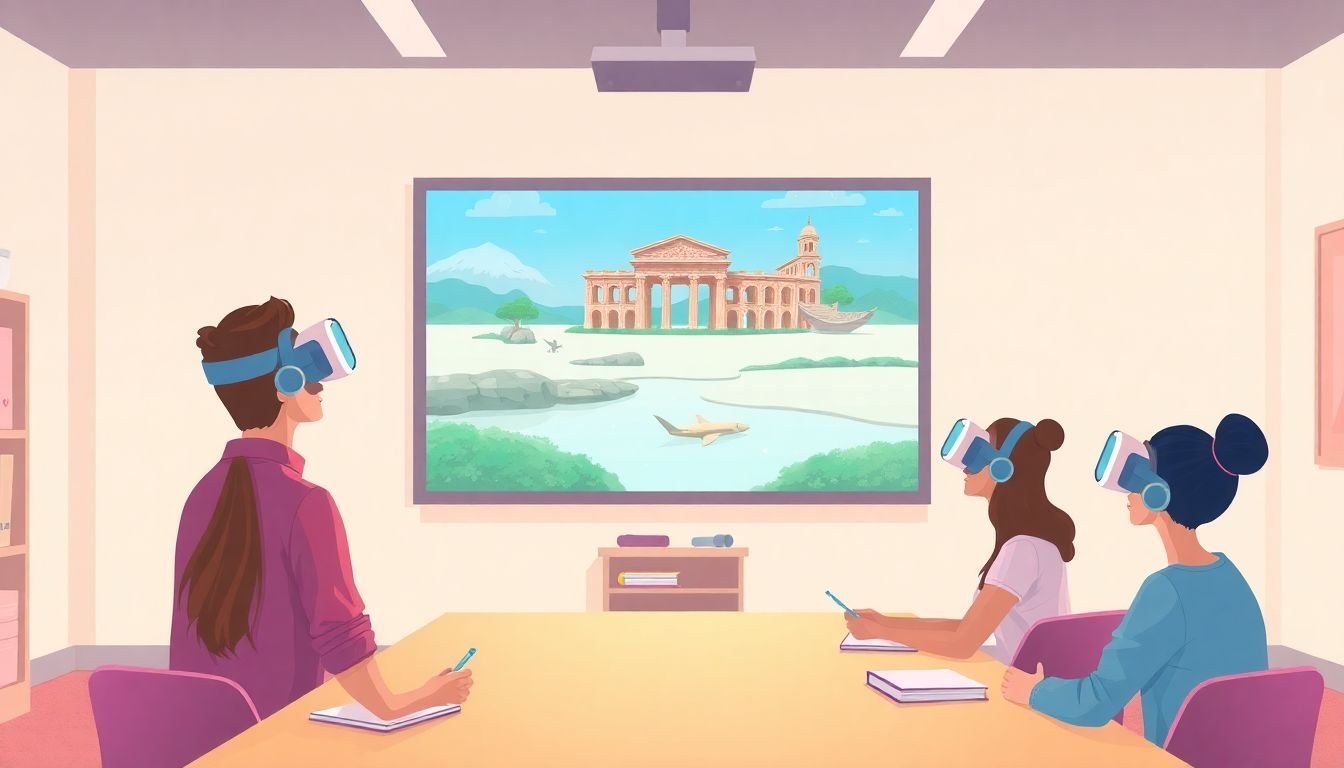
For science and space, I like building lessons around NASA’s public resources. One easy approach: use NASA videos/virtual content as the “trip,” then run a short inquiry activity right after.
If your focus is Earth science or biology, Google Earth can be a great companion—students can “visit” volcanoes, coastlines, or marine areas and then answer questions tied to the lesson objective.
4. Tools and Strategies for Effective Virtual Field Trips
Here’s the part that makes virtual field trips actually work: the structure. Tools matter, but planning matters more.
A simple 3-part workflow I use (and students respond to)
- Pre-brief (5–10 minutes): Tell them where you’re going and what they’re looking for. Give 2–3 “watch for” prompts. Example: “Find one example of adaptation,” “Spot one human impact,” “Identify one question you still have.”
- Guided exploration (15–25 minutes): Pause at set moments. Don’t let it run nonstop. Use embedded questions (polls, short answers, or “choose what you think happens next”).
- Debrief (10–15 minutes): Have students connect the trip to the lesson concept. This is where learning becomes assessment-ready.
Sample lesson plan (ready to copy)
Topic: Ecosystems & relationships (Grades 6–9, adaptable)
Trip: Virtual habitat/nature exploration (360 video or guided tour)
- Learning objective: Students will explain how organisms depend on each other in a specific ecosystem.
- Pre-brief prompt: “As you explore, find one example of what depends on what. Write it as: ‘Because ___, ___ survives.’”
- During the trip (3 checkpoints):
- Checkpoint 1: “What’s the most noticeable feature of this environment? (one sentence)”
- Checkpoint 2: “Which organism seems most connected to others? Why?”
- Checkpoint 3: “Spot one threat or change. What might happen if it increases?”
- Debrief assessment: 5-question Google Form quiz (mix of short answer + multiple choice) + a 3-sentence reflection: “I used to think… Now I think…”
What to look for when choosing a virtual field trip tool
- Built-in interactivity: Can you add prompts, polls, or checks during the visit?
- Student navigation: Do students get to explore or are they stuck watching?
- Accessibility: Captions, readable text, keyboard navigation, and screen-reader compatibility matter more than people think.
- Teacher control: Can you pause, highlight specific moments, and guide the flow?
- Works on your devices: If half your students are on phones, plan for it.
A beginner-friendly lesson planning link (and how I’d apply it)
If you need a starting point for structure, you can use how to write a lesson plan. When you apply it to virtual field trips, make sure your plan includes:
- clear objectives (what students should be able to do after the trip),
- timed segments (pre-brief / exploration / debrief),
- student output (quiz, reflection, or presentation),
- and a backup plan if the video lags or a link fails.
Sample question sets you can use right away
These are the kinds of questions that work well because they force observation and connection.
- Observation: “What did you notice first, and why?”
- Evidence: “Point to one detail you saw during the trip that supports your answer.”
- Compare: “How is this place similar to/different from your own environment?”
- Cause & effect: “If one factor changed, what would likely happen next?”
- Prediction: “What do you think we’ll learn in the next part of the lesson, and why?”
5. Assessing the Impact of Virtual Field Trips on Learning Outcomes
So… do virtual field trips actually improve learning, or is it just “cool visuals”?
In my classes, the difference comes down to measurement. If you don’t assess, you won’t know what stuck.
How I evaluate effectiveness (practical and fast)
- Pre vs. post check: 3–5 questions before the trip and then the same concept questions after.
- During-trip engagement: track participation in prompts (how many students responded, not just how many watched).
- Short quiz: multiple choice + one short response tied to the objective.
- Reflection: a 3–5 sentence “what I learned / what confused me” response.
- Discussion quality: listen for evidence-based answers (“I noticed… therefore…”).
A concrete feedback method (with example survey questions)
After the trip, I run a quick 2-minute exit ticket. It’s not fancy, but it’s consistent—and it gives you data you can act on.
- Likert scale (1–5): “The virtual trip helped me understand today’s topic.”
- Likert scale (1–5): “The trip was the right length.”
- Open response: “What moment was most interesting, and why?”
- Open response: “What was confusing or hard to follow?”
- Optional: “If we do another trip, what place/topic should we visit?”
Then I do something simple: if the “confusing” answers mention the same thing (like audio quality, too many stops, or unclear prompts), I change the next lesson’s timing or guidance.
What “success” looks like (a quick checklist)
- Students can connect what they saw to the objective (not just “it was cool”).
- More students answer with evidence after the trip.
- Post-assessment scores improve compared to pre-check.
- Exit tickets show fewer “confused” comments over time.
FAQs
Google Earth and Google Arts & Culture are great for guided exploration. Nearpod is useful when you want built-in interaction like polls and quizzes during the visit. Many schools also use Discovery Education for ready-made virtual content and virtual museum-style experiences.
Measure participation (how many students respond to prompts), then compare learning outcomes using pre/post questions, quizzes, or short reflections. If you want something quick, use a 5-question Google Form and one open response that requires students to reference what they saw during the trip.
Yes. You just adjust the complexity and the level of interaction. Younger students often do best with simpler prompts and more guided checkpoints, while older students can handle deeper analysis and evidence-based writing.
Virtual museum visits, guided tours of historic landmarks, interactive nature explorations, live-streamed habitats, space exploration webinars, and even structured “walkthroughs” of cities and cultural sites can all count—especially when they’re paired with pre-brief prompts and a post-activity assessment.