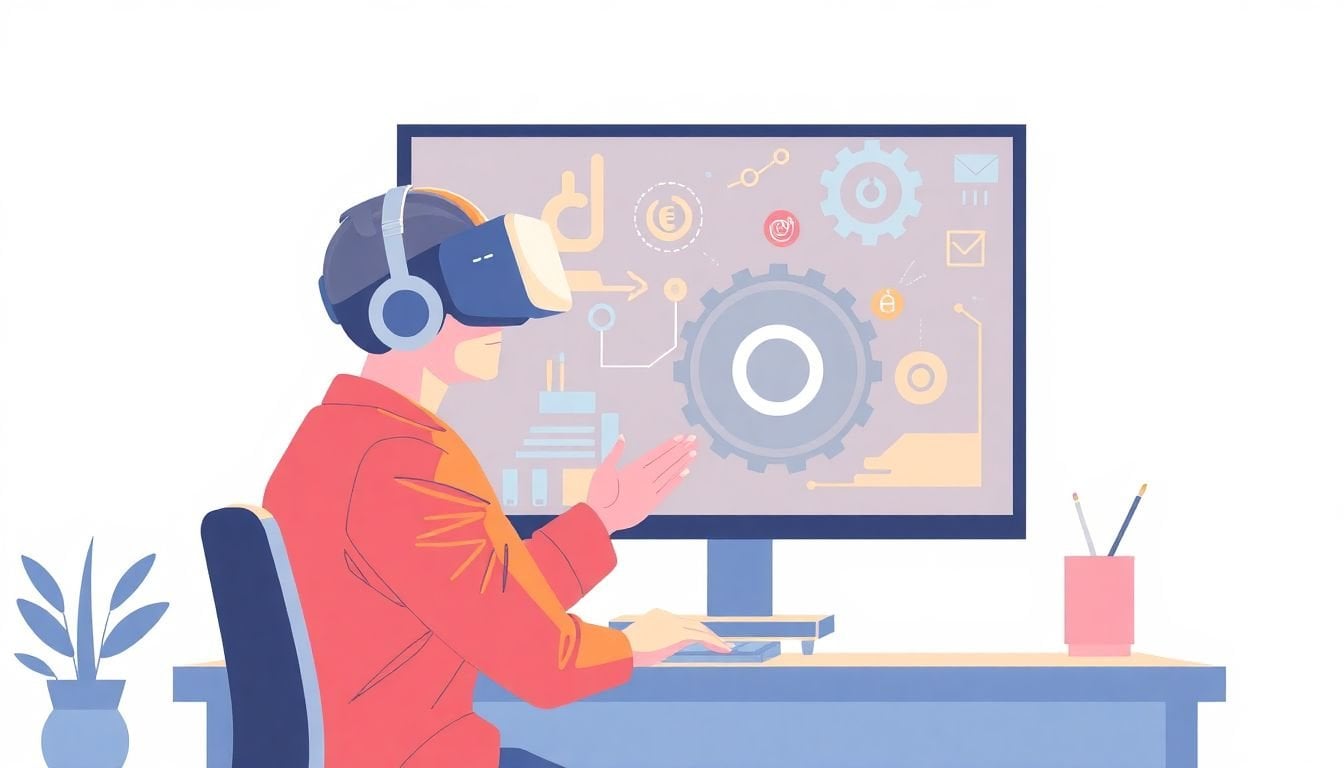
Using Virtual Reality for Skill Development: How to Enhance Training
Virtual reality for skill development has been popping up everywhere lately, and honestly, I get why. A lot of training still looks like “watch this, read that, then hope you remember it when it matters.” VR flips that—your learners actually do the thing, inside a controlled simulation.
In my experience, the biggest difference isn’t just that it feels immersive. It’s that it makes practice repeatable. You can run the same scenario 10 times, change one variable, and let people learn from mistakes without turning training into a real-world risk.
If you’re considering VR, this post walks through what to use it for, where it really helps, what to watch out for (motion sickness is real), and how to set up a pilot that gives you actual answers—not just hype.
Key Takeaways
Key Takeaways
- VR helps skill training by putting learners in realistic, interactive scenarios—so practice is active, not passive. The best results usually come when you design scenarios around measurable tasks and errors.
- Common early wins are safety, maintenance troubleshooting, procedure rehearsal, and emergency-response training—because VR makes “repeat practice without real-world consequences” practical.
- Hardware is improving fast, but “affordable” depends on your use case. A single headset can work for pilots, yet you still need device management, space setup, and content compatibility.
- Engagement is usually higher in VR, but motivation isn’t automatic. You’ll need clear objectives, short sessions, and feedback loops (visual, audio, and sometimes haptics).
- Getting started is mostly a workflow problem: pick the right skills, match them to VR interactions, train facilitators, run a pilot, and track outcomes with the same metrics you’d use for any training program.
- To maximize learning outcomes, focus on scenario scripting, interaction design, comfort settings, and evaluation (task completion, error rates, and retention checks), not just “put people in VR.”
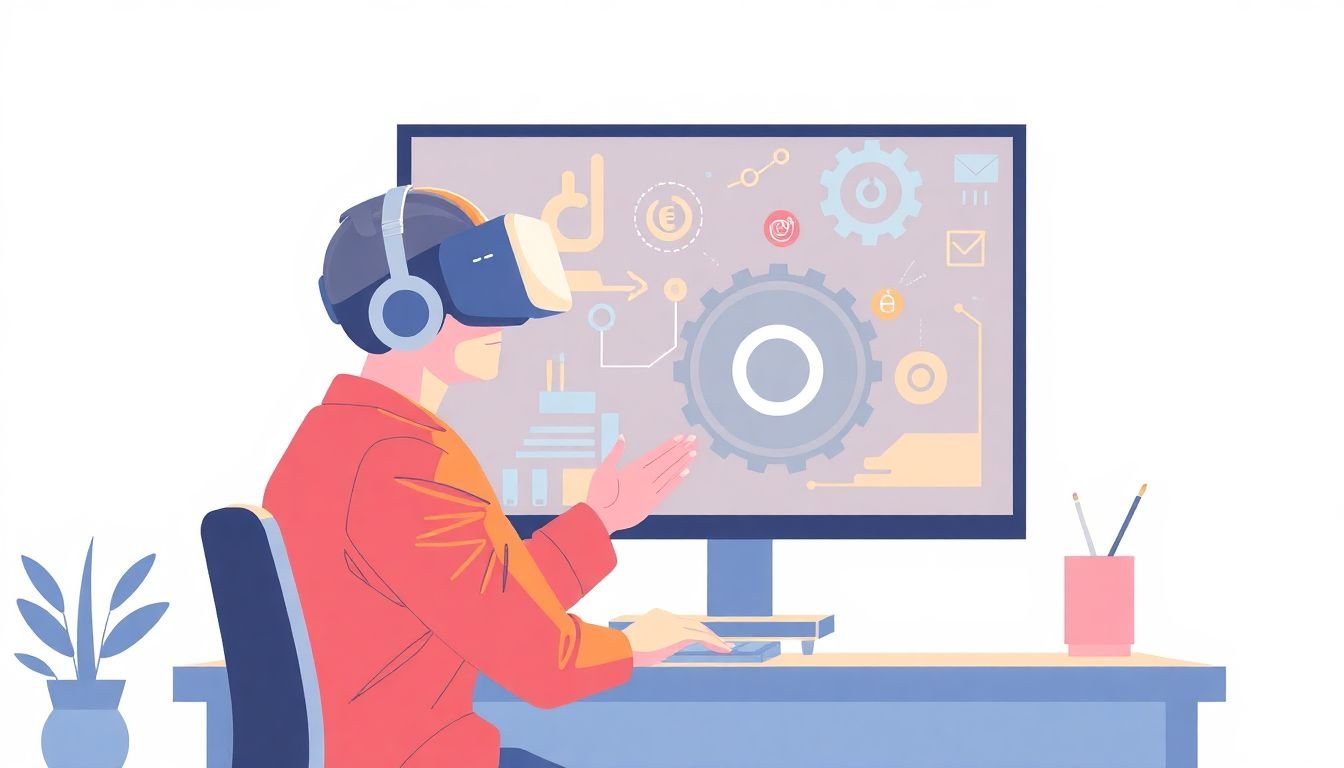
Using Virtual Reality for Skill Development
Virtual reality (VR) makes skill development feel different because it doesn’t stop at “concepts.” It lets learners practice in a simulated environment where they can make mistakes, repeat actions, and see outcomes immediately.
Instead of reading about how to operate machinery or perform a procedure, VR puts you inside the workspace. You interact with the scenario—grab tools, follow steps, respond to prompts, and correct errors in real time.
Here’s the practical way to think about it: VR is strongest when the skill is procedural (steps matter), spatial (positioning matters), or risk-sensitive (mistakes are expensive).
In a pilot, I always recommend starting with a clear shortlist of skills, then matching them to VR interactions. For example, if the skill is “inspect a component and identify defects,” you need a VR experience that can support close-up viewing, guided attention (like highlighting), and measurable responses (choose/confirm, not just “look around”).
A quick tip before you buy anything: try a few free demos or trials. I’ve seen teams spend months building content for the wrong interaction style—hand tracking vs. controllers can change what’s even possible.
Key Benefits of Virtual Reality in Skill Development
Let’s talk benefits, but with specifics. VR tends to help most when it improves one of these: practice frequency, feedback quality, scenario realism, or confidence through repetition.
On the research side, VR has a solid evidence base compared to traditional training in many settings. One widely cited source is the meta-analysis by Freina & Ott (2015) / and later reviews summarized in Frontiers in Psychology (2019), which discusses how immersive learning environments can improve outcomes when designed properly (not just because they’re immersive). I’m not going to pretend every study produces the same “magic number,” because results depend heavily on training design, task type, and measurement.
So instead of repeating vague multipliers, here’s what you can usually measure in a good VR pilot:
- Faster time-to-competency: learners complete the task in fewer attempts or less time (for example, “from 12 minutes to 8 minutes” over 3–5 sessions).
- Lower error rates: fewer missed steps, safer sequences, and improved compliance with checklists.
- Better transfer: skills perform better on a real-world checklist test after VR (even if it’s not a full job simulation).
- Higher confidence: learners report feeling prepared, especially when VR includes guided feedback and repeatable scenarios.
In high-stakes fields—healthcare, aviation, industrial safety—VR is useful because it gives repeat practice without real-world exposure. You can train “what to do when X goes wrong” far more often than you can in live environments.
And yes, the market is growing, but I’d rather you measure ROI than chase forecasts. If VR doesn’t reduce rework, increase pass rates, or shorten ramp time for your specific job roles, it’s not a win—even if the industry is booming.
Real-World Use Cases of VR for Skills Training
VR adoption shows up most clearly in training where “practice makes perfect,” but the real-world cost of practice is high.
- Airlines and aviation: VR emergency procedure training and cockpit walkthroughs let trainees rehearse responses to abnormal events without tying up aircraft or risking safety. The value is repeatability—doing the same scenario until the steps are automatic.
- Healthcare: VR is used to rehearse procedures and decision-making workflows (for example, pre-surgery practice, anatomy familiarization, or scenario-based response). What I like here is that you can standardize the scenario for every learner.
- Industrial maintenance: teams use VR to train troubleshooting steps—identify the part, inspect, decide, and execute. Siemens and other industrial players have publicly discussed VR initiatives; the main takeaway is consistency and reduced downtime during training.
- Retail and customer interactions: VR can simulate challenging customer conversations. The catch? You need good scenario branching and realistic prompts, or it turns into “watch and click” instead of real practice.
One thing I’ve noticed across these use cases: VR works best when the scenario has measurable decisions (what did the learner choose/do?) and clear feedback (what went wrong and how to fix it).
How VR Continues to Advance and What That Means for Learners
VR hardware is getting better in three areas: tracking quality, comfort, and ease of setup. That’s the stuff that determines whether your learners actually finish a session without frustration.
Between 2024 and 2028, many forecasts expect millions of additional headsets shipped globally. That matters because it usually means:
- more content options (and more “good enough” off-the-shelf training)
- more developer support for common platforms
- lower costs over time
In practice, though, the “right” headset is the one that matches your training interactions and your IT reality. For example, if you need consistent controller input for fine motor tasks, you probably don’t want to rely on hand tracking alone.
Also, a quick note about the links in the original draft: they point to broader “course creation” content. For VR training hardware research, I’d rather you use platform docs and integration guides. Still, if you want reference points for common headset categories, you can look at popular ecosystems like Oculus Quest and HTC Vive.
Here’s what I recommend instead of “stay on top of the latest headsets”:
- Pick your target platform first (Quest-style standalone vs. PC-tethered).
- Confirm your content needs (controllers vs. hand tracking, eye tracking, haptics).
- Plan for device management (updates, charging, sanitization, user accounts).
- Run a short pilot with real learners and real session lengths.
One more thing: if you want a smooth rollout, don’t wait for perfect. Start with a limited module, measure outcomes, then expand.
How VR Boosts Engagement and Motivation in Skill Building
VR can absolutely feel more engaging than traditional training. But the reason isn’t “because it’s cool.” It’s because VR turns learning into action.
When learners can look around, interact with objects, and see immediate consequences, they stay focused. In my pilots, the learners who struggle in classroom settings often do better in VR because they can practice the sequence and get feedback without embarrassment.
That said, engagement can drop if the experience is poorly paced. Motion sickness, long sessions, and confusing controls kill motivation fast.
Here’s what I’ve seen work for motivation:
- Short sessions: 10–20 minutes per module is a common sweet spot for many learners, especially early on.
- Clear objectives: “Complete the safety check in under 3 minutes with zero missed steps” beats “explore the environment.”
- Immediate feedback: highlight the missed step, replay the correct action, or show a “before/after” comparison.
- Progression: unlock harder scenarios only after passing the easier one.
- Challenge + retry: make retries normal, not penalizing.
Want to reduce anxiety? VR helps when you include onboarding and comfort settings (teleport movement, snap turning, a “pause and reset” option). People feel safer when they know they can stop and recalibrate.
And if you’re building assessments alongside VR, pair it with lightweight follow-ups—checklists, quizzes, or a brief supervisor evaluation. That’s how you connect “VR felt great” with “VR improved performance.”
Steps to Start Using VR for Your Training Program
-
Pick the skills that fit VR best.
Start with procedural tasks (steps), safety-critical routines (risk), and spatial workflows (location/sequence). If the skill is purely theoretical, VR may be overkill.
-
Choose hardware based on interaction needs (not brand hype).
Here’s a practical selection framework I’ve used when teams get stuck:
- Hands-only / simple interactions: look for strong hand tracking, good controller alternatives, and quick onboarding.
- Fine motor tasks: prioritize reliable controller tracking and consistent input mapping.
- Group training: plan for multiple headsets or a rotation schedule, plus sanitization and charging.
- IT/security: check update control, account management, and whether the device can be managed centrally.
- Total cost of ownership: budget for head straps, prescription inserts, lens covers, replacement accessories, and facilitator time.
-
Source or develop VR content.
Off-the-shelf can be great for generic scenarios, but custom content is usually needed when your procedures, tools, or compliance steps are unique. Prioritize interactive elements and feedback features—if the learner can’t make decisions, the training won’t measure well.
-
Train facilitators and create an onboarding flow.
Have someone run through: how to put on the headset, where the play space is, how to reset, and what “comfort options” are available. The first session should feel guided, not like a surprise demo.
-
Run a pilot that collects data.
Don’t just ask “did you like it?” Use a pre/post checklist, track attempt counts and errors, and run a short retention test (even 1–2 weeks later if you can).
-
Track outcomes and compare to your baseline.
Use the same metrics you already track in training: pass rates, time-to-competency, error rates, and supervisor evaluations. If you can’t compare, you can’t prove value.
-
Scale gradually.
Expand modules only after you’ve fixed the obvious issues: comfort settings, device setup time, and scenario clarity. Update content based on what learners actually struggle with.
One more thing: VR rollout can feel overwhelming at first, mostly because it adds “ops” work (devices, space, onboarding). But if you keep the pilot small—one role, one module, one measurable outcome—it becomes manageable fast.
How to Maximize Learning Outcomes with VR Training
If you want VR to improve learning (not just entertain), design it like training—not like a movie.
Here are tactics that are genuinely VR-specific:
- Scenario scripting with decision points. Don’t just simulate the environment. Build steps where learners choose actions (select the correct tool, follow the right sequence, respond to alarms).
- Interaction design that matches the real job. If the job uses a specific tool motion or order, mirror it. Otherwise learners transfer the wrong muscle memory.
- Comfort and motion sickness mitigation. Use teleport or snap turning, cap session lengths, add frequent breaks, and include an easy “reset/pause” option. This isn’t optional for broad adoption.
- Feedback modalities. Visual cues (highlighting), audio prompts, and haptics (where available) help learners correct mistakes instantly. In my experience, delayed feedback makes people miss the “why.”
- Calibration and latency awareness. If tracking feels laggy or inconsistent, performance drops and frustration rises. Test with your target hardware and real lighting/space conditions.
- Repeatable practice loops. Let learners retry the same scenario quickly, with a clear “what changed” summary after each attempt.
- Measure the right things. Task completion, step accuracy, error rates, and a retention check are better than “likert confidence” alone.
And yes, you can blend VR with other learning tools. A quick pre-brief, a post-session checklist, and a short quiz can reinforce what they learned in VR. It turns VR from a standalone experience into part of a full training pathway.
If you’re also building assessments or lesson content around VR modules, you’ll want a consistent evaluation approach. Resources for quiz and lesson design can help you structure those follow-ups, like Create AI Course’s guidance on creating quizzes.
FAQs
VR gives learners immersive, hands-on practice in a safe environment. Instead of only understanding steps conceptually, they perform them, get feedback, and can repeat scenarios until they improve.
The main benefits are realistic practice, repeatability, and faster feedback loops. When you measure outcomes properly, VR often improves time-to-competency and reduces errors for procedural, safety, and decision-based training.
Yes. VR works for technical trades, safety procedures, and soft-skill scenario practice (like communication and conflict handling). The key is designing interactions and branching so the learner is actually making decisions.
Expect more realistic simulations, better comfort, and more integrations with training workflows. As headsets get easier to manage and content libraries grow, VR will likely become a more common part of skills development programs.