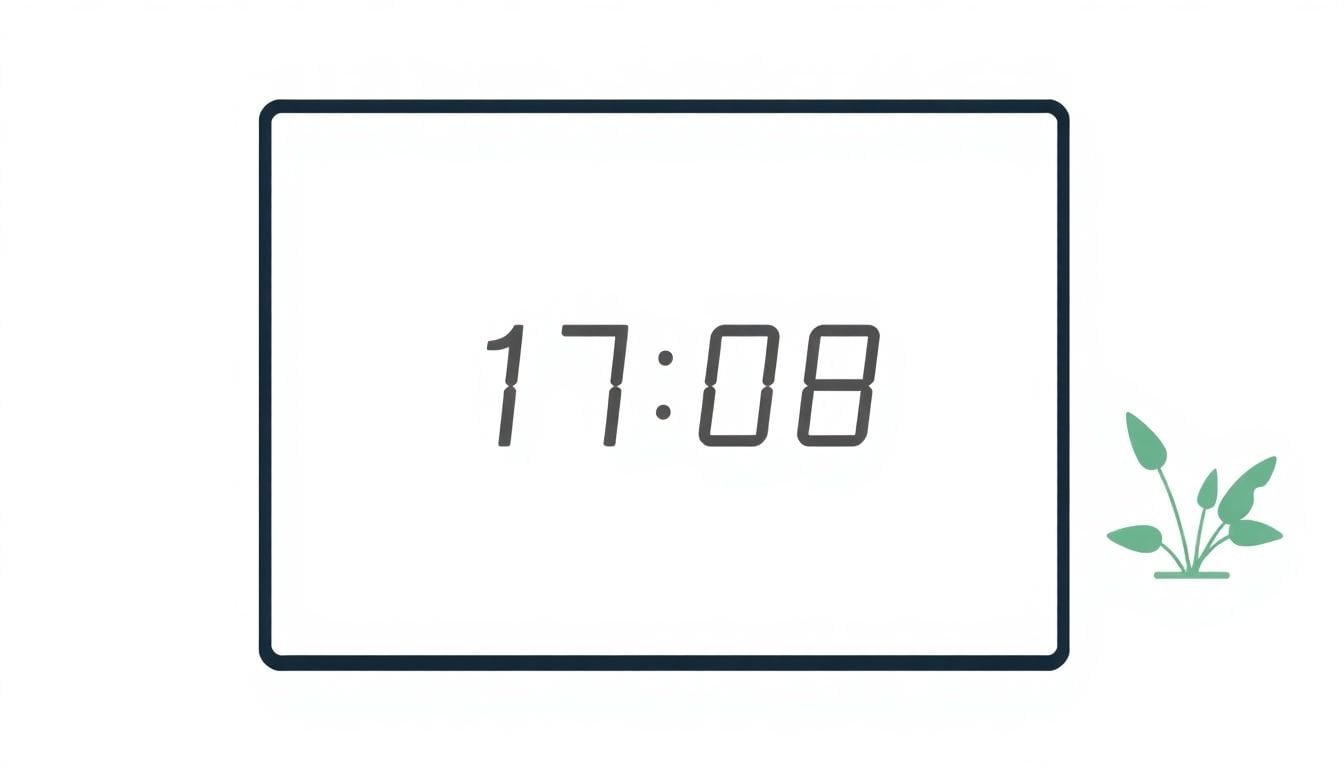
How To Use Scarcity Timers Ethically To Boost Sales
I get it—adding a scarcity timer to a sales page can feel risky. You want urgency, sure, but you don’t want customers thinking you’re playing games. In my experience, the difference between “helpful urgency” and “manipulative nonsense” comes down to one thing: the timer has to be tied to something real (a deadline, a limited quantity, or a real event window) and it has to stay accurate.
On a few sites I’ve worked on (and a couple A/B tests I’ve helped set up), the pages that performed best weren’t the ones with the loudest countdowns. They were the ones that matched the timer to the actual offer—then backed it up with clear messaging like “only 12 left” or “sale ends at 11:59 PM ET.” People don’t mind urgency. They mind being misled.
So below, I’ll walk you through how I’d use scarcity timers ethically—what to show, where to place them, and what to do when results aren’t what you hoped for.
Key Takeaways
- Only use timers when the limitation is real: an actual deadline, a real stock cap, or a scheduled event window.
- Be honest about timing and update timers fast if anything changes (extensions, sold-out states, new inventory).
- Don’t place timers everywhere. Use them on pages where urgency actually makes sense (limited stock, pre-orders, event promos).
- Pair timers with proof—reviews, order volume, stock counts, or clear product benefits—so the offer feels credible.
- Avoid tricks like resetting timers, hiding stock, or claiming “limited” when it isn’t actually limited.
- Keep timers accurate and readable. The timer should match the promotion duration so customers aren’t frustrated.
- Pre-order countdowns can work well when they reflect the real release date or stock arrival timing.
- If conversions stall, troubleshoot placement, duration, message clarity, and page speed—not just the timer code.
- Show stock levels instead of (or alongside) timers when quantity scarcity is the real driver of urgency.
- Use timers with other tactics (social proof, VIP access, bundles) so urgency doesn’t feel like a standalone gimmick.
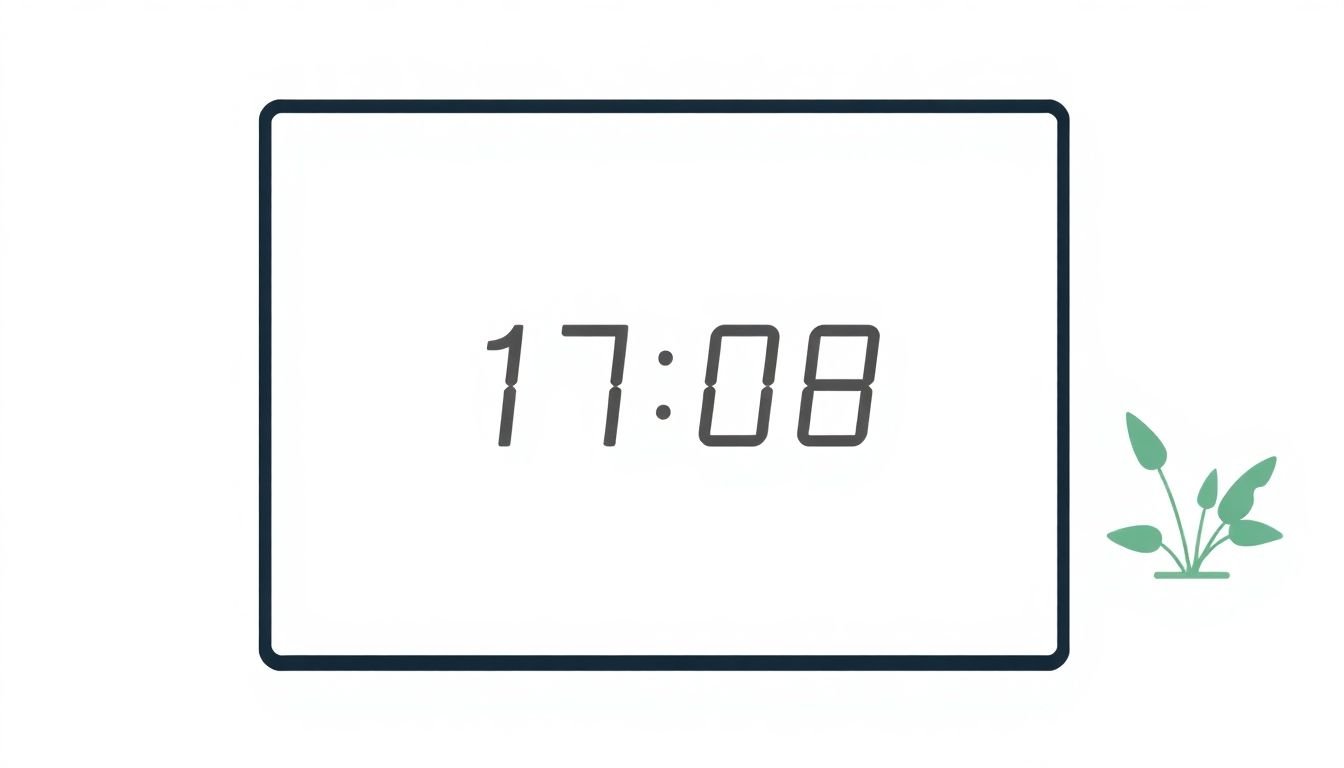
Use Scarcity Timers Ethically to Drive Sales
Scarcity timers can work, but they only work ethically when the urgency is real. If customers feel like the clock is fake—like the “deal ends in 2 hours” message stays on forever—they’ll bounce and the damage lingers.
Here’s what I recommend: tie the timer to an actual deadline for a limited offer, or to a real stock limit. If a product truly has 10 units left, don’t just show a countdown—show the “10 left” number too, and keep it updated. That combo feels fair. It also reduces the “is this a trick?” feeling.
In practice, I like to use timers like this:
- Limited-time offer: “Ends tonight at 11:59 PM ET” with the exact timezone stated.
- Flash sale: Countdown starts when the sale actually starts (not when the page loads).
- Limited stock: Countdown is optional, but stock level messaging should be accurate.
- Pre-order: Countdown to the release date (or the date stock is expected to land).
One more detail people miss: the timer needs to stop when the offer stops. When it hits zero, either remove it or clearly communicate the new status (extended, sold out, or closed). I’ve seen brands leave the timer running past the end date. Even if the offer is still technically available, the “inconsistency” is what kills trust.
Be Transparent About Scarcity Timers
Transparency is your best friend here. If you want people to feel good about buying, they need to understand what’s expiring and why.
Don’t just slap on “Limited time offer.” Add the reason in plain language. For example:
- Better: “Sale ends in 3 hours—only 5 bundles left.”
- Still fine: “Pre-order closes at midnight tonight.”
- Not great: “Ends soon” with no context.
Also, if the deal changes, update the timer immediately. If you extend a promotion, don’t wait until customers complain. Refresh the timer and update the message so it matches reality.
If stock is running low, I personally prefer to show stock levels directly. A message like “Only 3 left in stock” is harder to misinterpret than a timer alone. And if you do both (stock + countdown), keep them consistent—no one wants to watch a clock hit zero while the product remains fully available.
Avoid Manipulative Tactics with Timers
Timers shouldn’t feel like a trick. The “classic” unethical moves are pretty obvious once you’ve seen them:
- Resetting timers after they hit zero without telling customers.
- Using “limited” language when the product isn’t actually limited.
- Extending the offer but leaving the original end time displayed.
- Creating false urgency (like a countdown for a deal that’s always available).
Don’t do that. If you’re running a Black Friday-style promotion, set a clear window and honor it. When the window ends, close it honestly.
Here’s the honest version of what I’ve noticed: customers don’t need to be convinced that urgency exists. They need to trust that your urgency is accurate. When the timer matches the offer, it feels like helpful guidance—not pressure.
Think of your timer as a service. It helps shoppers decide with the information you’re already offering. If you can’t keep it accurate, then don’t use it.
How to Use Scarcity Timers Without Hurting Your Conversion Rates
Here’s the part people skip: urgency can backfire if it’s too aggressive, too frequent, or too slow to load.
To avoid that, I follow a simple checklist:
- Start with the right pages. Put timers on pre-order pages, limited-stock product pages, or pages tied to an event window. If everything is “ending soon,” nothing feels real.
- Make sure the timer is actually fast. Don’t assume it’ll be fine. Timers usually involve JavaScript and sometimes extra requests—so measure it. If you’re using a timer plugin, check what it adds to the page.
- Use realistic durations. A 15-minute countdown can feel intense (and sometimes works), but a 2-hour countdown might match a longer buying cycle better. I usually test at least two durations that reflect how long your average shopper needs.
- Don’t reset randomly. If the offer lasts until 8 PM, then it lasts until 8 PM. If you extend it, update the timer and the copy.
- Pair with benefits. A timer alone doesn’t sell. Put the timer near the value props: what they get, who it’s for, and why this offer is worth acting on.
Quick example (the kind of thing I’d actually do in a test): suppose your product usually converts at 2.5% on a normal page. You run a limited-time offer for 90 minutes and add a timer + “ends at 6:00 PM ET.” If you see conversion jump to 3.1% during the window, that’s a sign the urgency matched the buying moment. If conversion drops, don’t just blame the timer—check message clarity, pricing visibility, and page speed.
How to Make Scarcity Timers More Effective by Combining Them with Other Tactics
Scarcity timers don’t need to be the only reason someone buys. In fact, they work better when they reinforce something you’ve already proven.
Here are combos that consistently feel “legit” to shoppers:
- Social proof + timer: Put reviews or star ratings right next to the countdown so people see credibility while they’re feeling urgency.
- Stock signal + timer: “Only 7 left” paired with “ends in 1 hour” feels like a real situation, not just marketing noise.
- VIP / subscriber access + countdown: If subscribers get early access, make it explicit: “Subscribers get 24-hour early access—ends tonight.”
- Exclusive bonus + timer: “Free bonus if you buy before midnight” gives urgency a concrete payoff.
- Exit intent + offer clarity: If you use exit-intent popups, don’t show the timer without explaining the offer. Otherwise, it feels like a trap.
The rule I keep coming back to: keep your messaging consistent. The timer should match the checkout deadline, the product page status, and the email follow-up (if you send one).
Simple Steps to Design Your Scarcity Timers for Maximum Impact
- Pick the offers that truly have limits. If there’s no real deadline or quantity cap, don’t force a timer.
- Set a deadline you can actually honor. Confirm it with inventory and operations. (This is where many “oops” moments happen.)
- Use readable design. High-contrast colors, clear typography, and enough spacing so it’s noticeable without being obnoxious.
- Place it where decisions happen. I like timers near the primary CTA—above or next to the “Add to cart” / “Buy now” button, or beside key product images.
- Update in real time when things change. If the deal extends, if stock sells out, or if the release date changes—reflect it immediately.
- Test formats. Digital countdowns are standard. Analog-style timers can feel “more tangible,” but don’t sacrifice clarity. If it’s hard to read, it’s not helping.
- Analyze results like a marketer, not a magician. If conversions don’t improve, check placement, copy, duration, and speed—not just whether the timer is “on.”
Why Showing Stock Levels Can Sometimes Be Better Than Timers
Sometimes the best “scarcity” is the simplest one: show the stock count. It can feel more honest because it’s grounded in actual supply, not a fabricated sense of time.
If you say “Only 3 left in stock,” you’re telling customers exactly what’s limited. That tends to reduce skepticism—especially for shoppers who’ve seen fake countdowns before.
That said, stock counts aren’t always enough. If you’re running a true event window (like a 6-hour promotion), a countdown can still be useful because it communicates the time boundary. In other words: choose the scarcity signal that matches your reality.
Decision rule I use: if your primary constraint is time, use a timer. If your primary constraint is quantity, show stock levels (and optionally add a timer only if there’s also a real end time).
And please—don’t fake stock. If you’re not actually low, don’t pretend you are. That’s how you lose repeat buyers.
How to Use countdown timers on Pre-order Pages for Better Results
Pre-order pages are one of the most natural places for countdown timers, because the “waiting” is part of the customer experience.
What I’ve found works best is being super specific:
- Countdown to the official release date (or the expected ship date).
- Or countdown to the end of the pre-order window if you’re truly closing it.
Then, add a reason to pre-order before the clock runs out—like a bonus, a discount tier, or early access. “Pre-order closes soon” is weaker than “Pre-order bonus ends when the timer hits zero.”
Also: if plans change, update the page right away. Pre-orders come with enough uncertainty already. Don’t add more by leaving the same countdown running after the release date moved.
What to Do When Your Scarcity Timer Isn’t Moving Conversions as Expected
If your timer isn’t moving conversions, don’t assume “scarcity doesn’t work.” It usually means something else is off.
Here’s what I’d check in order:
- Is it tied to real scarcity? If the offer feels vague or the limitation isn’t believable, conversions won’t budge.
- Is it visible at the moment of decision? If it’s buried below the fold, it won’t help.
- Is the duration aligned with your offer? A 10-minute countdown might feel silly for a high-consideration purchase. Test shorter vs longer windows that match your sales cycle.
- Does the copy explain the “why”? “Ends soon” is not enough. Add the actual end time, timezone, or stock count.
- Is your page fast? If the timer code causes layout shifts or slows down rendering, people may bounce before they even see the offer. Measure page performance in your analytics tooling and browser dev tools.
- Are you comparing apples to apples? Make sure the only meaningful change between variants is the timer (and the immediate message around it).
If you still don’t see improvement, try a different scarcity approach: stock levels, a clear deadline without a flashy clock, or an exclusive bonus that creates urgency without relying on a timer.
Reviewing Cases of Good and Bad Scarcity Timer Usage
Some brands do this really well—mostly because they never pretend the urgency is something it isn’t. For instance, Fashion Nova is known for running limited-time promotions and updating offers in a way that stays aligned with the actual deal window (at least in the campaigns I’ve seen). The key is that the urgency is tied to a real promo cadence.
On the flip side, the “bad” examples are usually the ones where the timer feels disconnected from reality—like when a countdown ends but the offer keeps going without any update, or when stock messaging contradicts the timer status.
Apple is a good reference point for clarity. When Apple runs time-bound offers (like limited promotions tied to specific periods), they tend to be explicit about the timeframe rather than relying on vague “soon” language. That’s the kind of consistency that keeps trust intact.
The takeaway? Don’t copy the countdown. Copy the honesty. If you can’t guarantee the timer will be accurate, you’re better off using stock levels, a clear deadline in the copy, or a bonus that doesn’t require a ticking clock.
FAQs
Ethical scarcity timers protect trust. When the timer reflects a real deadline or real limitation—and stays accurate—you reduce buyer anxiety and avoid the “I’m being tricked” feeling that drives refunds and negative reviews.
Don’t overpromise. Skip exaggerated claims, avoid false countdowns, and make the end condition clear (time, stock, or event). If you extend or change the offer, update the timer and message immediately.
Use a clear timezone (like “ET” or “PT”) and make sure the timer matches the actual end time for your offer. If you’re targeting multiple regions, test how the timer behaves for users across time zones so it doesn’t feel unfair.
Track conversion rate, add-to-cart rate, cart abandonment, and (if relevant) refund rate during the promotion window. Also compare performance by traffic source—timers sometimes work better for warm audiences than cold ones.