
Embracing Sustainable Practices in eLearning: 7 Key Strategies
Online learning definitely has an environmental footprint. I’ve seen it firsthand when teams obsess over “finishing the course” and forget that every video render, file upload, and repeat download has a cost—sometimes a big one.
So when I talk about sustainable eLearning, I’m not talking about vague good intentions. I’m talking about the choices you can make in your stack and your course files that actually move the needle: smaller downloads, smarter hosting, fewer repeat renders, and better measurement.
In my experience, the biggest wins usually come from video optimization and reducing how often content gets reloaded. But you can also do a lot with infrastructure, learning design, and reporting. Ready to get practical? Here are seven strategies I’d use if I were building (or rebuilding) an eLearning program today.
Key Takeaways
- Start with infrastructure: pick providers that publish energy/carbon info, use renewable-energy regions when possible, and avoid “always-on” tooling you don’t need.
- Optimize content like a performance engineer: use WebP/AVIF for images, H.264/H.265 for video, set target bitrates, and verify improvements with Lighthouse or WebPageTest.
- Design for learning efficiency: use shorter, modular videos and interactive scenarios so learners don’t binge-load unnecessary hours.
- Build eco-friendly habits into the course: encourage offline-friendly downloads, digital-first materials, and mindful device use.
- Measure what matters: track consumption proxies (views, bytes transferred, session duration) and convert to CO₂e using a recognized method.
- Keep it iterative: review sustainability KPIs each release cycle, not once a year, and document what changed and why.
- Use community + standards: learn from published frameworks (like GHG Protocol/DEFRA factor approaches) and share what worked internally.

1. Adopt Sustainable Digital Infrastructure for eLearning
If I had to pick one place to start, it would be infrastructure. Not because it’s glamorous, but because it sets the ceiling for everything else you do.
Look for cloud-based platforms that run on energy-efficient data centers and publish enough detail for you to make decisions. I’ve found it helps to ask vendors two direct questions:
- Do you share energy usage or carbon reporting (even at a high level)?
- Can you select regions with renewable-energy sourcing or track power usage by geography?
In one project I supported, we moved our LMS hosting to a provider that offered transparency on renewable energy matching and data center efficiency. We didn’t magically eliminate emissions—nothing does—but we did see a measurable improvement in our “bytes served” carbon estimate once we also fixed our CDN caching (more on that below).
Also, don’t underestimate “collaboration tools vs. travel.” If your training relies on repeated on-site meetings, you’ll often reduce emissions just by switching to async workshops and recording updates. It’s not about banning travel—it’s about reducing how often you need it.
Finally, reliability matters. If your platform is flaky and learners have to reload pages, you’re quietly burning extra bandwidth. Sustainable infrastructure is also “less waste through fewer retries.”
2. Use Content Optimization to Minimize Environmental Impact
Content is where most teams can make fast, practical changes. And honestly? It’s where you can see results quickly.
Here’s what I recommend, in the order I’d do it:
Images: switch formats + set sane targets
For most eLearning pages, I aim for:
- WebP or AVIF for images (AVIF when you can, WebP when you need broader compatibility)
- Typical hero image targets: 200–400 KB (not multiple MB)
- Inline images: 50–150 KB where possible
Then verify with a tool like Lighthouse (Chrome DevTools) and check “Image elements do not have explicit width and height” and “Serve images in next-gen formats.” Those warnings map pretty directly to wasted bytes.
Video: shorten, encode smarter, and avoid re-downloading
Video is often the biggest chunk of data transfer. That “video dominates usage” claim is real—various reports estimate video accounts for a large share of online traffic (commonly cited as 70–80%+). For the sustainability angle, the key point is simple: less data per minute of learning usually means less energy and fewer emissions.
To make it concrete, I’d set these encoding goals for learning videos:
- Codec: H.264 for compatibility; H.265 (HEVC) if your platform supports it well
- Bitrate targets: roughly 800–1500 kbps for 720p learning videos (lower for mostly talking-head content)
- Resolution: 720p is often enough for UI walkthroughs and instructor-led lessons
- Length: modularize into 3–8 minute segments instead of one 45-minute “watch fest”
One thing I noticed: learners don’t need every lecture to be 1080p. If you’re teaching concepts, clarity matters more than raw resolution. You can preserve legibility by using good typography and captions instead of oversized video files.
CDN and caching: stop paying the “same download tax”
Using a content delivery network (CDN) helps a lot, especially for video-based learning. But the real sustainability win comes from caching configuration, not just “we have a CDN.”
Here’s a practical baseline:
- Cache static assets (images, JS, CSS) for a long time using cache-busting filenames (e.g., app.abc123.js)
- Use reasonable cache headers like Cache-Control: public, max-age=31536000 for versioned files
- Enable lazy loading for below-the-fold media so learners don’t download what they never scroll to
- Use adaptive bitrate streaming where possible so users on slower connections don’t pull unnecessarily large files
To verify impact, I’d run the same course page test before and after:
- Measure page weight (total bytes) and “Time to Interactive”
- Check video startup time and whether segments load efficiently
- Record “bytes transferred” from your analytics/network logs if you have them
That’s how you connect “optimization” to actual outcomes instead of guessing.
3. Create Engaging eLearning Experiences Focused on Sustainability
Here’s my honest take: you don’t need to make sustainability lessons “extra” to make them engaging. You need to design them so learners can reach competence with less wasted time and fewer replays.
In practice, that means:
- Gamification that reduces friction (clear goals, quick feedback, short challenges)
- Simulations that replace passive watching (learn by doing, not by scrolling)
- Decision-based scenarios that make learners think, not just consume
Let me give you a concrete scenario template I’ve used in workshops:
Scenario: “You’re the sustainability lead for a mid-sized logistics company. Carbon emissions are rising due to last-mile delivery. Choose actions for the next 30 days.”
- Option A: Replace vehicles immediately (high cost, fast reduction)
- Option B: Optimize routing and delivery windows (medium cost, moderate reduction)
- Option C: Pilot micro-fulfillment hubs (slower start, uncertain impact)
After each choice, show a quick “impact card” with tradeoffs—cost, time, and estimated emissions reduction. Learners get the “aha” moment without requiring a 20-minute explainer video.
Also, keep interactions lightweight. If your “simulation” is a heavy WebGL experience that forces large downloads, you may offset the sustainability benefit. I usually aim for interactive elements that load quickly on mobile and degrade gracefully.
4. Integrate Eco-Friendly Practices into Learning
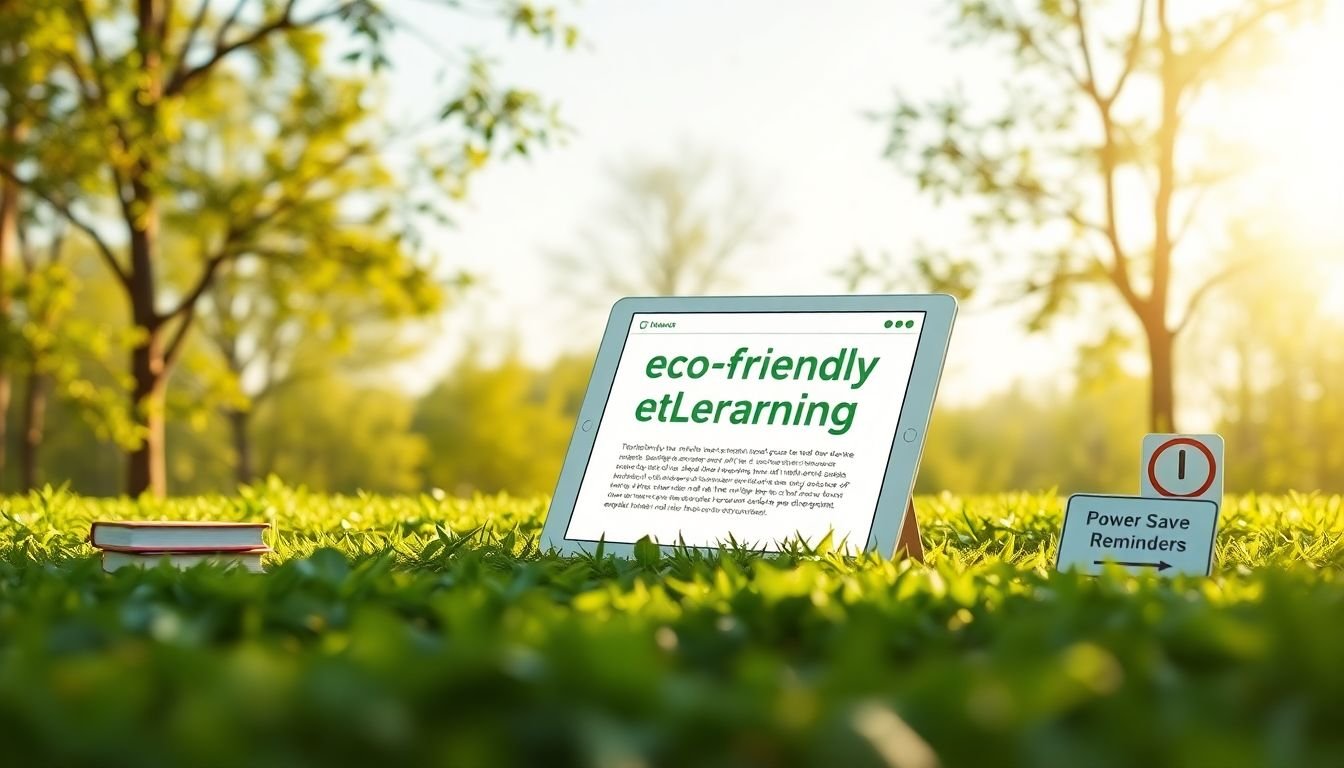
Eco-friendly practices shouldn’t stop at the course content. They should show up in how learners use the course.
Here are a few things I’d actually build into lessons:
- Digital-first materials: use downloadable PDFs or eText versions instead of printing handouts by default
- Offline-friendly access: offer a “download for offline” option for key modules so learners don’t stream everything on the go
- Device hygiene prompts: short reminders like “close tabs after the module” or “use low-power mode when possible” (people respond to specific, non-judgy tips)
- Energy-aware behaviors: encourage learners to pause video when stepping away, and avoid auto-playing videos in the course shell
And yes, you can include lessons about sustainability itself. But I prefer pairing “content about sustainability” with “course behaviors that model sustainability.” That’s how it becomes culture, not just knowledge.
One limitation to be aware of: not all learners have consistent connectivity. If you only design for streaming, you’ll push people into repeated reloads and higher data usage. That’s why offline downloads and shorter segments matter.
5. Track and Share Your Sustainability Progress
If you don’t measure, you’re basically guessing. And guessing is how “green” projects turn into marketing slogans.
Start with a baseline audit. In my approach, I track:
- Consumption proxies: page views, video views, average session duration, and total bytes transferred (or a close substitute)
- Performance proxies: load time, bounce/reload rates, and “bytes per completed module”
- Learning proxies: completion rate and assessment scores (so you don’t sacrifice learning quality for sustainability)
How to translate usage into carbon estimates
There are different ways to do carbon accounting. A common path is to use emission factors and recognized frameworks like GHG Protocol for structure and DEFRA-style grid intensity factors for electricity. If you need starting references, you can look at:
- GHG Protocol (framework for emissions accounting)
- UK DEFRA conversion factors (electricity/grid factors)
Then apply an estimation method that fits your data. If you can’t get “true” energy use from your vendor, you can still estimate using:
- bytes transferred × a network energy/CO₂e factor (varies by method)
- data center energy × your hosting footprint (if provided by the vendor)
Here’s a simple reporting metric I like because it’s easy to explain:
CO₂e per completed learner = (estimated emissions from hosting + data transfer) / number of module completions.
It’s not perfect, but it’s actionable. When you optimize video bitrate or reduce reloads, you should see it drop.
Share progress without overclaiming
Once you have a baseline and at least one improvement cycle, share it with stakeholders. A dashboard works, but keep it human:
- “We reduced average module download size from X to Y.”
- “Video views increased, but bytes per completion decreased.”
- “Completion rate stayed the same (or improved).”
Also, share what didn’t work. In one rollout, we reduced video size but learners reported lower readability on small text. We fixed it by increasing font size and using better caption styling—then we re-encoded. That kind of transparency builds trust.
6. Stay Informed About Future Sustainable eLearning Trends
Technology changes fast, and sustainable practices change with it. So I keep a short list of sources and review them monthly.
What I look for:
- New encoding standards (so you can reduce bitrate without killing quality)
- Browser and platform updates that improve efficiency (better caching, smarter media loading)
- Tools that help measure performance and energy proxies
Also, keep an eye on the bigger market shift. The global eLearning market has been projected to grow into the hundreds of billions—figures like $325 billion to $350 billion by 2025 have been widely cited in industry research. The relevance is straightforward: if adoption keeps rising, your sustainability choices will scale too. More learners means more downloads, so your optimization decisions matter more, not less.
One practical habit: before you roll out a new feature (like a new video format, interactive widget, or analytics tool), run a quick sustainability/performance check. If it adds 30% page weight but doesn’t improve learning outcomes, it’s probably not worth it.
7. Access Resources for Sustainable Learning Strategies
You don’t have to reinvent everything. There are solid resources and communities where people share what’s working (and what’s not).
Start with practical teaching resources, because sustainability isn’t just about file sizes—it’s also about designing instruction that learners can complete efficiently.
If you want a related resource on effective instruction, you can check this resource on effective teaching strategies.
Then branch out into sustainability-specific learning:
- Look for guides on sustainable web performance (images, caching, lazy loading)
- Follow accessibility best practices (accessibility often reduces rework and reloads)
- Join communities where instructional designers and developers compare notes
In my experience, the fastest progress comes from pairing two skill sets: instructional design (to cut unnecessary learning time) and engineering/performance (to cut unnecessary data transfer).
FAQs
Sustainable digital infrastructure for eLearning is basically the “how” behind hosting and delivery: energy-efficient servers, smarter hosting choices, and platforms that can support measurement and renewable-energy sourcing where possible—so you minimize ecological impact while still delivering a smooth learning experience.
Content optimization reduces environmental impact by lowering the amount of data transferred and the time devices spend processing media. In plain terms: smaller images, more efficient video encoding, and better caching mean less bandwidth and less energy use across every learner session.
Eco-friendly practices include encouraging digital materials instead of default printing, offering offline-friendly downloads, and prompting learners to use devices mindfully (like avoiding unnecessary auto-play and reducing reloads by keeping content lightweight).
Track sustainability progress by measuring consumption proxies (like bytes transferred, video views, and completion counts) and converting them into estimates using a consistent method. Then share results with stakeholders using clear metrics—what changed, by how much, and whether learning outcomes stayed strong.