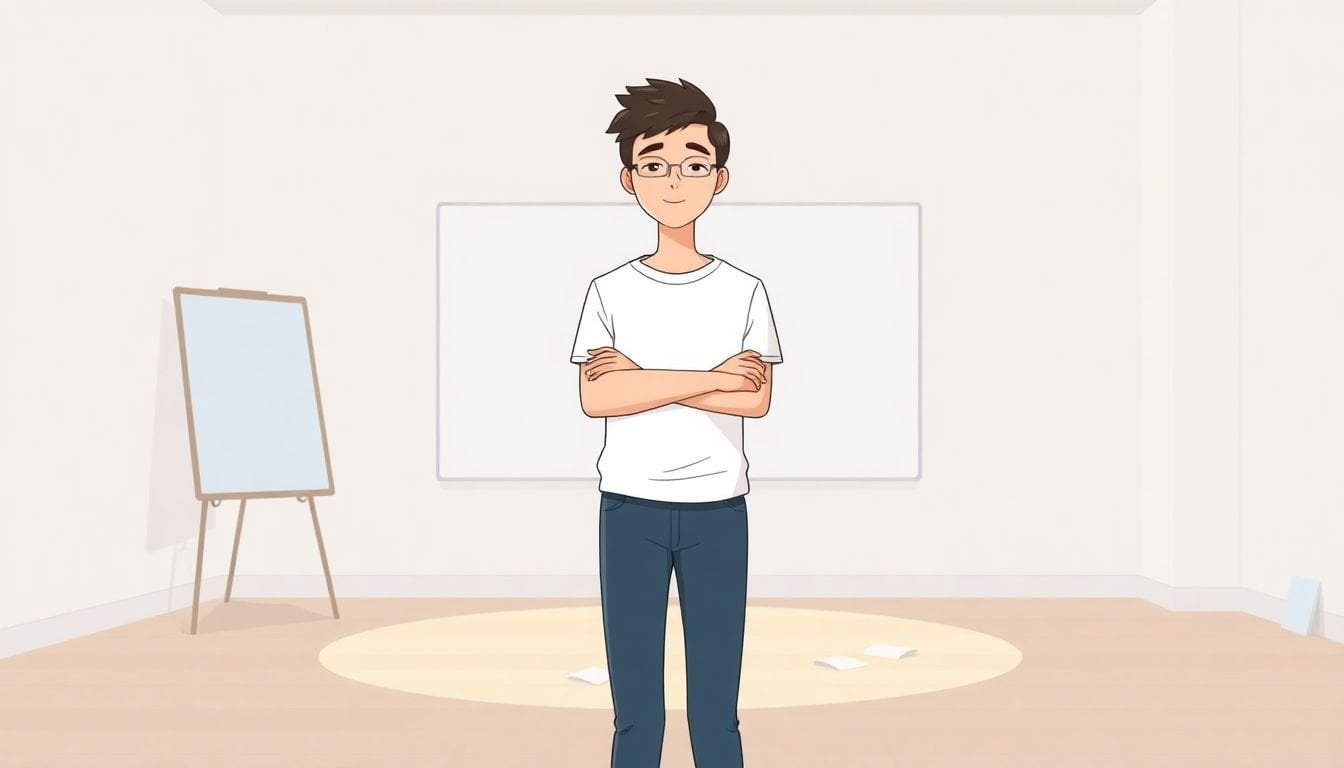
Courses for Improving Presentation Skills: How to Choose
I’m not going to pretend presentations are fun for everyone. They’re stressful. Your brain goes blank, your voice gets weird, and suddenly you’re staring at your own slides like they’re going to judge you.
But I’ve also seen how quickly things improve when you pick the right course and actually practice the right way. So if you’re trying to get better—without guessing your way through it—this is for you.
Let’s get you to a point where presenting feels more like “I’ve got this” and less like “why did I volunteer?”
Key Takeaways
- Start by choosing the specific problem you want to fix first: nerves, storytelling, slide design, or Q&A confidence.
- Don’t rely on star ratings alone—scan recent reviews for details like assignments, feedback, and how much practice you actually get.
- Coursera’s “Successful Presentation” is a strong all-around option for structuring talks, building engaging slides, and handling audience interaction.
- If you want something shorter and more focused, 365 Data Science offers a practical 3-hour path that’s easier to fit into a busy schedule.
- The biggest improvement loop I’ve noticed: practice right after each lesson (record it), then request feedback and revise.
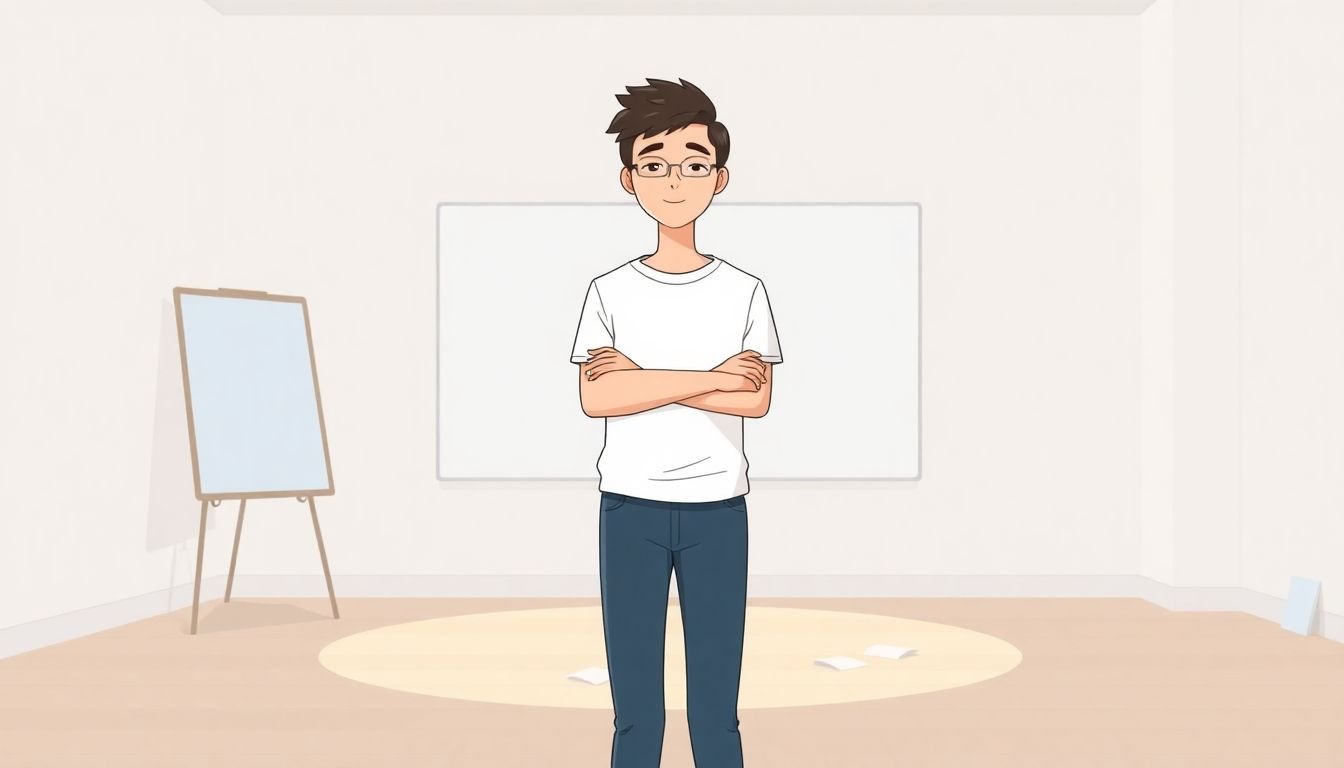
Top Courses for Improving Presentation Skills
Here’s how I usually recommend choosing: pick a course that matches the kind of presenting you do. Slides-heavy? Q&A-heavy? Workplace pitching? Data/analyst audiences? If you choose the wrong lane, you’ll feel like you’re doing homework that doesn’t help.
With that in mind, these are the best starting points I see people use again and again:
Coursera’s “Successful Presentation” is a solid all-around option. The page lists a 4.8-star rating from 4.9K reviews, which usually means the course covers the basics well and keeps people moving through practice. If you’re trying to organize your talk, build clearer slides, and handle interaction without freezing, this is a good bet.
If your biggest pain point is PowerPoint (or slides in general), check out “Effective Business Presentations with PowerPoint”. It’s rated 4.5 with 1,000+ reviews, and the focus is practical techniques you can apply at work right away—things like structuring slide decks and improving visual clarity instead of overloading every screen.
For analysts, managers, or anyone who presents data for a living, 365 Data Science offers “Communication and Presentation Skills for Analysts and Managers”. It’s a 3-hour course with downloadable resources and real-world examples. If you want something efficient that still feels relevant to your day-to-day meetings, it’s a strong choice—especially if you’ve ever had to explain results to non-technical stakeholders.
And if you want data + delivery in one place, Coursera’s PwC approach course is worth a look. It’s listed as a 10-hour course and includes real-world scenarios and a capstone project. The capstone is shown at a 4.7 rating, which is a good sign that the course doesn’t just teach theory—it pushes you to produce something.
Bottom line: these courses are popular for a reason. They’re built around skills you can use immediately, not just “watch and hope.”
Key Skills Developed in Presentation Courses
So what do you actually get better at? In my experience, the best presentation courses hit the same core areas, just with different emphasis depending on the audience.
1) Structure that makes sense
A strong course teaches you how to organize a talk so people can follow you. You should come away with a repeatable flow—like: opening hook, main points, and a close that lands. The goal isn’t “sound fancy.” It’s “be easy to understand.”
2) Storytelling (even if you’re not a storyteller)
If your presentations tend to be dry, storytelling techniques help you connect facts to meaning. I’m talking about things like turning one data point into a takeaway, using a short anecdote as a bridge, and making your message feel intentional instead of random.
3) Slide clarity, not slide clutter
Good courses focus on what to put on the slide (and what to leave out). You should practice creating slides that support your spoken message—rather than competing with it.
4) Body language and vocal control
You don’t need to become an actor. But you do need to manage the basics: eye contact, gestures that don’t look accidental, posture that doesn’t collapse, and a voice that doesn’t speed up when you get nervous. The best lessons include specific drills—like recording a short segment and revising it.
5) Q&A confidence
This is where many people fall apart. A good course prepares you to handle questions smoothly—whether that means repeating the question for clarity, answering directly before expanding, or buying time when you need a second to think.
Benefits of Enhancing Your Presentation Skills
When your presentation skills improve, the change is noticeable fast. You stop feeling like you’re “performing” and start feeling like you’re leading.
Confidence goes up. You know what you’re doing and why. That confidence shows in your tone, your pacing, and how you respond when something goes off-script.
You communicate with less friction. Clear structure and better slide design mean fewer “wait—what did you mean?” moments. And fewer misunderstandings usually means less back-and-forth after the meeting.
Storytelling makes your message stick. If you can turn information into a takeaway, people remember it later. That’s the difference between “I heard it” and “I can repeat it.”
Career impact is real. In workplaces, communication often determines who gets trusted. If you can present clearly, you’re more likely to be seen as leadership material—whether that’s a promotion, a client-facing role, or being asked to lead projects.
And no, it’s not only for work. I’ve used presentation skills for interviews, training sessions, and even teaching friends how to do something step-by-step. If you’re interested in student engagement, you might also like effective student engagement techniques—because the same principles (clarity, pacing, interaction) show up in classrooms too.

How to Choose the Right Course for You
If you’re stuck deciding, don’t overthink it—just use a quick checklist. I’d rather you pick something you’ll finish than something “perfect” that sits untouched.
Step 1: Match the course to your real problem
Are you struggling with nerves, slide design, story structure, or Q&A? Pick the course that tackles that first. (If you don’t, you’ll keep practicing the wrong skill.)
Step 2: Look for practice, not just videos
When I scan course pages, I look for at least one of these:
- Assignments you submit (even short ones)
- Rubric-based feedback or clear evaluation criteria
- Peer review (with guidelines)
- Video tasks where you record and revise
- Quizzes or scenario exercises that test application
Step 3: Read reviews for specifics
Star ratings are nice, but they don’t tell you whether the course actually helped. In reviews, look for phrases like “I improved because I had to submit,” “the feedback was specific,” or “the drills made a difference.” Prefer recent reviews—your time is valuable.
Step 4: Check instructor credibility
If the instructor has experience in your industry (or at least with the kind of presentation you do), you’ll usually get better examples. It’s not about credentials for show—it’s about practical insight.
Step 5: Time commitment needs to fit your life
A 3-hour course can be perfect if you want momentum. A 10-hour course can be worth it if it includes deeper practice or a capstone. For example, the 365 Data Science option is designed to be efficient, while the PwC course on Coursera is longer and includes a capstone project.
Once those boxes are checked, choosing becomes way easier.
Next Steps to Start Improving Your Presentation Skills
Alright—so you picked a course. Now what? This part matters more than the course itself.
1) Put it on your calendar
Treat it like a work commitment. If you don’t schedule time, it turns into “I’ll do it this weekend” forever.
2) Do the assignments (seriously)
If the course gives you templates, resources, or submission tasks, use them. Don’t just watch. Practice is the point.
3) Practice immediately after each lesson
I mean right after. Not after you finish five more modules. Presentation skills build through repetition, and your brain needs the lesson fresh.
4) Record short clips
Yes, it’s cringey. But recording is the fastest way to catch habits you don’t notice in the moment—like rushing, filler words, or staring at your slides instead of your audience.
5) Start in low-stress environments
Before you jump into big meetings, practice with people who won’t judge you harshly. Family, friends, or even a small group. You’re training your delivery, not proving anything.
6) Use feedback on purpose
Ask for feedback that’s focused. Instead of “what do you think?” try: “Was my main message clear in the first 30 seconds?” or “What part felt confusing?”
7) If you want to level up faster, teach it
Once you’ve learned a topic, create a mini workshop or short masterclass. Teaching forces you to organize your knowledge—and it makes your delivery more natural.
Keep that loop going and you’ll see progress sooner than you expect.
Extra Ways to Polish Your Presentation Skills Effectively
If you want extra improvement beyond the course content, here are a few tactics that actually work in practice—not just “motivational” advice.
Improve your prep workflow. Before you present, outline your talk in three layers: headline (one sentence), key points (3–5 bullets), and supporting details. The clearer your plan, the calmer you’ll feel.
Practice with mini lessons. Record 3–5 minute explanations of topics you know. It’s great for camera comfort and helps you build structure quickly.
Add interaction. Even a simple question to the audience, a quick poll, or a short “think about this” moment makes your presentation more engaging. If you’ve ever watched people drift during long talks, interaction is often the fix.
Borrow from great instructors. Watch strong presentations and analyze what they do: pacing, where they pause, how they summarize. Then apply one thing at a time to your next talk.
Mentor someone else. Helping others present (or giving feedback on their slides) strengthens your own instincts. You start noticing patterns—both good and bad.
And if you’re building toward creating your own training materials, you can even turn your presentation improvement into content. If you want to explore that angle, you might look into selling online courses as a side project—because teaching is basically the ultimate “practice loop.”
Common Mistakes to Avoid When Improving Your Presentation Skills
Most people don’t fail because they’re “bad at presenting.” They struggle because they repeat a few common habits.
Don’t memorize every word. It sounds robotic and it breaks the moment you forget a line. Instead, memorize your key points and practice transitions.
Don’t overload your slides. If every slide is packed with text, your audience has to choose between reading and listening. Keep slides clean and let your voice do the heavy lifting.
Don’t make it one-way. No Q&A, no polls, no prompts—people tune out. Add small opportunities for interaction, even if it’s just one question.
Don’t ignore delivery basics. Slouching, monotone pacing, and awkward gestures quietly kill interest. Practice posture, breathing, and voice pacing. Your audience feels it.
Don’t leave preparation to the last night. Even experienced presenters benefit from rehearsal. A rough draft the day before isn’t “talent”—it’s stress.
Don’t take feedback personally. If someone points out what confused them, that’s not an insult. It’s data. Use it to revise.
Improvement takes repetition and patience. That part is normal.
FAQs
Look for courses that include real practice: video-based instruction, assignments you can submit, and feedback (peer or instructor). If the course gives you specific drills—like recording a short presentation and revising it—that’s usually where the fastest improvement happens.
You can typically expect better clarity and structure, stronger storytelling, improved slide design, and more confident audience interaction. Many courses also cover body language and vocal delivery, plus strategies for handling Q&A so you don’t freeze when someone asks a tough question.
Strong presentation skills make you easier to trust. They improve how clearly you communicate ideas, which often leads to more opportunities—like leading projects, taking on client-facing work, or being considered for leadership roles. Clear presenters usually get heard the first time, and that matters.
Pick based on your goal (nerves, slides, storytelling, or Q&A), your experience level, and the teaching format. The biggest difference-maker is whether the course includes interactive elements like assignments, feedback, and practice scenarios. Also check recent reviews to see what learners actually did and whether the course helped them improve.