
AI Avatars for Multilingual Course Delivery: How to Get Started
I’ve taught in more than one language before, and I’ll be honest—multilingual course delivery gets messy fast. You end up juggling instructors, re-recording lessons, and fielding the same questions in different languages. It’s exhausting.
That’s why I started experimenting with AI avatars for multilingual course delivery. In my tests, the biggest win wasn’t “wow, it talks.” It was that I could build one lesson flow and then deliver it in multiple languages without redoing the whole course from scratch.
Below is what I did to get started, what worked, what didn’t, and a practical workflow you can copy.
Key Takeaways
Key Takeaways
- AI avatars can deliver multilingual course content from a single lesson script, so you don’t need separate instructors for each language.
- They’re not just “translated audio.” When configured well, they can match tone, register, and cultural references to improve learner trust.
- You can measure impact with simple KPIs (completion rate, quiz scores, time-on-task, and learner feedback) instead of guessing.
- Start with one avatar + one course module. Add languages only after your QA checks (pronunciation, terminology, and alignment with the script) pass.
- Expect real challenges: setup time, occasional mispronunciation, and privacy/logging questions. Plan for a human fallback.
- Choose platforms that support voice quality, subtitle generation, and multilingual consistency—otherwise you’ll spend hours fixing outputs.
- Future improvements will likely focus on better emotional/pedagogical adaptation and personalization, but you should still validate with pilots.
- Cultural sensitivity matters. I recommend a lightweight review process with someone fluent in the target language before launch.
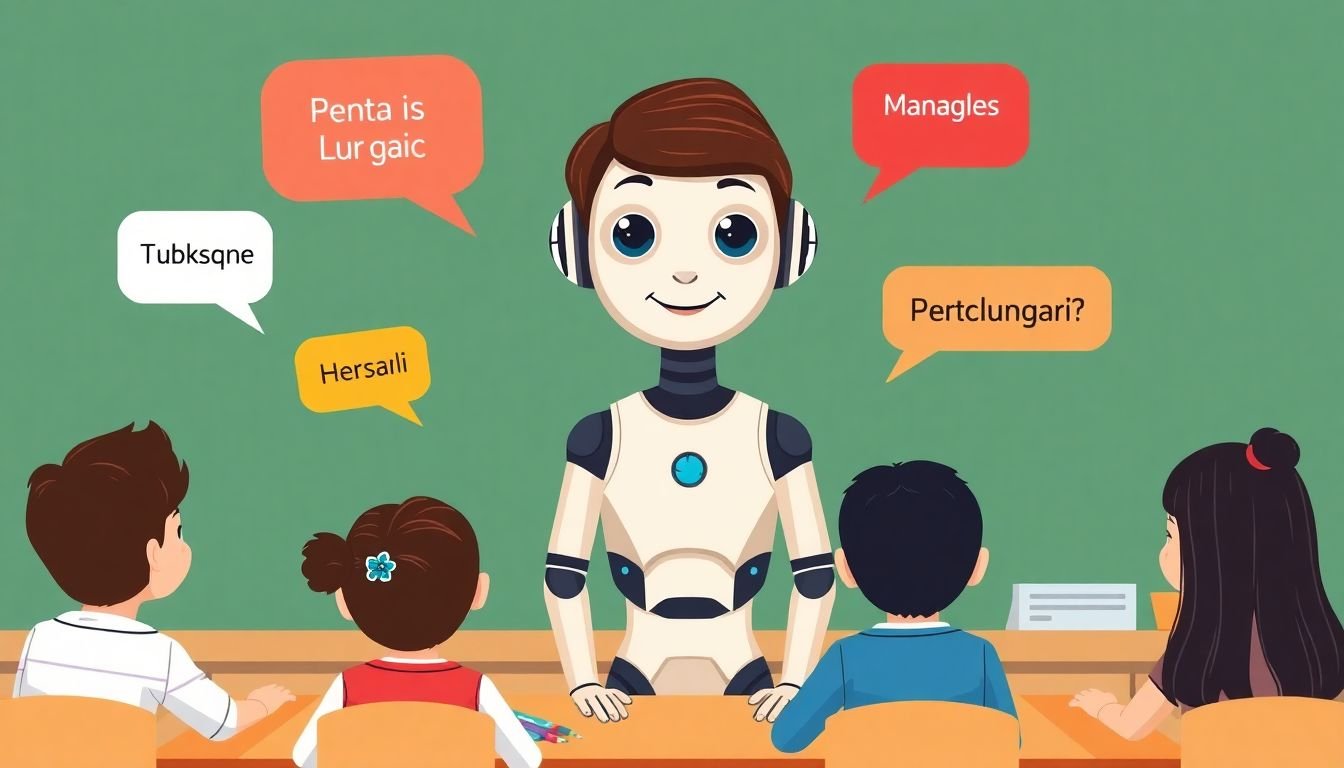
1. AI Avatars: A Solution for Multilingual Course Delivery
AI avatars can be a practical solution when you need multilingual course delivery but you don’t want to staff a separate instructor team for every language.
In my case, I didn’t want “one more tool.” I wanted a repeatable process. So I focused on this: record or author the lesson once, then reliably produce localized versions (voice + subtitles) that still match the original structure.
Here’s the workflow I used:
- Write the lesson script with consistent terminology (glossary terms, examples, and names).
- Generate localized versions in the target languages (I started with Spanish and French).
- Produce voice + subtitles from the same script segments so everything lines up.
- QA the localized output (pronunciation, meaning, and whether the avatar “sounds like” the teaching style you want).
- Publish to the LMS with clear language selection and a fallback option.
And yes—cultural relevance matters. If you keep the same jokes or examples from the original language, learners notice. They don’t always say it out loud, but engagement drops when the content feels “copied and pasted.”
For implementation, I found it helpful to use tools that support multilingual course creation and video/audio packaging. If you’re comparing platforms, you can start with the best AI course creators that support multilingual features and voice synthesis workflows.
2. Defining AI Avatars in Multilingual Education
When people say “AI avatar,” they usually mean a virtual character that can speak and respond using AI. In a multilingual education context, that usually involves three components working together:
- Language understanding (so it can interpret learner questions or scripted prompts).
- Speech synthesis (so it can speak in the target language with a natural voice).
- Animation/visuals (so the avatar looks like it’s actually presenting, not just outputting audio).
Some platforms also use large language models to adapt responses—especially if you’re using the avatar for Q&A, not just pre-recorded lessons.
For example, AI avatar tools like GPTAvatar (as referenced by the platform ecosystem) are designed to adapt behavior based on the conversation context. The key point is this: you still need to control your lesson logic. Otherwise the avatar may sound confident while drifting away from your course objectives.
Also, let’s kill a common misconception: “emotional intelligence” isn’t magic. If the avatar is trained to recognize sentiment or tone, it can adjust delivery. But you should still review transcripts and make sure the responses match your pedagogy and policies.
3. Benefits of Using AI Avatars for Course Delivery
Here’s what I actually noticed when I tested an avatar-based approach for multilingual delivery:
- More consistent delivery across languages. When the same script segments drive each language version, you get fewer “translation drift” issues than with manual instructor re-recording.
- Faster localization. Instead of rewriting everything, you translate the lesson once and regenerate voice/subtitles from the same structure.
- Better learner experience when QA is done. The biggest difference wasn’t the avatar’s face—it was whether pronunciation and terminology were correct.
Scalability is also real, but it’s not automatic. If you have hundreds of learners asking questions at once, you need to handle load, latency, and moderation. If you’re using avatars for pre-recorded lesson modules, scaling is simpler. If it’s interactive, you’ll want guardrails.
So instead of saying “it will reduce dropout rates,” I’ll give you a better way to evaluate it. Track these before/after metrics:
- Completion rate (e.g., target +5% within the first 4–6 weeks)
- Quiz score improvement (average lift by language cohort)
- Help-request rate (are learners asking fewer “clarification” questions?)
- Time-on-module (are they getting through faster without losing comprehension?)
- Transcript-based QA issues (count mispronunciations or mistranslations per 100 minutes of content)
And yes—24/7 access is a practical benefit. Learners can revisit lessons anytime, and if your avatar supports Q&A, they can get answers outside of scheduled teaching hours. Just make sure your content policy and escalation path are clear.

8. Challenges and Limitations of AI Avatars in Education
I’m not going to pretend AI avatars are flawless. If you’ve ever worked with translation or speech tech before, you already know where the pain shows up.
- Miscommunication and cultural mismatch. Even when the language is “correct,” the meaning can be off. Examples, idioms, and formality levels matter.
- Setup cost and production time. Realistic multilingual output takes work: script prep, voice selection, localization, and QA.
- Technical hiccups. If you’re doing live or semi-live interactions, latency can break the teaching flow. In my pilot, the biggest frustration wasn’t the avatar—it was waiting for responses and then re-asking.
- Privacy and security. If the avatar processes learner questions, decide what gets logged, how long it’s stored, and whether you need consent language.
Here’s how I minimized those risks:
- Start with a small pilot (one module, one or two languages).
- Use a QA rubric so you’re not relying on “vibes.” For example: pronunciation accuracy, terminology accuracy, and “teaching intent match.”
- Define escalation rules. If the avatar can’t answer confidently, it should route the learner to a human or a static FAQ.
- Update responsibly. Revisions are great, but version your content so you can compare outcomes.
9. How to Get Started with AI Avatars in Your Courses
If you’re new to AI avatars, don’t start by building the “perfect” system. Start by building one lesson you can trust.
Step 1: Pick a narrow goal
Are you using the avatar for:
- pre-recorded multilingual lessons,
- interactive Q&A,
- or both?
In my experience, pre-recorded modules are the easiest starting point because you can fully QA the output before learners see it.
Step 2: Choose your platform based on requirements
When I compared tools, I looked for three practical things: multilingual voice quality, subtitle/caption support, and a workflow that lets me package content into a course format.
If you’re evaluating options, you can check the best AI course creators for multilingual course delivery workflows.
Step 3: Use a script-first workflow (this matters)
Here’s a reference workflow you can copy:
- Script (with a glossary and consistent terminology)
- Localization (translate + adapt formality and examples)
- Avatar voice generation (per language)
- Subtitles from the same segments
- QA pass (listen to every sentence; spot-check 20–30 minutes per language)
- Publish (LMS upload + language selector)
Step 4: Add prompt structure (so the avatar stays on-task)
If your avatar supports interactive responses, you’ll want prompts that constrain it to your course. Example prompts I used:
- Lesson response prompt: “Answer using only the concepts from Module 2. If the question is outside the module, say what module it belongs to and offer a short next step.”
- Terminology prompt: “Use these glossary terms exactly: [list terms]. Do not replace them with synonyms.”
- Tone prompt: “Match an instructor tone: clear, encouraging, and concise. Use short sentences for explanations.”
Step 5: Run a pilot and measure it
Don’t wait for a full rollout. In a pilot, I set acceptance criteria like:
- Language accuracy: fewer than 3 critical mistranslations per 30 minutes of content
- Pronunciation: no repeated mispronunciation of glossary terms
- Engagement signal: at least a small lift in completion rate for the pilot module vs. the previous cohort
Step 6: Train your team
This part gets ignored. Someone needs to own updates. I recommend training at least one person on:
- how to adjust scripts for better multilingual output,
- how to review transcripts,
- how to handle “avatar said the wrong thing” escalations,
- how to re-generate assets without breaking the course schedule.
10. Key Trends Shaping the Future of AI Avatars in Education
AI avatars are evolving quickly, and a few themes keep showing up in product updates and demos.
- Better conversational pedagogy. Instead of just answering, avatars will increasingly guide learners through steps and misconceptions.
- More personalization. The avatar may adjust pacing, examples, and difficulty based on performance—if you feed it the right signals.
- Stronger multilingual and cultural adaptation. The best experiences won’t just translate—they’ll adapt register, examples, and local context.
About market growth: forecasts vary by publisher and methodology. If you want a number, you should cite the specific report. Rather than repeating an unsourced figure, treat market projections as directional until you can verify the source and year.
My advice? Don’t chase every trend. Pick the next feature that directly improves your learner KPIs, then test it in a pilot.
11. Final Tips for Making the Most of AI Avatars in Your Teaching
If you want this to actually work (not just look good in a demo), here’s my practical checklist.
- Start small: one avatar, one module, two languages max.
- Use measurable QA: track pronunciation/glossary errors per 30 minutes and require fixes before publishing.
- Keep a glossary: don’t let translation drift. Glossary terms should be identical across languages.
- Design for “clarity first”: short sentences and consistent structure beat fancy phrasing every time.
- Plan for escalation: if the avatar can’t answer, route to FAQ or human support.
- Collect feedback intelligently: ask learners which parts felt confusing or “off” culturally, not just “Was it good?”
- Do cultural review: even a quick review by a fluent speaker can catch tone/register mistakes.
- Version your content: when you update scripts, keep track of what changed so you can interpret metrics.
When you do this right, the avatar becomes more than a novelty. It turns into a reliable instructor layer—one that helps you deliver multilingual courses without losing quality.
FAQs
AI avatars are digital characters powered by artificial intelligence that can communicate in multiple languages. In education, they can act like virtual instructors or guides by speaking localized lessons and (depending on the setup) answering learner questions.
The biggest benefits are consistent delivery across languages, faster localization, and a more engaging experience for learners—especially when you QA pronunciation and terminology. If your avatar supports interaction, it can also provide on-demand help outside scheduled instruction.
They can improve outcomes by making lessons accessible in learners’ preferred language and keeping explanations consistent. When personalization or interactive Q&A is enabled (and you monitor it), learners can get clearer answers faster—leading to better comprehension and retention.
Focus on language accuracy, script consistency, platform reliability, and how you’ll integrate the avatar into your existing course flow. Also think about privacy (what’s logged, how long it’s stored) and set up a human fallback for cases where the avatar can’t answer correctly.